Have you ever dealt with blurry photos, unclear facial details, or low-resolution images that become pixelated when enlarged? AI image enhancers can help restore details, reduce noise, and improve image resolution with minimal manual editing.
In this review, we’ll take a closer look at HitPaw FotorPea, focusing on its AI models, enhancement quality, ease of use, compatibility, and pricing to see how well it performs for image upscaling and photo restoration.
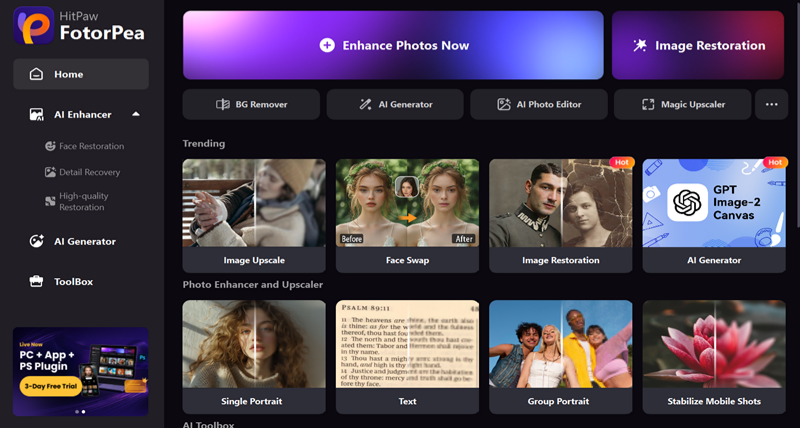
HitPaw FotorPea is an AI-powered photo enhancer designed to improve blurry, low-resolution, old, and noisy photos with minimal manual editing. It offers AI upscaling, photo restoration, portrait enhancement, noise reduction, and sharpening to help users improve image quality quickly.
AI Image Upscaling: Upscale low-resolution images while preserving and enhancing details.
AI Photo Restoration: Restore old, damaged, or blurry photos by reducing imperfections and recovering details.
AI Portrait Enhancement: Improve facial details, skin clarity, and overall portrait quality.
Noise Reduction: Reduce noise and grain while keeping important image details.
Multiple AI Models: Provides different AI models for different types of images and enhancement needs.
AI-powered enhancement requires minimal manual editing.
Supports multiple image enhancement and restoration scenarios.
Offers dedicated AI models for different image types.
Simple interface suitable for beginners.
Some advanced features require a paid plan.
Processing performance may vary depending on image size and computer hardware.
HitPaw FotorPea offers several AI-powered tools for improving image quality, restoring details, and enhancing different types of photos.
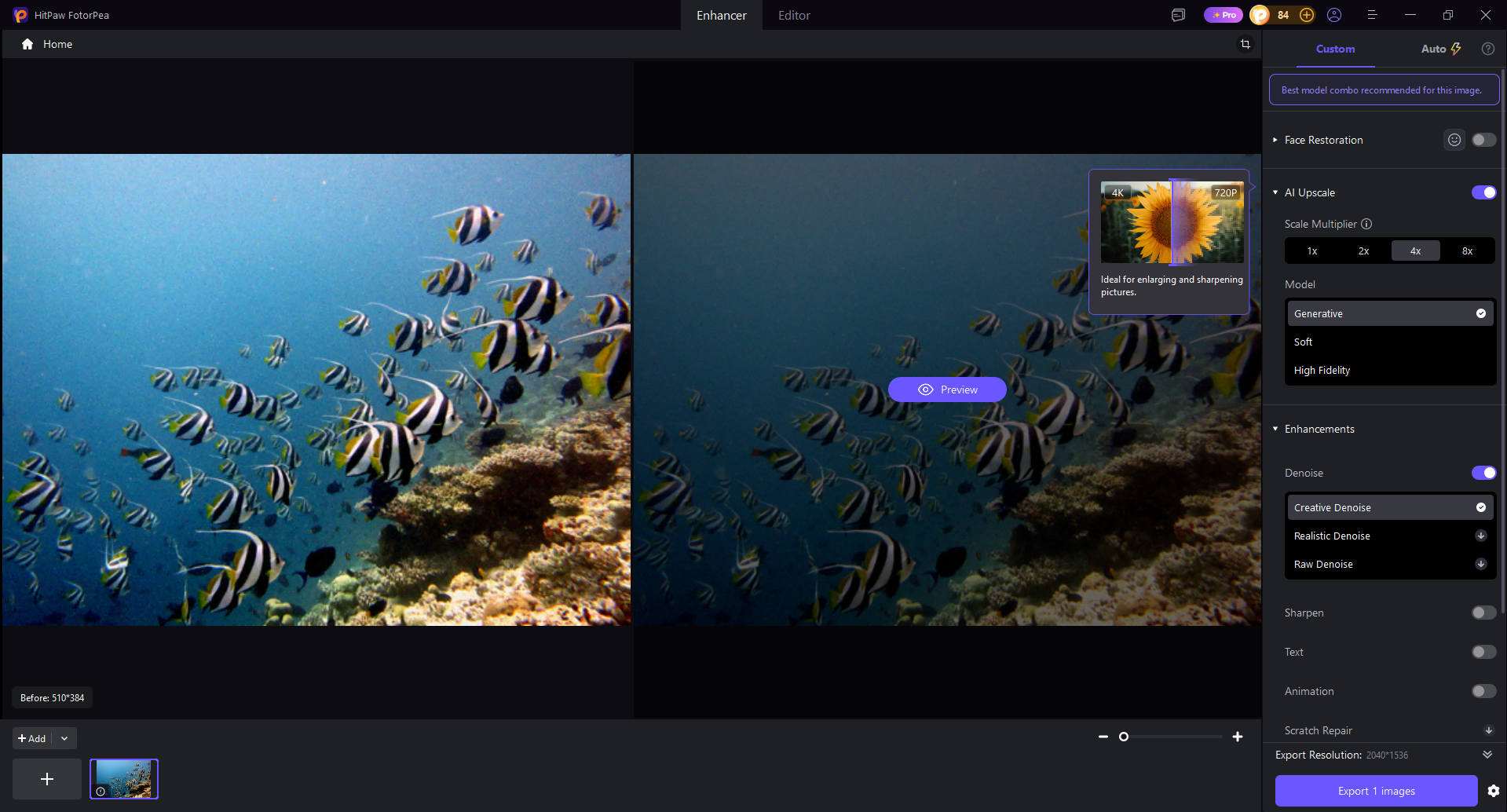
FotorPea can enlarge low-resolution images while enhancing details and sharpness. It is useful for preparing small or compressed images for larger displays and printing.
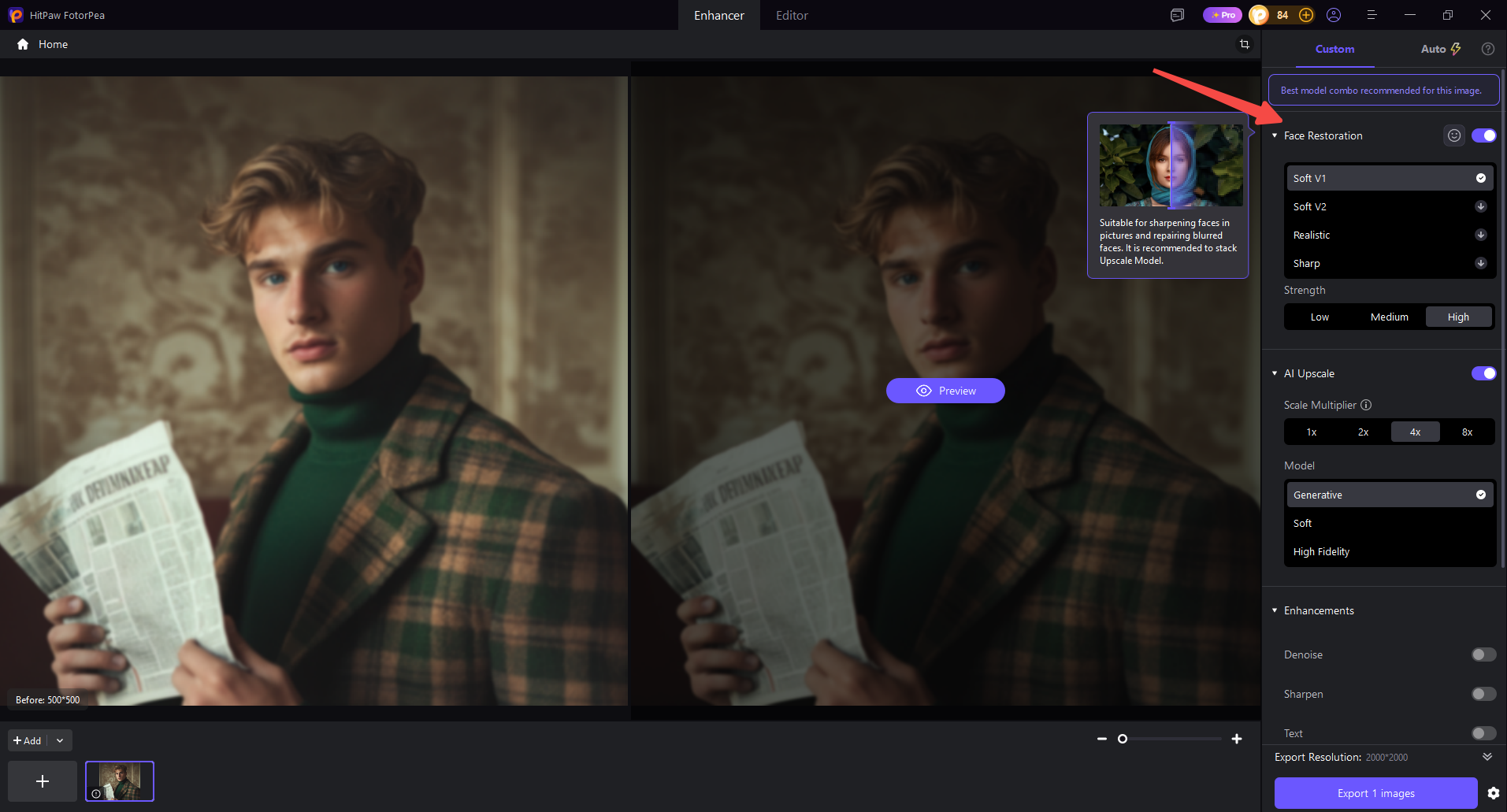
This tool is designed to improve portraits and selfies by restoring facial details and reducing blur. It can make faces appear clearer while maintaining a natural look.
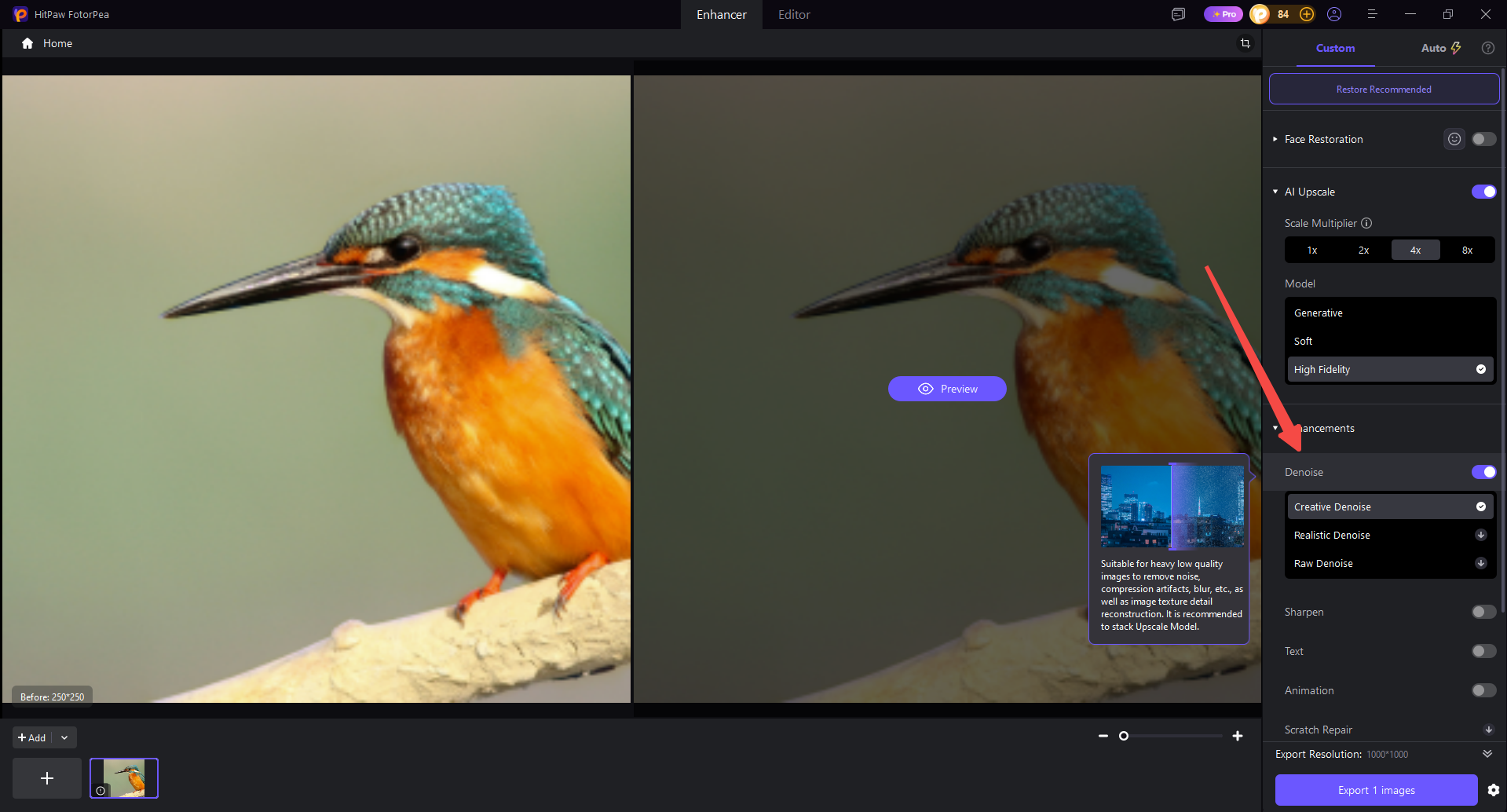
FotorPea can reduce image noise and improve blurry or soft details. It is useful for photos affected by poor lighting, compression, or camera shake.
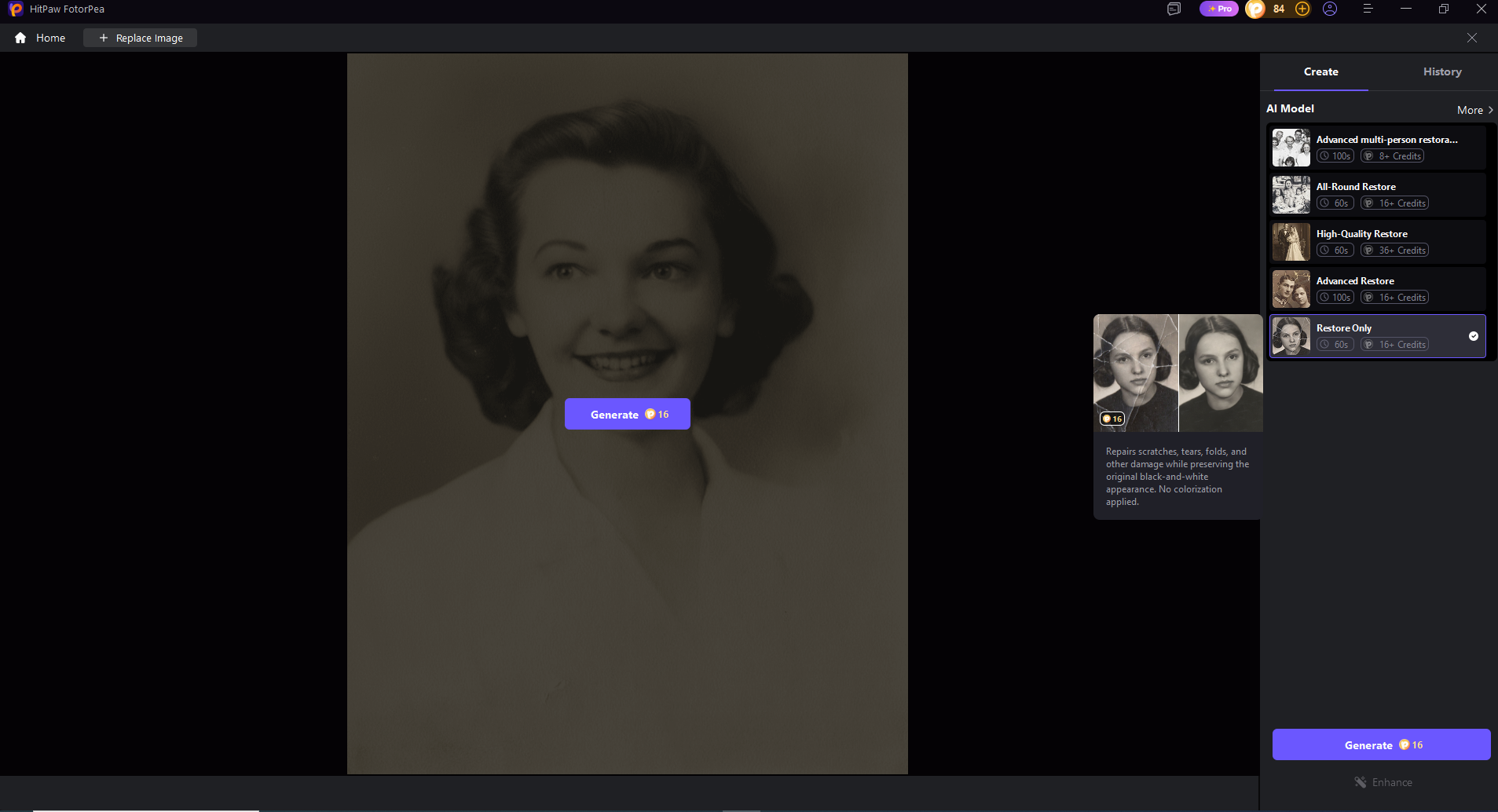
FotorPea can restore old or damaged photos by improving faded details and reducing visible imperfections. It can also colorize black-and-white images for a more modern appearance.
The AI enhancement tools can improve the clarity of text in blurry or low-quality images. This is particularly useful for scanned documents, screenshots, and other text-heavy images.
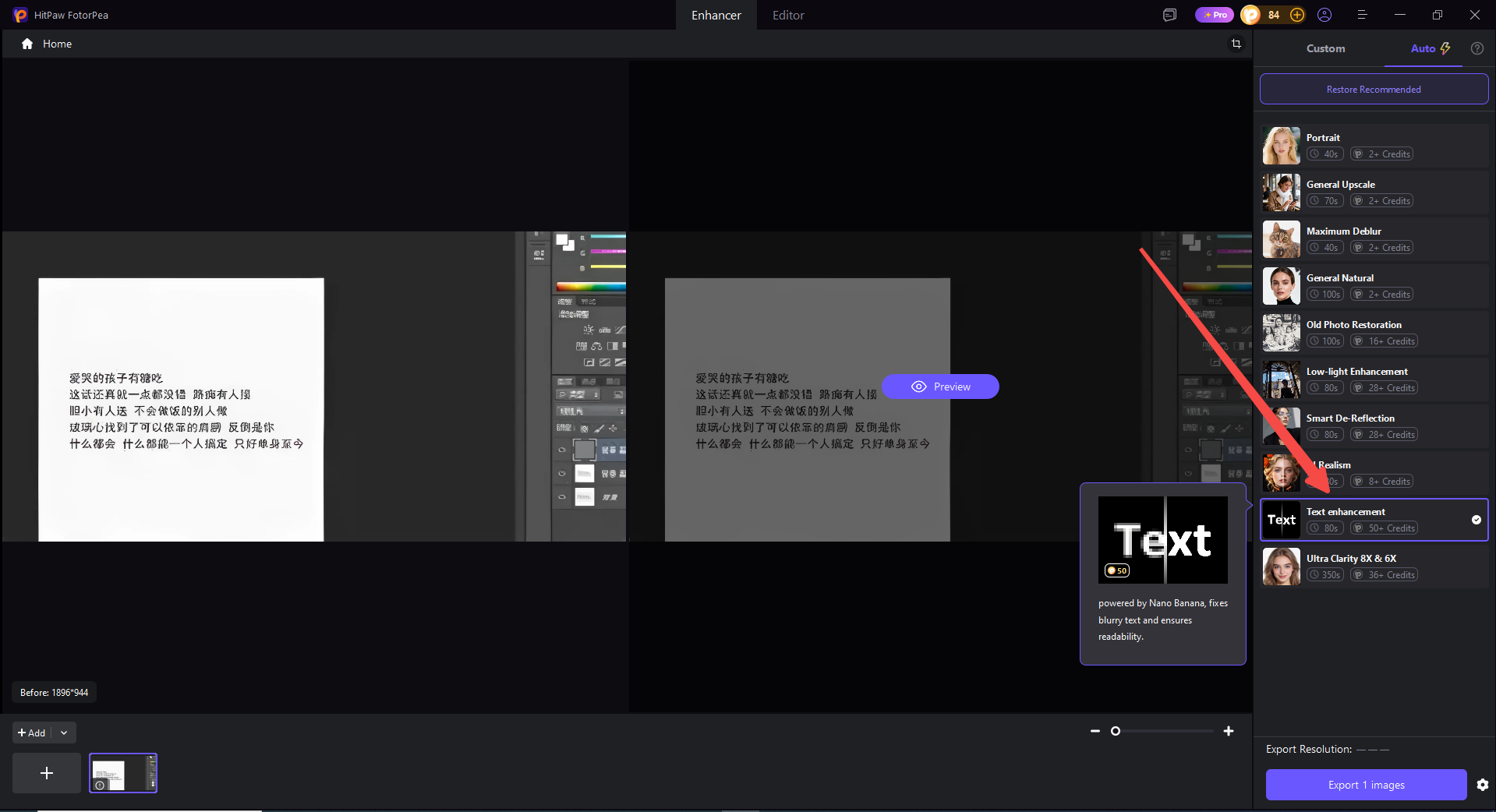
We tested FotorPea with four common image types to see how well it performs in real-world scenarios.
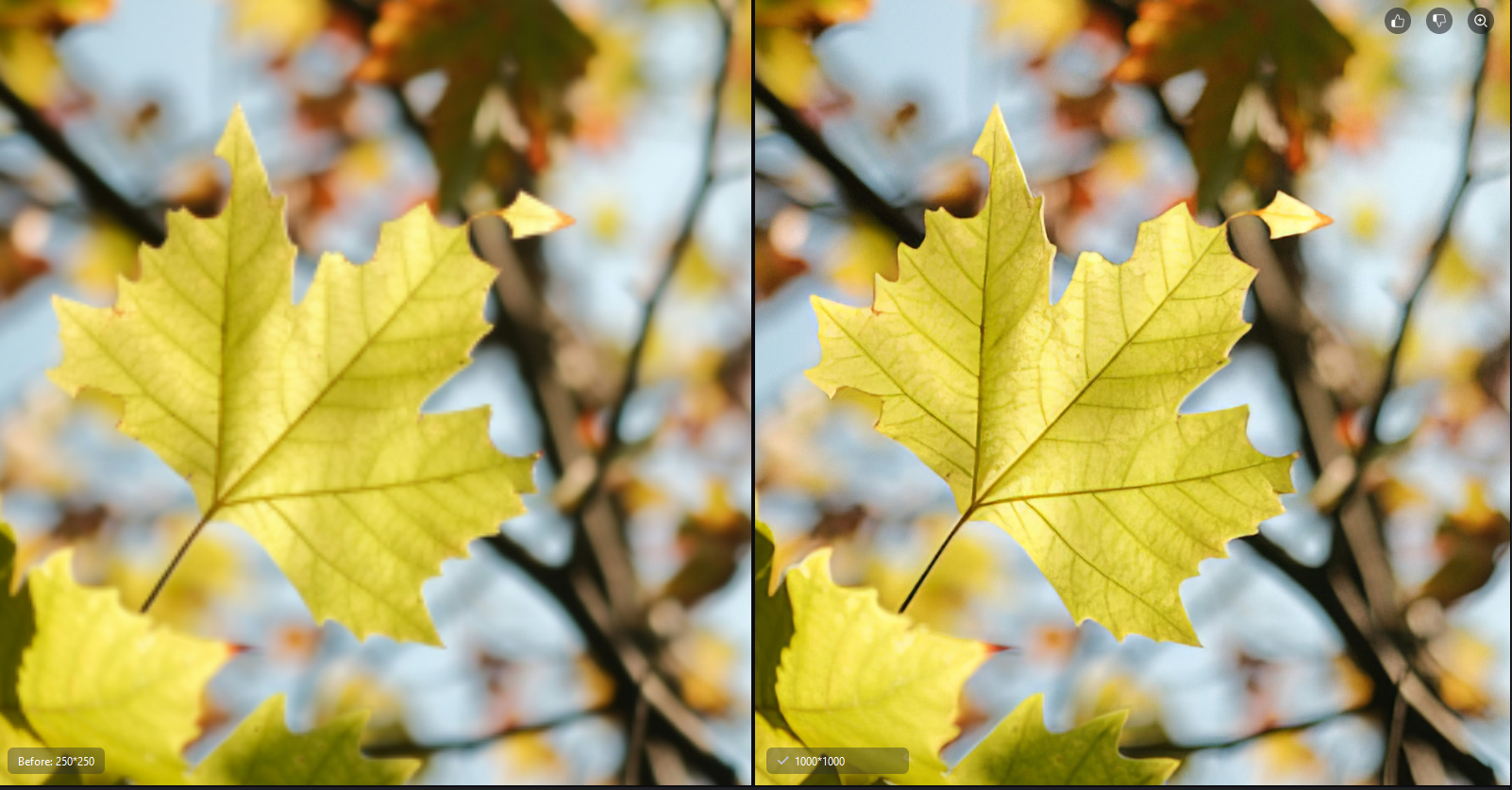
FotorPea successfully upscales the low-resolution image, making details sharper and the overall image clearer.
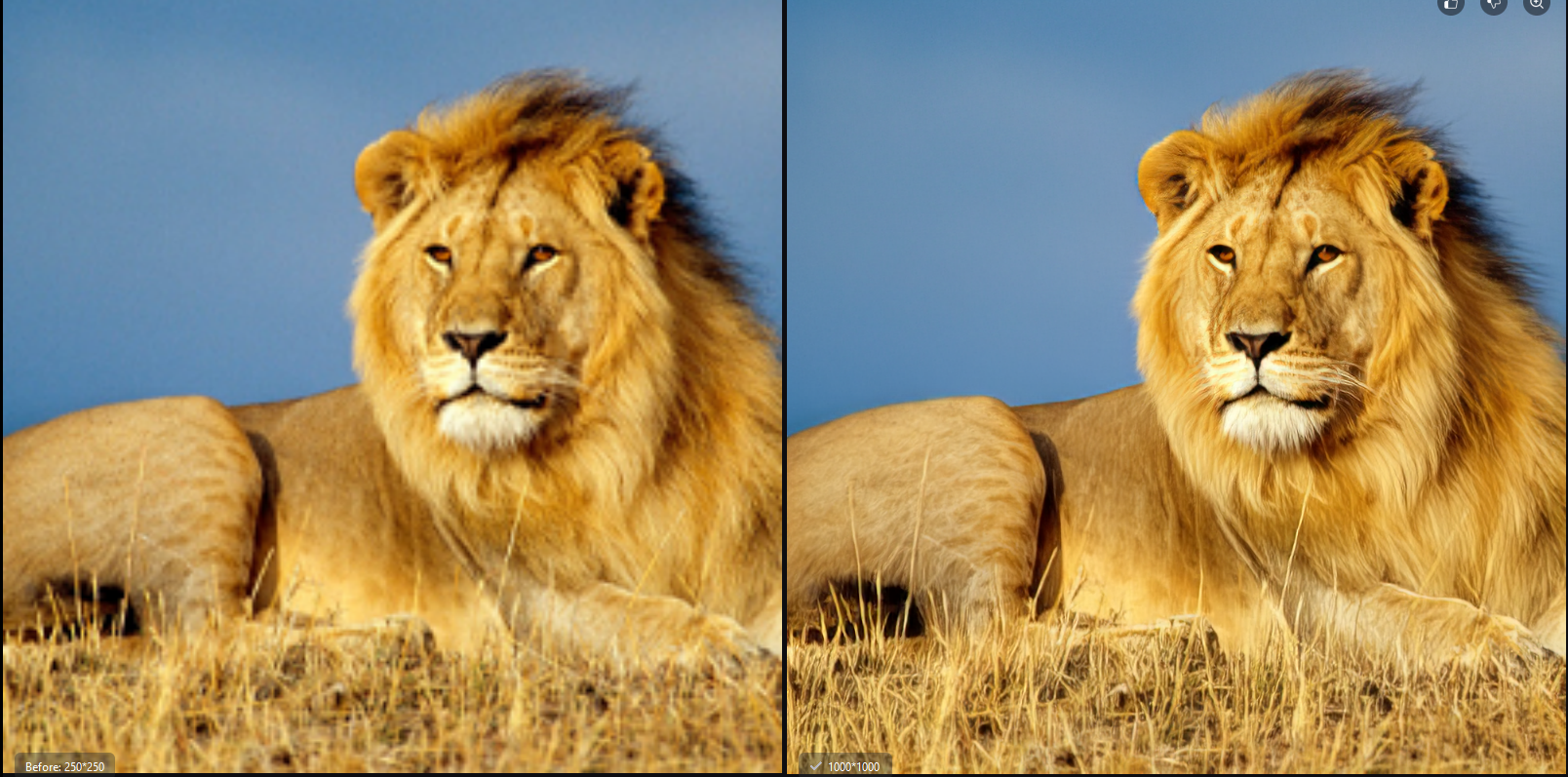
FotorPea reduces blur and restores more visible details, resulting in a sharper and clearer photo.
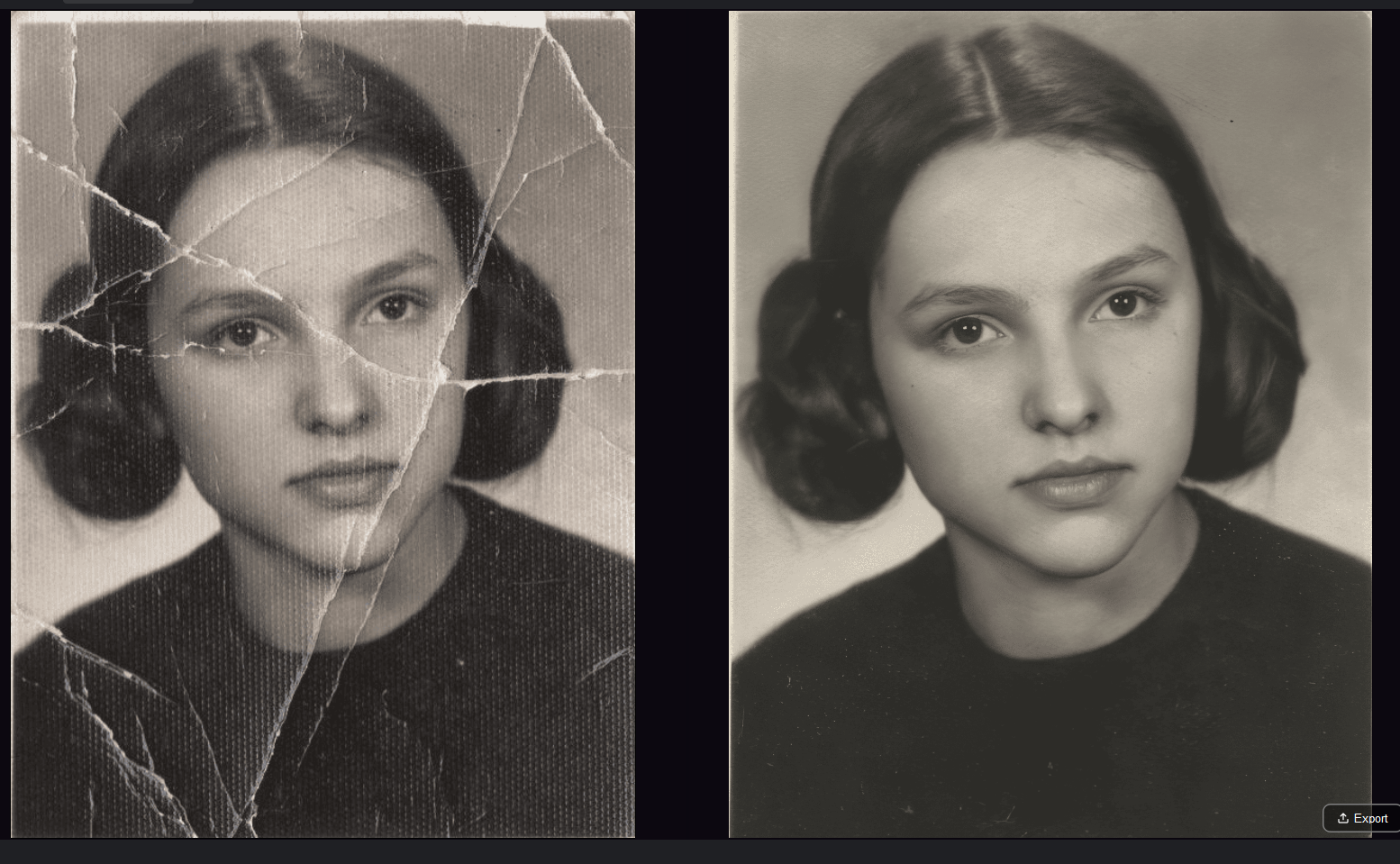
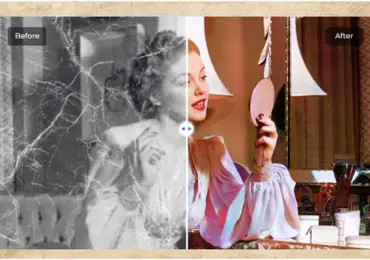
FotorPea restores the faded and damaged old photo, improving its details, contrast, and overall appearance.
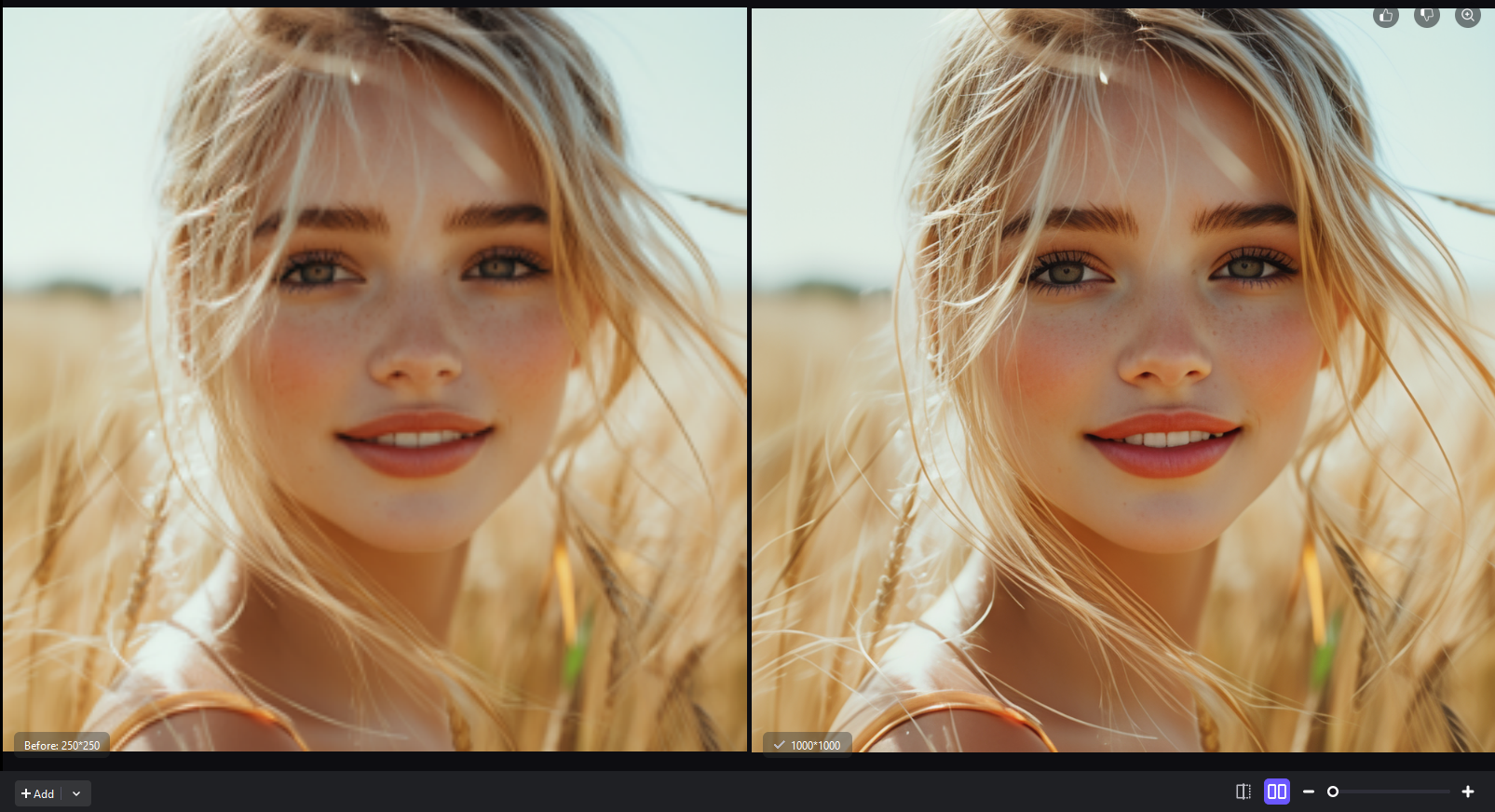
FotorPea’s Face Model enhances facial details and improves the overall clarity of the portrait.
Enhancing an image with FotorPea only takes a few simple steps. Follow the workflow below to improve image quality even if you’re a beginner.
Step 1: Download and Install FotorPea
Download HitPaw FotorPea from the official website and install it on your computer.
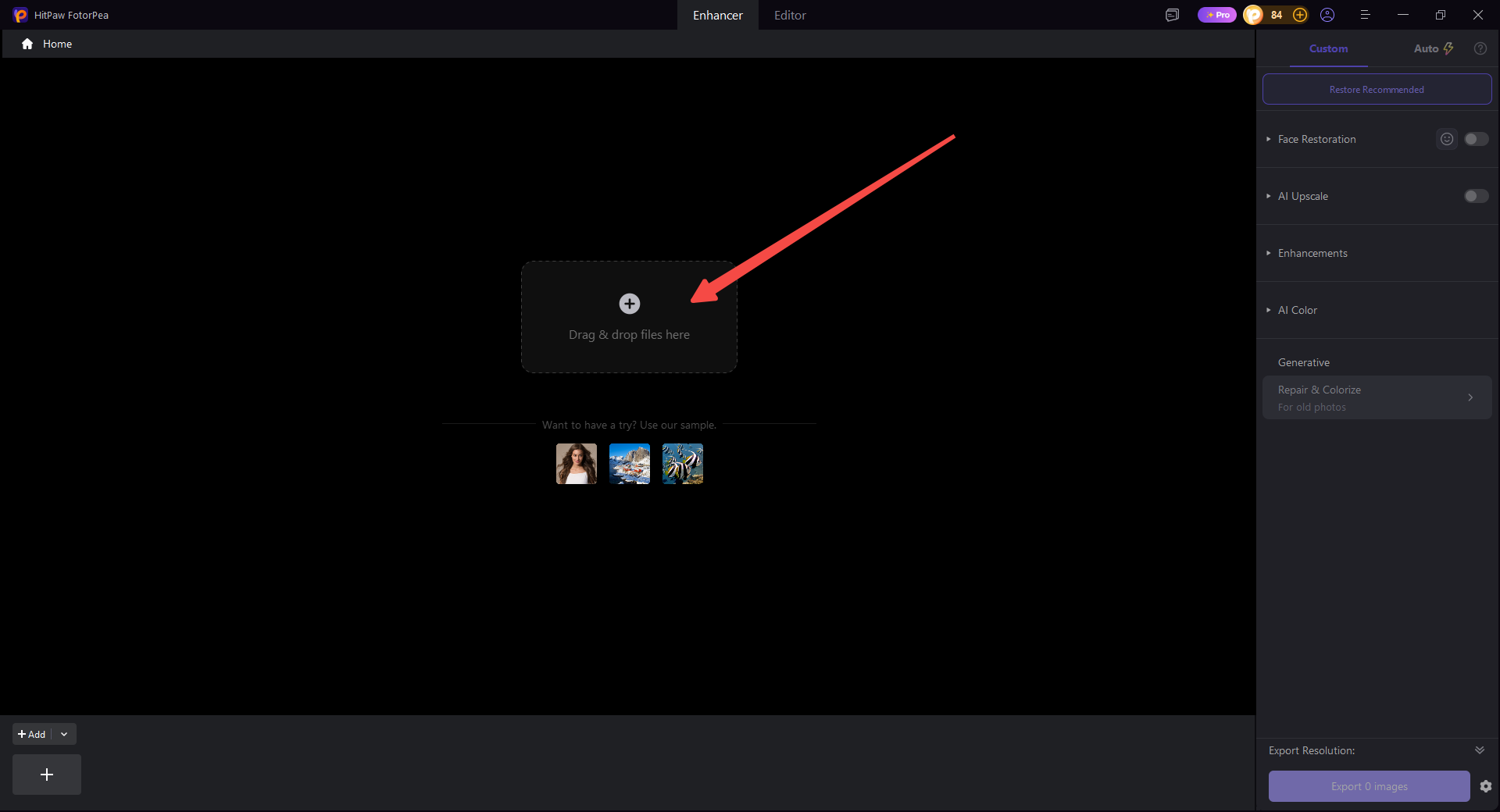
Step 2: Upload Your Image
Launch FotorPea and upload the image you want to enhance.
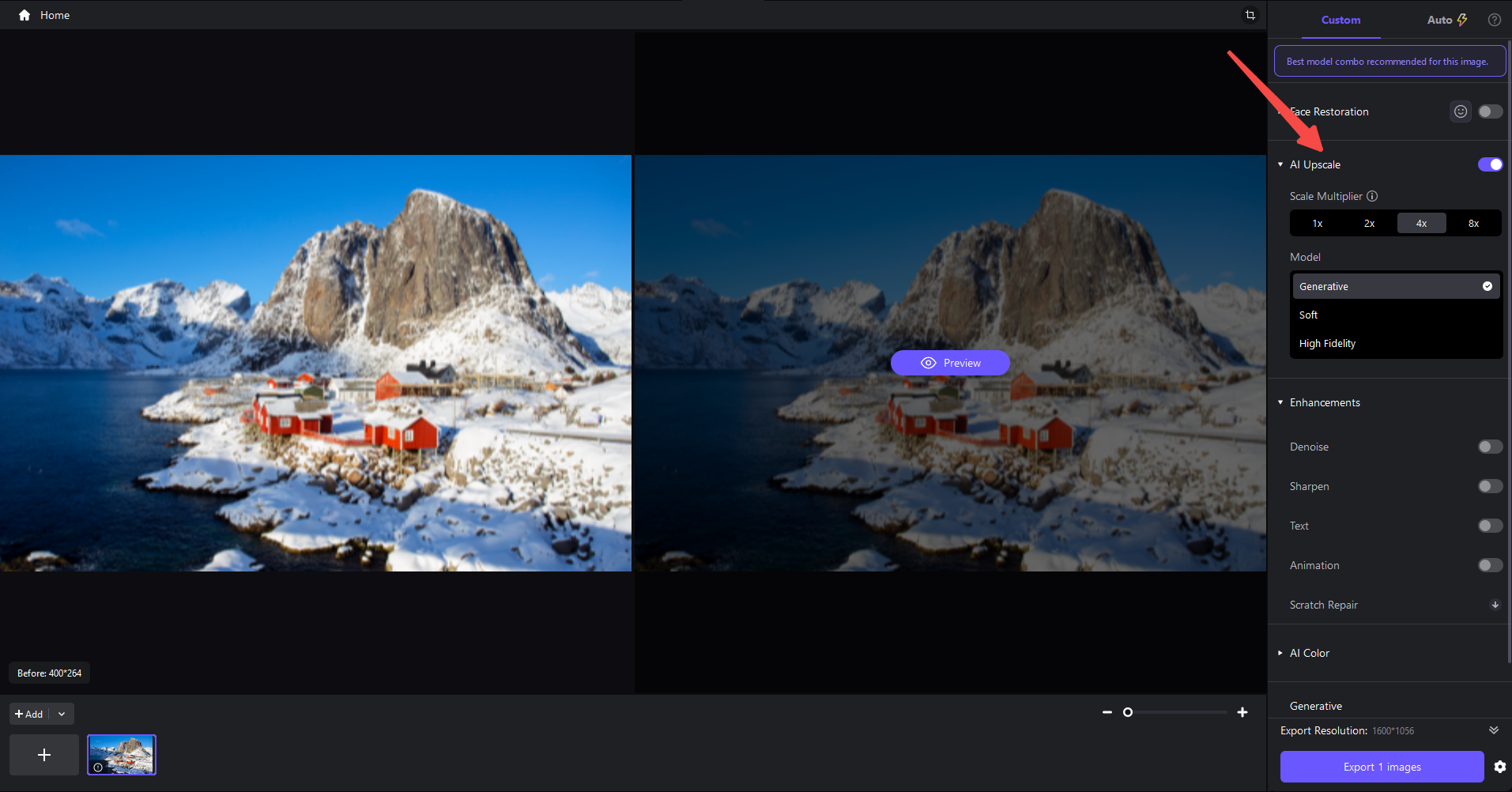
Step 3: Select the Right Enhancement Feature
Choose the enhancement feature that best matches your image, such as Image Upscaler, Face, Denoise, or Old Photo Restoration.
Step 4: Preview the Enhancement
Click the preview option to see how FotorPea improves the image before exporting it.
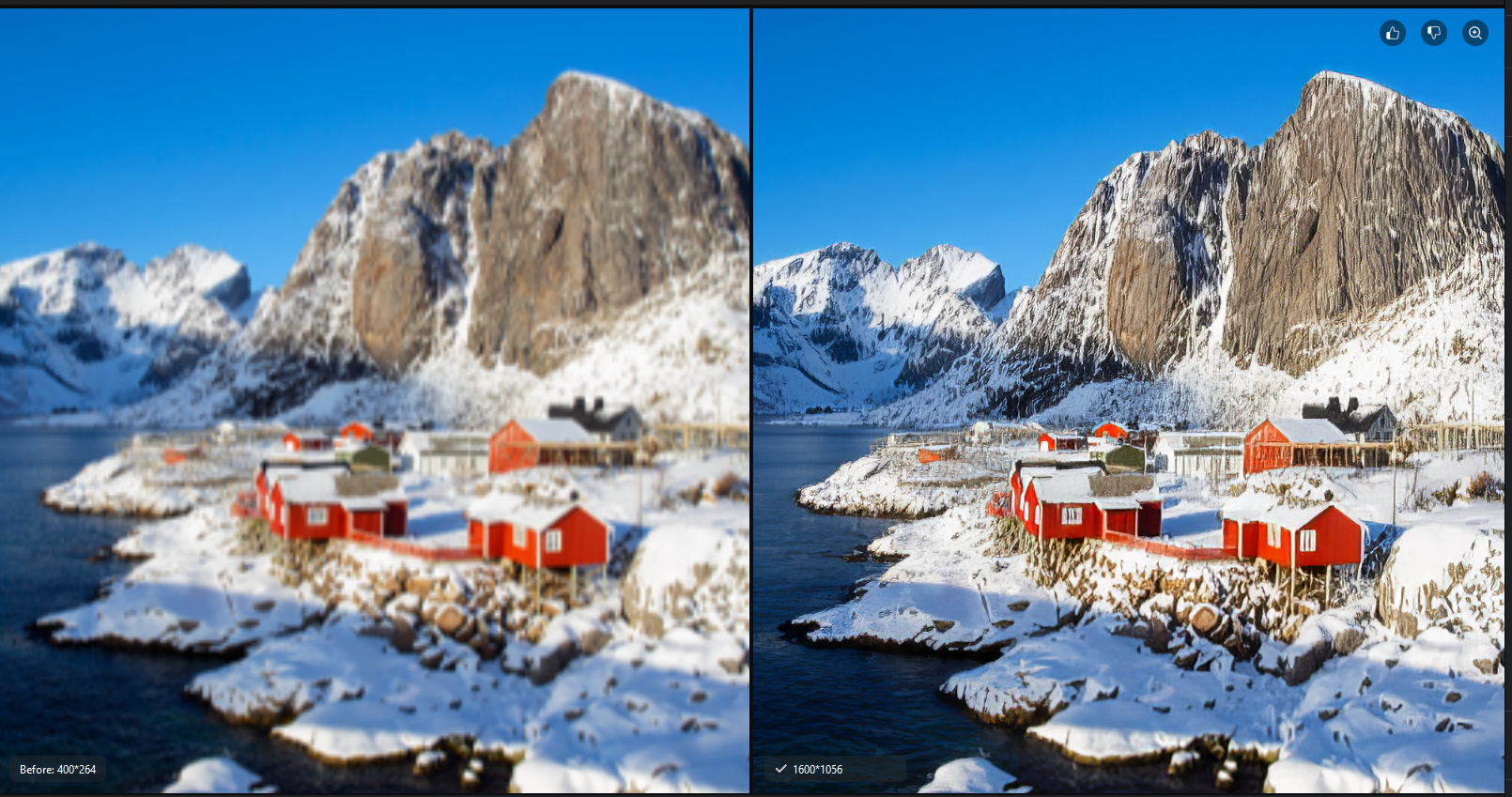
Step 5: Export the Enhanced Image
Check the final result and click export to save the enhanced image to your device.
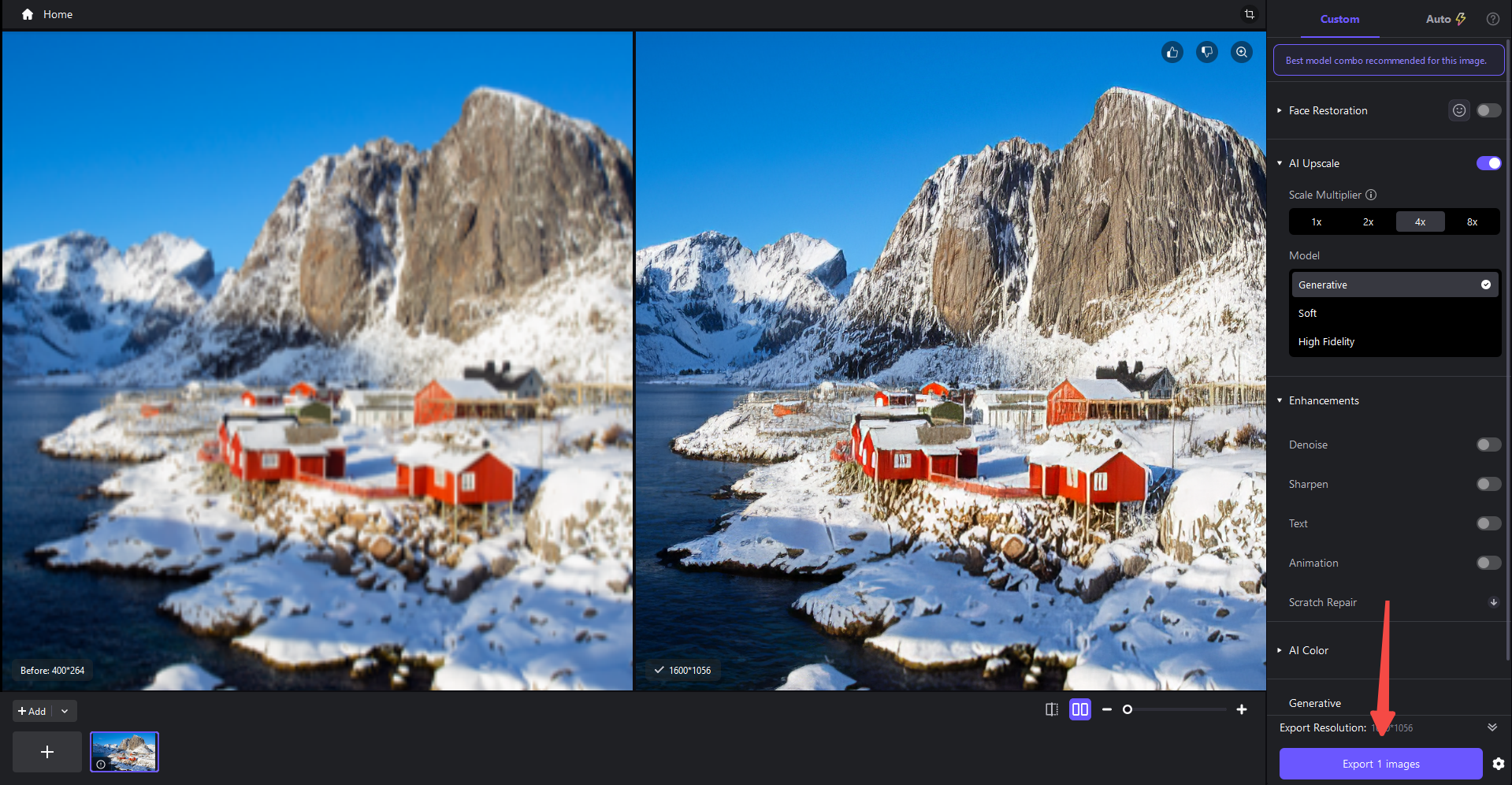
1. Can HitPaw FotorPea Upscale Images to 4K?
Yes. HitPaw FotorPea can upscale images to 4K while improving sharpness, details, and overall quality.
2. Is HitPaw FotorPea Easy to Use for Beginners?
Yes. Its intuitive interface and simple workflow make it easy for beginners to enhance images without advanced editing skills.
3. Can HitPaw FotorPea Improve Low-Resolution Images?
Yes. It can enhance low-resolution images by increasing resolution, sharpening details, and reducing blur and noise.
4. Is HitPaw FotorPea Free to Use?
FotorPea offers a free trial, while some advanced features and full exports require a paid plan.
5. What Image Formats Does HitPaw FotorPea Support?
FotorPea supports common image formats such as JPG, JPEG, PNG, and WEBP.
HitPaw FotorPea is a practical AI image enhancer for improving low-resolution, blurry, old, and portrait photos. Our testing shows that it can effectively enhance image details and overall clarity, while its simple workflow makes it suitable for both beginners and everyday users.


Discover our other works at the following sites:
Danetsoft is a global web agency headquartered in Indonesia, specializing in web development, managed hosting, and web publishing platform.


 [email protected]
 Magelang, Central Java
 © 2026 Danetsoft. Powered by HTMLy