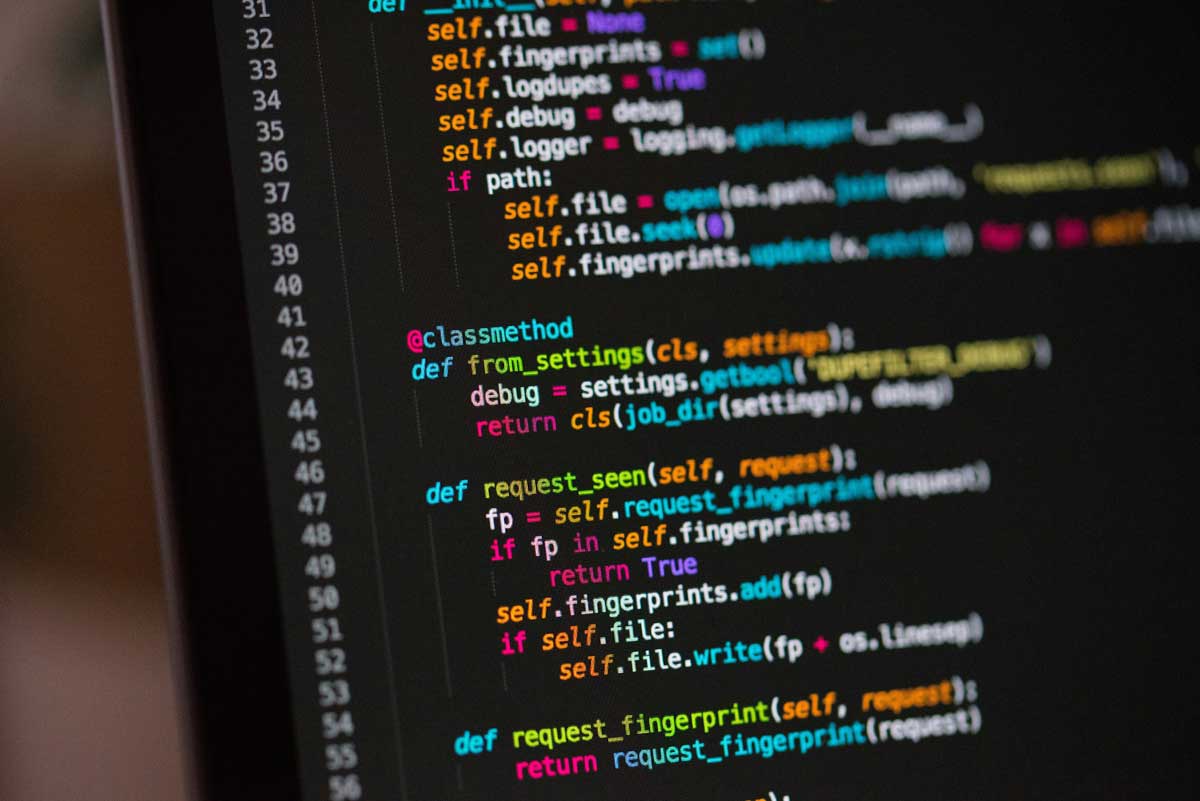
 Photo by Chris Ried on Unsplash
Software development has never been static. Every few years, a new wave of tools changes how we plan, write, test, and ship code. Right now, AI is driving one of the biggest shifts we have seen in a long time. It is not replacing the need for skilled developers, and it is not turning software into something effortless. What it is doing is changing the way we work, helping us move faster, reduce repetitive effort, and spend more time on the parts of development that actually require judgment.
That matters because modern software is harder to build than ever. Products need to be reliable, secure, fast, maintainable, and flexible enough to evolve with user needs. Teams are expected to ship quickly without cutting corners. That is a difficult balance, and AI-assisted coding is becoming one of the practical ways we manage it.
In this article, we will look at what AI coding tools really do, why developers are adopting them, where they help the most, and why the best results still depend on careful human review. The goal is not to hype the tools, but to understand how they fit into real software work.
When people hear “AI coding,” they often think of a tool that writes an entire app from scratch. That is not how it works in practice. The real value is much more grounded.
AI coding tools can suggest the next line of code, generate a function based on a short prompt, summarize a bug, draft tests, explain unfamiliar code, or help clean up an old module. Sometimes they act like a helpful autocomplete system. Other times they function more like a coding partner that can draft a first version of a task.
The important thing is that these tools support the development process, they do not take it over. We still define the problem, choose the approach, review the result, and decide whether the output is actually good enough for production.
That balance is what makes AI useful. It can remove friction without removing responsibility.
There are a few reasons AI tools have become so popular in development workflows.
A lot of development time is spent on repetitive or predictable work. We write setup code, transform data, create tests, explain errors, and look up API usage. None of those tasks are glamorous, but they take real time. AI can shorten many of them.
That does not only save minutes here and there. Across a full sprint, those minutes add up. Less time spent on low-value repetition means more time for system design, bug fixing, and feature quality.
One of the quiet costs in software work is the mental shift that happens every time we stop to look something up. We open documentation, search for a syntax example, compare options, then return to the code. That constant switching breaks concentration.
AI tools help keep us in motion. Instead of leaving the editor every time we need a reminder or a starting point, we can stay in the flow and keep building.
Not everyone on a team has the same amount of experience. AI can help newer developers get unstuck faster, while more experienced developers can use it to skip repetitive work. That creates a more even pace across the team.
It also lowers the barrier to trying unfamiliar patterns. If we want to experiment with a library, language feature, or API design, AI can help us get a rough version running quickly.
Some ideas sound good until we start building them. AI makes it cheaper to test ideas early. We can scaffold a prototype, explore the rough edges, and decide whether the idea is worth deeper investment.
That faster feedback loop is valuable. It helps us spend less time guessing and more time learning.
AI can support many stages of software development, but some areas benefit more than others.
This is the most familiar use case. As we write code, the tool suggests what comes next. Sometimes it is a single line. Sometimes it is an entire block. When it works well, it feels like the editor understands the shape of the task before we finish typing.
Even though this may seem small, it has a real effect on productivity. Saving a few keystrokes over and over again can make a noticeable difference, especially in large projects. That responsiveness is only possible because of low-latency inference happening behind the scenes — the kind of workload purpose-built AI inference accelerators are designed to handle so suggestions appear before a developer's next keystroke.
We often need to create common structures, functions, endpoints, data transformations, or simple utilities. AI can draft these quickly. That gives us a head start instead of a blank page.
The draft is rarely perfect, and that is fine. The point is to move from nothing to something useful. From there, we can improve it instead of starting from scratch.
Debugging is where AI can save a lot of time. It can help us interpret stack traces, inspect log output, reason through possible causes, and point out suspicious logic. It is not a replacement for actual debugging skill, but it can make the search narrower and more manageable.
In large systems, bugs often appear far away from their true source. AI can help us form better guesses faster, which is often half the battle.
Testing is one of the most important parts of software quality, but it is also easy to put off. AI can draft test cases, edge conditions, mocks, and setup code. That reduces the effort required to get meaningful coverage in place.
This is especially useful when we already understand what needs to be tested, but do not want to spend a long time writing repetitive scaffolding.
Documentation often gets neglected because it feels secondary to shipping features. AI can help generate README drafts, function explanations, API notes, and inline comments. It can also turn complicated logic into plain language.
That makes it easier for teams to preserve knowledge and reduce the amount of tribal understanding hidden inside one developer’s head.
Old code tends to collect duplication, confusing names, and awkward structure. AI can suggest cleaner versions of functions, spot repeated logic, and propose ways to separate concerns.
We still need to judge whether those suggestions fit the codebase, but they can speed up the early stages of cleanup.
The biggest impact of AI coding tools is not just faster typing. It changes the development rhythm itself.
When we spend less time on routine work, we gain more room to think about the product. That is where the deeper benefit appears. We can focus more on architecture, quality, user experience, and the behavior of the system as a whole.
This is important because smarter software is not just software with a few AI features added on top. Smarter software often means systems that adapt, respond, and make better decisions based on context.
Examples include:
These products still depend on solid engineering. AI coding tools simply help us build them with less friction and more room for iteration.
A lot of software quality comes from attention. When we are not distracted by repetitive chores, we can pay more attention to the details that matter.
That means more careful thinking about:
If AI takes care of part of the busywork, we can keep our mental energy for the choices that shape the quality of the system. That is one of the most practical benefits of these tools.
It is easy to think of AI only as a speed tool. In reality, it also helps us protect focus, and focus is one of the most valuable resources in development.
AI tools are useful, but they are not reliable enough to trust blindly. They can produce code that looks polished while still being wrong in subtle ways.
A suggestion can solve the wrong problem very elegantly. That is dangerous because the code may look convincing even when it does not match the actual need.
A tool may not understand internal conventions, surrounding logic, deployment concerns, or business rules. A piece of generated code might work in isolation but create trouble inside the larger system.
Generated code can sometimes skip validation, mishandle sensitive information, or use patterns that would not pass a careful security review.
This makes n8n security issues relevant for teams that combine AI-generated code with automated workflows handling customer data or internal systems.
If we accept suggestions too quickly, we risk ending up with code that nobody fully understands. That makes maintenance harder later, even if it saved time in the moment.
This is why AI should be treated as assistance, not authority. We still need to test, review, and understand what we ship.
The teams getting the best results are usually the ones that use AI with structure.
A healthy workflow often looks like this:
That sequence keeps speed and discipline together. It lets us move quickly without treating the output as finished work.
Teams also benefit from deciding where AI is appropriate and where it should be used more carefully. For example, it may be very helpful for tests, utility code, or internal prototypes, while high-risk areas like authentication, payments, or sensitive data handling may need tighter human control.
That kind of boundary is not a limitation, it is a sign of maturity.
There is a natural worry that AI tools might weaken core engineering skills. That concern is understandable, but the bigger shift is not loss, it is change.
We still need to know how systems work, how data moves, how bugs appear, how to reason about tradeoffs, and how to write clean code. Those skills matter just as much as before.
What changes is the balance of effort. We may spend less time memorizing syntax and more time reviewing output, shaping problems, and integrating pieces into a reliable whole.
That means the role of the developer becomes more strategic. We become better at asking the right questions, spotting weak assumptions, and steering the work toward something durable.
The strongest software comes from a partnership between human thinking and machine assistance.
AI is very good at pattern recognition, drafting, and fast iteration. It is not as good at context, ethics, product judgment, or making tradeoffs under messy real-world constraints. Humans are still better at those things.
That is why the best use of AI in coding is not blind automation. It is collaboration.
When we combine AI speed with human judgment, we get a workflow that is both efficient and careful. We can move faster, but we can also stay thoughtful about the software we build and the people who use it. Many organizations partner with an experienced DevOps consultancy to integrate these AI-assisted workflows directly into their automated deployment pipelines and review frameworks.
The phrase “smarter software” often makes people think of machine learning features or predictive behavior. Those are part of the picture, but the idea is broader than that.
Smarter software is often:
AI helps us move toward those outcomes by improving the way we build. If our development process is smoother, we have more energy left for the product itself.
That is where the real payoff appears. Not just in faster coding, but in better software.
AI-powered coding is already changing the way software teams work. It helps reduce repetitive effort, supports faster iteration, and gives us more room to focus on design, quality, and product thinking. It also changes the shape of developer work, moving us closer to roles that involve more review, direction, and system-level judgment.
But the most important thing to remember is simple, AI is a tool, not a replacement for thinking. It can help us write, debug, test, and refactor more efficiently, but it still needs human oversight.
If we use it with care, AI can help us build software that is not only faster to produce, but also better in structure, more useful to users, and easier to improve over time. That is the real promise of AI-assisted development, not just more code, but smarter software built with more clarity and less friction.


Discover our other works at the following sites:
Danetsoft is a global web agency headquartered in Indonesia, specializing in web development, managed hosting, and web publishing platform.


 [email protected]
 Magelang, Central Java
 © 2026 Danetsoft. Powered by HTMLy