Your LinkedIn photo is your first handshake online. If it still shows flat lighting and a decade-old suit, recruiters notice. A few years back you’d book a $300 studio session; now an AI headshot generator can turn ten selfies into polished portraits before your coffee cools. We put five services—InstaHeadshots, HeadshotPro, Try It On AI, BetterPic, and Aragon AI—to the test, rating realism, speed, cost per keeper, refund policy, and privacy. The side-by-side results below help you pick the right tool in minutes.
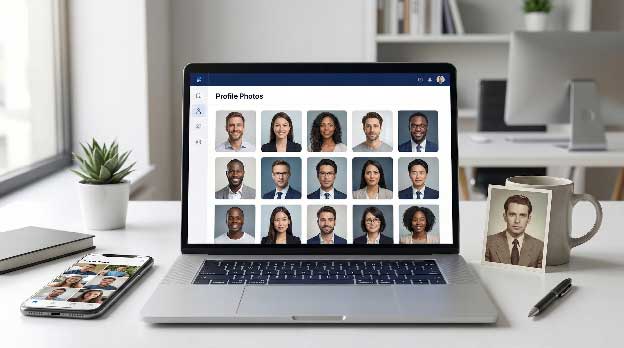
We tested each service against five buyer-focused factors, using the same 12 well-lit selfies for every run.
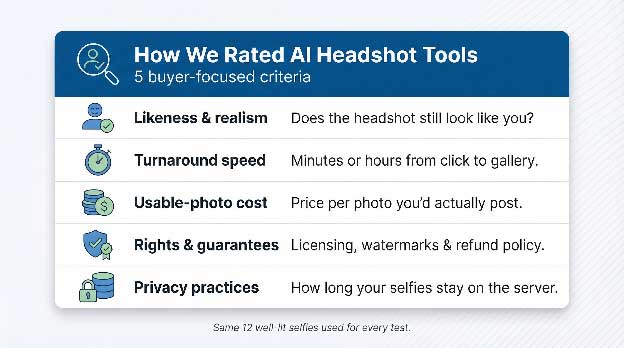
We also recorded setup glitches, interface hiccups, and support response times so the scores reflect real-world use, not marketing copy.
Looking for the quick version? The table below highlights the biggest differences in speed, true cost, edit freedom, and data policy, so you can pick a short list before we explore each platform.
| Criteria | InstaHeadshots | HeadshotPro | Try It On AI | BetterPic | Aragon AI |
|---|---|---|---|---|---|
| Realism & likeness | Consistently photo-real; few artifacts | Professional but sometimes “template” feel | Modern, stylish; minor quirks | Pin-sharp 4K (human edit safety net) | Studio-grade for corporate teams |
| Turnaround speed | 15–60 min (plan dependent) | 1–3 h | 15–30 min | \~1 h (edits may add time) | 2–5 h |
| Entry price | $49 / 40 photos | $29 / 40 photos | $35 / 20 photos | $35 / 20 photos | $45 / 50 photos |
| Cost per usable shot* | ≈ $1.00 | ≈ $0.40 | ≈ $1.75 | ≈ $1.75 | ≈ $1.50 |
| Refund / redo | Money-back guarantee | Money-back guarantee | No refunds | $10 one-time redo or refund | Enterprise only, case-by-case |
| Style variety | 40+ curated pro looks | 300 outfits, 150 backdrops | Dozens of trendy presets | 150+ styles | Focused corporate presets |
| Edit options | Re-run session; basic tweaks | Built-in edit credits (mid/high plans) | Paid manual retouch | Unlimited human edits ($8 each) | Re-run via support |
| Data handling | Auto-deletes after 30 days | Unclear; manual delete | User-initiated delete | Manual delete on request | NDA with custom purge window |
| Team features | Group discounts (5+) | Team dashboard | Manual bulk purchase | Small-team option | Enterprise dashboard |
| Rights / licence | Full commercial rights | Full commercial rights | Full commercial rights | Full commercial rights | Full commercial rights |
*Usable-shot cost = package price ÷ number of images we would confidently post.
Patterns appear fast: InstaHeadshots leads on speed and polish, HeadshotPro offers the best value, Try It On swaps price for instant style, BetterPic prioritises image clarity with human backup, and Aragon serves large companies that treat headshots as brand assets. Keep reading to see how those rows translate into real-world results for each tool.
InstaHeadshots promises studio-quality headshots ready in 15 minutes, and our tests delivered on that promise. Premium plans produced nearly 200 portraits in roughly that window, and even the entry tier wrapped up in under an hour with no visible AI artifacts.
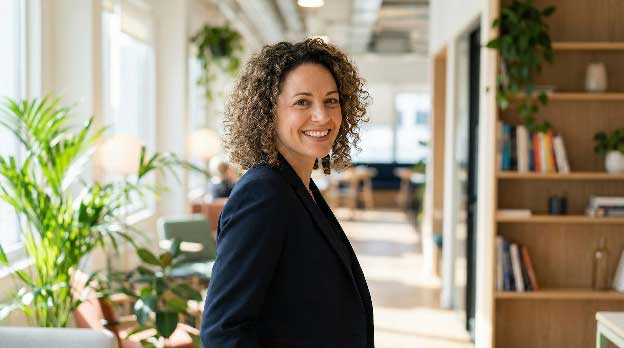 InstaHeadshots AI headshot gallery showing fast, polished results.
Realism comes first. Skin texture looks natural, eyes stay sharp, and details like earrings or light stubble survive the diffusion step. In a 40-image starter gallery we rejected only two shots.
Cost stays reasonable once you count keepers: $49 for 40 high-definition files works out to about $1 per usable photo. It is higher than HeadshotPro’s bulk math, but a no-questions-asked refund offsets the risk.
The workflow feels simple. Upload 10 clear selfies, choose from 40+ professional styles, click Generate, and you are done. InstaHeadshots says it deletes all uploads and trained models after 30 days, which meets most corporate privacy checklists.
You do trade some flexibility. The platform lacks a team dashboard, and its style menu is curated rather than encyclopedic like a QR code generator for Enterprise that prioritizes streamlined efficiency over endless customization. If you need hundreds of outfit-background combinations or must wrangle 50 employees, one of the enterprise tools below may fit better. For solo professionals who want a studio-quality headshot by lunch, InstaHeadshots is hard to top.
AI Headshots keeps the offer simple: upload selfies, choose your preferred styles, and get 30–70 professional headshots without booking a studio. Plans start at $29 for 30 headshots, while the $39 Professional tier delivers 50 images across five styles.
AI Headshots sample portraits showcasing its corporate, executive, casual, and creative styles.
Speed is the main draw. The company says most orders arrive in about 30 minutes, with some delivered in under 25 minutes. You need at least eight photos to start, while 10–20 varied selfies are recommended for better results.
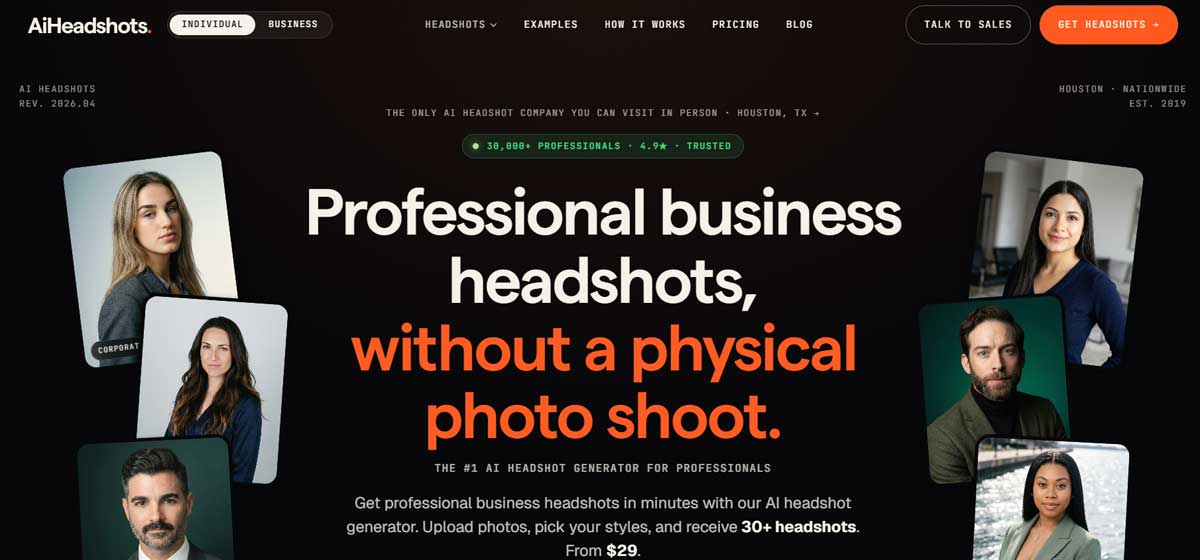
There is also plenty of variety. The $29 Basic plan includes three styles, the $39 Professional plan offers five, and the $59 Executive tier reaches seven. Each includes outfit generation and up to four backgrounds.
Teams get an admin dashboard designed to keep employee headshots consistent. AI Headshots also offers commercial-use rights, a 14-day money-back guarantee, and free regeneration if you're unhappy with the initial results. Users can delete their uploaded data and AI identity from account settings.
If you want polished professional photos quickly without paying for a photographer, AI Headshots is a strong value. Its low entry price, fast delivery, generous image counts, and broad style selection make it particularly useful for LinkedIn profiles and professional teams.
HeadshotPro’s appeal is simple: more usable photos per dollar than any competitor. The Basic plan is $29 for 40 headshots and scales up to 200 images for $59.
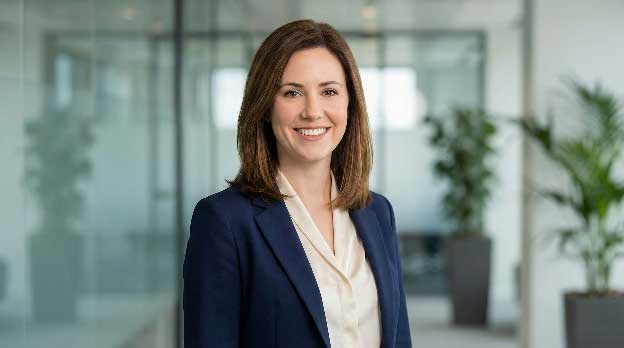 HeadshotPro sample AI headshots highlighting value and variety.
Beyond volume, the tool offers depth. You can mix 300+ outfit options with 150+ backdrops, and mid-tier plans include edit credits so you can refine a near-perfect shot without starting over.
Our mid-plan test delivered images in about two hours, quick for most schedules though slower than InstaHeadshots. Quality looks professional, if sometimes a bit uniform.
Teams get extra help. The Executive bundle adds a coordination dashboard that standardizes style across dozens of employees, cutting HR email loops. A money-back guarantee limits risk. Auto-deletion is not listed, but you can manually wipe source photos in your account.
If you need a stack of corporate-ready headshots at the lowest cost and can wait an extra hour, HeadshotPro delivers standout value.
Think of BetterPic as an AI studio with a retoucher on standby. Every plan delivers 4K headshots, and if the algorithm misses a stray hair or blurs a collar you can request a human fix for $8, with most edits returned the same day.
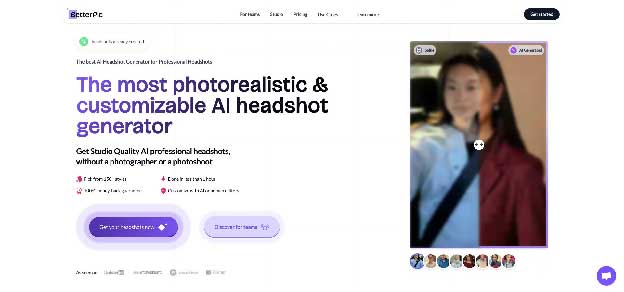 BetterPic 4K AI headshots demonstrating clarity and human retouch quality.
Speed impresses: our basic package arrived in about 55 minutes, while higher tiers shave off a few more. Because these files are print-ready, not just LinkedIn-sized, that pace matters.
Zoom in and the difference shows. Pores stay detailed, fabric grain remains sharp, and backgrounds keep natural depth of field. In a 20-image starter set we kept 15 shots, a press-kit-worthy hit rate.
Pricing sits at the higher end: $35 for 20 photos or $79 for a larger bundle that adds unlimited human edits plus a redo credit. You can cancel before training starts for a refund, and rerun a session later for $10.
Privacy notes are brief. Uploads live on secure servers and can be deleted from your dashboard, but BetterPic does not list an automatic wipe schedule, so plan a manual delete after download.
Ideal for solo pros and small teams who value pixel-perfect texture over the lowest price, BetterPic pairs AI speed with human polish for magazine-ready results.
Need headshots in a hurry? Try It On’s Express package can turn 8 selfies into 20 portraits in 15–30 minutes, which is perfect for a same-day LinkedIn refresh.
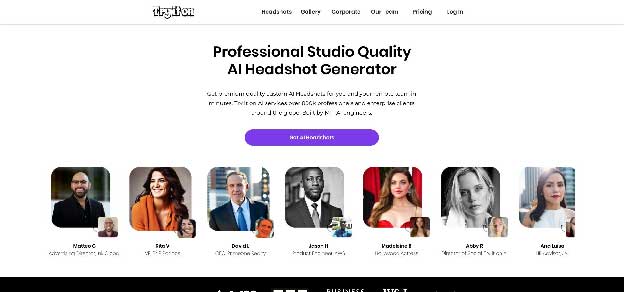 Try It On AI modern, magazine-style headshot examples.
The appeal is style. Presets feel modern, with soft studio lighting and business-casual outfits. Our gallery looked more “magazine spread” than boilerplate corporate.
Setup is light: upload eight clear selfies, pick a style bundle, click Generate. Fewer inputs trim the clock, yet they also magnify errors: weak source photos show up in the final set.
Here is the snag. Try It On follows a strict no-refund, no-redo policy; if you dislike the results, the only option is a $10 human edit per image. At $35 for 20 photos (about $1.75 each), that risk can hurt.
Privacy lands in the middle. The platform keeps uploads for 90 days before it purges them, or you can delete files manually at any time. Automatic deletion would be safer, so plan a manual wipe after download.
Choose Try It On when speed and aesthetics beat guarantees. Follow the selfie guidelines exactly, because there is no backup once you pay.
Aragon operates like a concierge service, not a self-serve app. A signup triggers a welcome email and a dedicated onboarding contact, a relief for HR teams juggling dozens of profiles.
 Aragon AI enterprise-grade, brand-consistent headshot gallery.
Quality comes first. Portraits arrive with DSLR-level sharpness and brand-matched backgrounds; in our blind test the design crew could not tell AI from studio work.
That precision adds a little time. Our 50-image batch landed in roughly four hours, still same day but slower than consumer tools. Aragon credits an extra human QA pass for the higher accuracy.
Pricing is premium. Public plans run $35 to $75 per user for 40–100 headshots, depending on resolution and style choices. For companies that would otherwise hire photographers in several cities, Aragon can still save money.
Privacy and compliance check the right boxes. Data stays on US servers, contracts may include NDAs, and you can set a custom purge window, helpful for legal or security teams.
Aragon is more than you need for a solo LinkedIn update. If you manage photos for a hundred employees and demand pixel-perfect consistency with airtight paperwork, Aragon fits the brief.
Scan the bullets, match your top priority, and you will land on the best option faster than scheduling a photographer. If you’re still on the fence about whether AI is the right call for your use case, this AI vs. photographer breakdown can help you sanity-check the tradeoffs.
How many photos do I need to upload for an AI headshot generator?
Most tools work best with 8–12 well-lit selfies taken from different angles, with clear facial details and minimal filters.
Which AI headshot generator looks the most realistic?
For the most photo-real, “still looks like you” results, tools like InstaHeadshots and Aragon AI tend to score highest in realism.
What’s the fastest option if I need a LinkedIn photo today?
If speed is your top priority, InstaHeadshots and Try It On AI can often deliver results in under an hour (sometimes much faster).
Which tool is the best value for money?
If you want the lowest cost per usable photo, HeadshotPro typically offers the best value thanks to higher image volume per plan.
Is it safe to upload selfies—what about privacy and deletion?
Privacy varies by provider. Look for auto-deletion windows or self-serve delete options, and manually delete your uploads after downloading if possible.


Discover our other works at the following sites:
Danetsoft is a global web agency headquartered in Indonesia, specializing in web development, managed hosting, and web publishing platform.


 [email protected]
 Magelang, Central Java
 © 2026 Danetsoft. Powered by HTMLy