Text-to-video was always a compromise. It was the interface we had, not the interface the problem wanted. Describing a visual sequence in prose is like describing a colour over the phone technically possible, reliably disappointing.
Multimodal generation fixes the interface. Instead of compressing everything you know about the desired output into a paragraph, you hand the model the actual material: images of the subject, a clip that moves the way you want, audio that sets the tempo. Text becomes one input among several rather than the only channel, and the quality ceiling rises accordingly.
This piece looks at what each reference type actually contributes, and how to combine them without producing much.
Text: carries intent and abstraction. It is the right channel for things that have no visual referent yet: "the mood shifts from tense to resolved," "the camera hesitates before committing to the move." It is the wrong channel for exact appearance. Modern implementations allow generous prompt lengths up to 2,500 characters in some platforms which is enough for a full shot description rather than a slogan.
Images: carry identity and appearance. A face, a product, a location, a colour palette, a material finish. This is the highest-signal channel for anything that must look like a specific thing rather than a generic thing. Multiple views of one subject dramatically improve consistency over a single view.
Video: carries motion and camera language. This is the channel people underuse. Describing a camera move in words "a slow arcing dolly with slight handheld texture" is far less precise than supplying three seconds of footage that does exactly that. Video references also transmit pacing and cut rhythm.
Audio: carries timing, and increasingly the voice itself. A music bed establishes tempo the visuals can be cut against. A voice reference, combined with lip-sync generation, means dialogue no longer has to be bolted on in post.
The practical ceiling on multimodal work is how much reference material a single generation accepts. When the limit is two or three assets, you are choosing between anchoring appearance or anchoring motion. When it rises, you can anchor both.
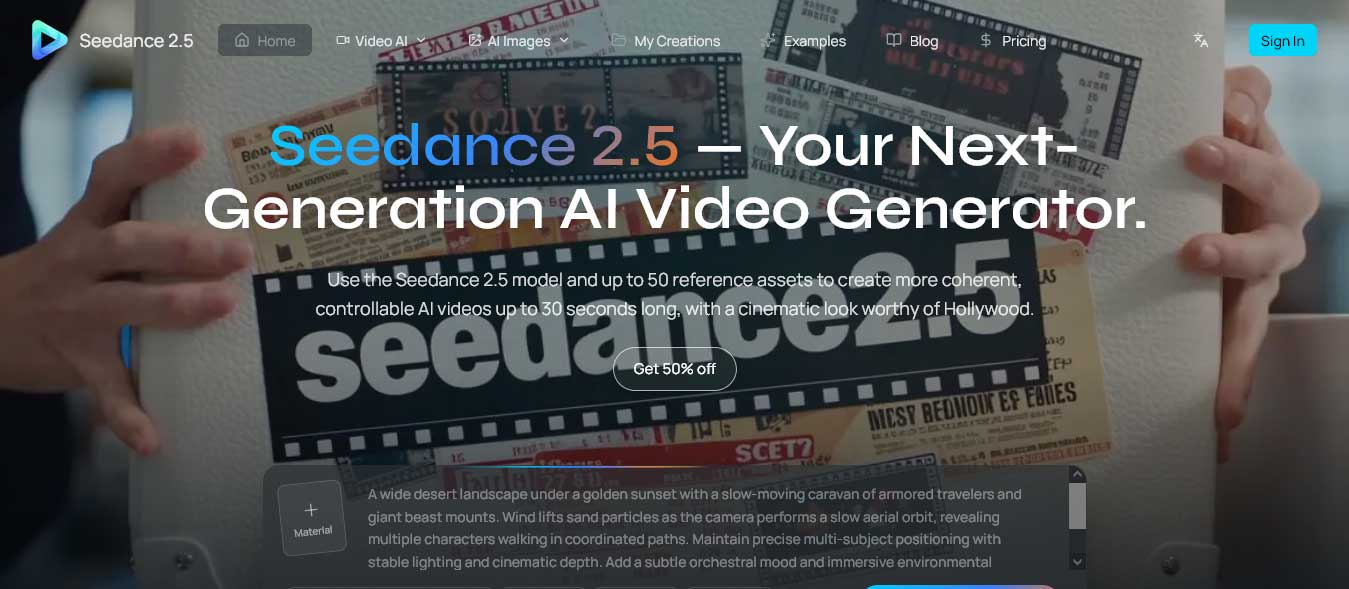
Platforms such as Seedance 2.5 accept up to 50 multimodal references in one generation with a ceiling of 30 images, 10 videos, and 10 audio files, plus untextured 3D models. That is enough to specify a subject from several angles, a location, a camera behaviour, a palette, and a soundtrack simultaneously. The result is less an act of description and more an act of assembly.
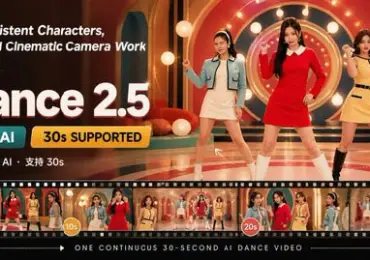
Duration capacity interacts with this. Generating up to 30 seconds of continuous video in a single pass means the reference set governs the whole sequence rather than just one fragment, which is why continuity holds far better than in stitched-together short clips.
More inputs introduce a new failure mode: contradiction. If your image references show soft overcast light and your video reference is hard-shadowed golden hour, the model has to resolve a conflict you did not intend to create, and the resolution will be arbitrary.
A few working rules prevent most of this.
Assign each reference a job before you upload it. If an image is there for colour, crop it so it is mostly colour. If a video is there for camera motion, choose a clip whose subject is unremarkable so the subject does not bleed into the output.
Keep lighting consistent across visual references unless the change is deliberate. Mixed lighting is the single most common source of muddy output.
Add references incrementally. Start with the two that matter most, generate, then add a third and observe what changed. Uploading fifteen assets at once and disliking the result teaches you nothing about which one caused the problem.
Let the text prompt describe only what the references cannot. Repeating in words what an image already establishes is at best redundant and at worst a competing instruction.
The other half of a workable multimodal pipeline is what happens after the first generation. Older tools treated output as immutable: regenerate or accept. That is a poor fit for reference-heavy work, where you often get 80% of what you wanted and need to correct one interval.
Localised, controllable editing keeping the strongest parts of a generated scene and refining only the sections that miss, with second-by-second adjustment of pacing and camera language turns the process into iteration rather than repetition. It also changes how you use references: you can anchor a scene broadly, then tighten specific moments, rather than trying to encode every requirement up front.
Draft at 480p or 720p while testing reference combinations; a failed 1080p run costs the same as a successful one. Choose the aspect ratio at generation rather than cropping later F9:16, 1:1, 4:3, 3:4, 16:9, and 21:9 are all natively available in current tools, and native framing preserves composition that cropping destroys.
Keep a record of which reference sets produced which results. Multimodal generation is empirical work; the value compounds only if you can reproduce your own successes.
The shift here is real but unglamorous. Multimodal generation does not make video creation effortless, it makes it specifiable. For anyone who has spent an afternoon rewording a prompt to coax out a detail they could have shown in one photograph, that is the improvement that matters. The honest way to evaluate a multimodal video platform is to run your own reference set through it and count how many attempts it takes to reach something usable, because that number is the only one your workflow will ever feel.


Discover our other works at the following sites:
Danetsoft is a global web agency headquartered in Indonesia, specializing in web development, managed hosting, and web publishing platform.


 [email protected]
 Magelang, Central Java
 © 2026 Danetsoft. Powered by HTMLy