Let’s be real for a second—how many times have you taken a photo that looked perfect, but the background completely ruined it?
It could be anything. A messy room, random people in the back, bad lighting, or just something that doesn’t match the vibe you were going for. And once you notice it, you can’t unsee it.
That’s exactly where a PNG background remover comes in. It’s one of those tools you don’t think you need… until you use it once. After that, it kind of becomes part of your routine.
At first, removing a background sounds like a small thing. But it actually changes the whole feel of an image.
When there’s too much going on behind your subject, it pulls attention away. Your eyes don’t know where to focus. But the moment you remove that background, everything becomes clear. The subject stands out, and the image instantly looks cleaner.
You’ll notice this a lot if you spend time on social media. The posts that grab attention quickly? Most of them are visually clean. No distractions. Just a clear subject.
The same thing applies if you’re selling something online. A product with a messy background just doesn’t feel as trustworthy. But put that same product on a clean background, and suddenly it looks more professional.
It’s a small change, but it makes a big difference.
In simple terms, it’s a tool that removes the background from your image and keeps only the main subject.
That’s it.
The reason people say PNG background remover specifically is because PNG files support transparency. So when the background is removed, it doesn’t turn white—it becomes transparent. That makes it way easier to use the image anywhere you want.
You can place it on a different background, use it in designs, or keep it clean and minimal. You’ve got options.
A few years ago, this kind of editing was honestly a pain.
You had to use software like Photoshop, zoom in, carefully trace around your subject, and fix every tiny detail. It took time, and if you didn’t know what you were doing, the result looked rough.
Now? Completely different story.
Most PNG background remover tools use AI. You upload your image, wait a couple of seconds, and it does the work for you.
No tracing. No complicated tools. No learning curve.
It almost feels unfair how easy it is now compared to before.
This isn’t just for designers or professionals. Regular people use these tools all the time now.
If you’re posting on Instagram or any social platform, removing the background can make your content look way more polished. It helps your photo stand out while people are scrolling.
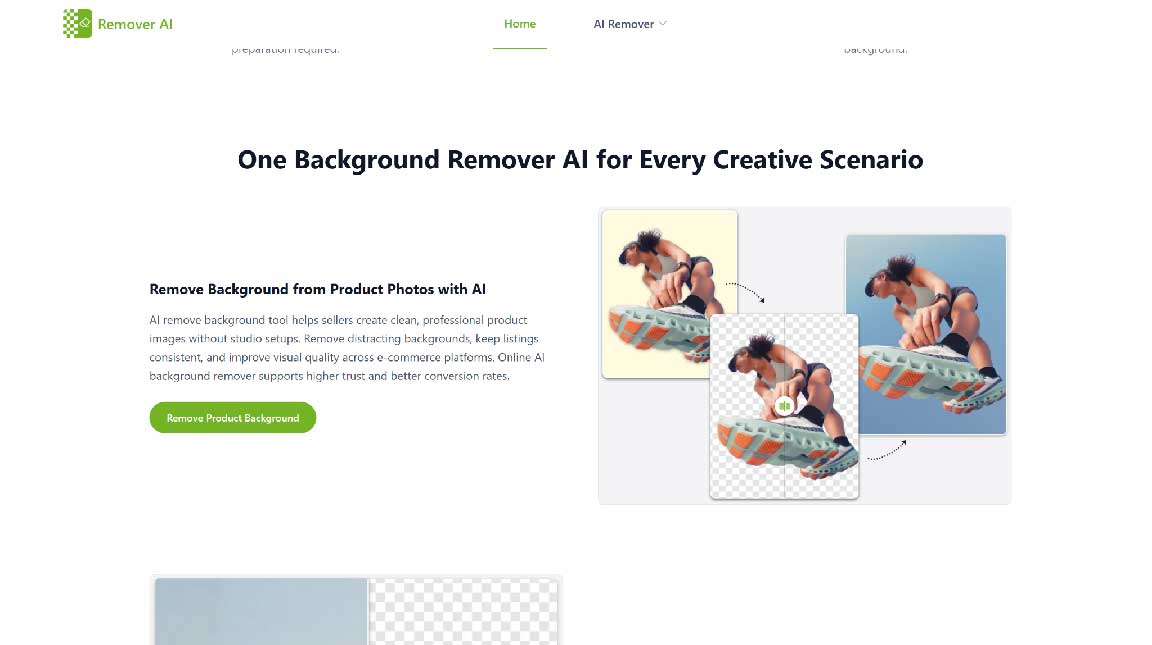
If you’re running an online store, this becomes even more important. Clean product images can seriously affect how people see your brand. A simple white or styled background looks much better than something random.
Even for random stuff—like making a thumbnail, creating a meme, or designing something for fun—it’s useful. Once you start using a PNG background remover, you’ll find excuses to use it more.
Here’s the thing—some tools are really good, and some are just… okay.
The difference usually shows around the edges of your subject. Hair, shadows, and small details are where weaker tools mess up.
A good PNG background remover should:
If it does all that, you’re good.
There are a bunch of options out there, but a few names keep popping up.
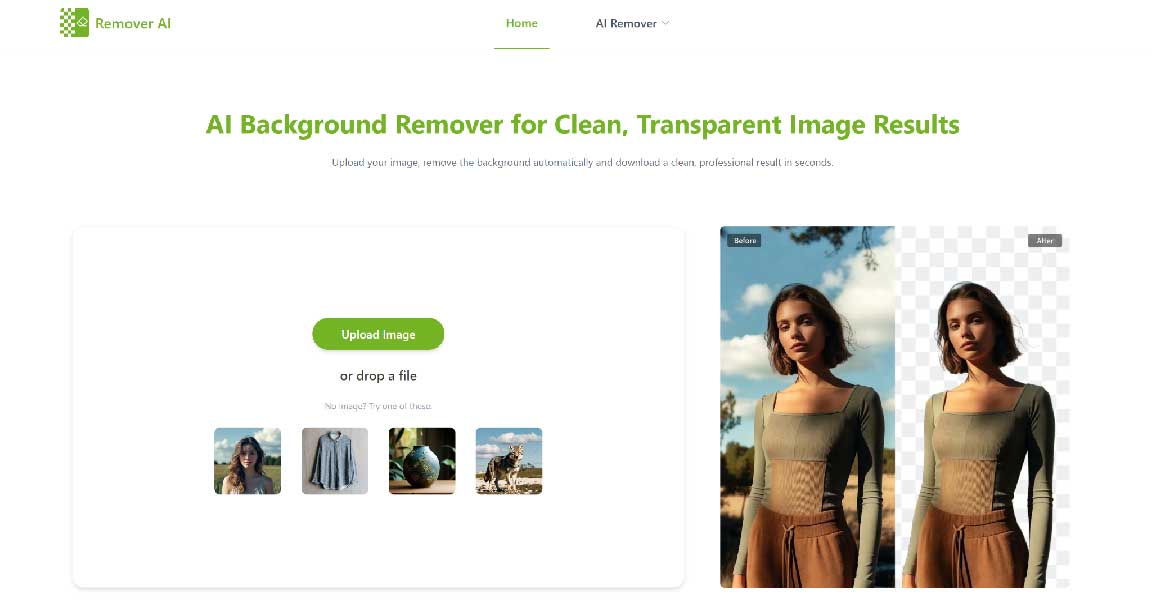
Remover AI is one of the simple ones. You don’t have to think too much—just upload and download. It’s good for quick edits.
Remove.bg is probably the most popular. A lot of people use it because it’s consistent and reliable.
Canva is great if you’re already designing something. You can remove the background and keep working on your design in the same place.
Fotor is more of an all-in-one editor, so if you want extra features along with background removal, it’s worth trying.
Honestly, you don’t need to overthink this part. Try one or two and see what feels easiest.
Even though these tools are automatic, the results still depend a bit on your image.
If your photo is clear and the subject stands out, the result will usually be great. If the background is messy and blends with the subject, the tool might struggle a little.
A few simple tips:
These small things can improve your results a lot.
This is where it actually gets interesting.
Once your background is gone, you’re not stuck with anything. You can do whatever you want with the image.
You can:
This is why PNG background remover tools are so useful. They don’t just fix your image—they give you more control over it.
We’re in a time where visuals matter a lot.
People scroll fast, and you don’t get much time to grab attention. A clean, focused image gives you a better chance of standing out.
Whether you’re creating content, selling products, or just sharing photos, how your image looks affects how people react to it.
The good thing is—you don’t need to be a professional anymore.
Tools like a PNG background remover make it easy for anyone to get clean, polished results without putting in hours of work.
A PNG background remover might seem like a small tool, but it can completely change how your images look.
It takes something that used to be complicated and turns it into a quick, simple task. And once you get used to it, you’ll probably start noticing backgrounds more than ever.
The best part is how accessible it is now. You don’t need expensive software or advanced skills. Just upload your image, click a button, and you’re done.


Discover our other works at the following sites:
Danetsoft is a global web agency headquartered in Indonesia, specializing in web development, managed hosting, and web publishing platform.


 [email protected]
 Magelang, Central Java
 © 2026 Danetsoft. Powered by HTMLy