AI-generated video does not have to replace cameras, screen recordings, or authentic product footage. For most creators and marketing teams, the more useful approach is to combine the credibility of real material with the flexibility of generated scenes.
Real footage proves that a product exists, a place looks a certain way, or a person actually said something. AI-generated video is better used to expand the story: it can create supporting environments, illustrate an abstract idea, provide transitions, or fill a visual gap that would otherwise require another shoot.
The strongest hybrid videos give each type of material a clear job. Real footage carries the evidence. AI-generated footage provides context, atmosphere, and visual explanation. When those roles are planned before editing begins, the final video can feel coherent rather than like two unrelated sources placed on the same timeline.
Before generating anything, identify the shots that viewers will treat as proof. Those shots should normally come from a camera, an approved product image, or a verified screen recording.
Real material is especially important for product appearance, software interfaces, customer testimonials, prices, packaging, safety instructions, physical locations, and before-and-after claims. A software company should not generate an interface that suggests features its product does not have. A restaurant should not replace the real appearance of a dish with a more dramatic generated version. A travel creator should not present a location they never visited as documentary footage.
These are the factual anchors of the video. The surrounding scenes can be flexible, but the anchors establish trust.
Generated footage is most effective when it explains, connects, or enhances real material. It can establish the mood before a real product appears, visualize an idea that cannot be filmed directly, create an elegant transition between locations, or provide B-roll for a spoken explanation.
Teams can test supporting scenes, camera movement, and visual direction with Seedance 2.5 AI video before combining the selected clips with verified footage in the edit. The purpose of this step is not to generate fake evidence. It is to explore visual options for the parts of the story that do not need to document a factual claim.
A useful rule is simple: if a shot is expected to prove something, keep it real. If it helps the audience understand or feel something, it may be a good candidate for AI generation.
A hybrid workflow becomes much easier when the script is divided into individual shot functions. Instead of writing “show the customer using the service,” define what the audience must learn from that moment.
A practical shot plan can include:
Once each shot has a function, the production team can decide whether to film it, record it, design it, or generate it. This prevents the common mistake of creating many attractive AI clips that have no clear role in the finished video.
The authentic material should define the visual language for the rest of the project. Capture clean shots with stable lighting, simple movement, and enough space for cropping or captions. For a physical product, record the front, side, close details, and real use. For software, use clean screen recordings with test data and no private information. For a presenter, record natural pauses that allow editors to insert supporting footage.
These source shots also provide references for generated scenes. Matching the time of day, color temperature, camera height, and direction of movement makes it easier to cut between real and generated material without distracting the viewer.
A beautiful generated shot can still be unusable if it contains too many actions or has no stable beginning and end. Short, focused clips generally work better than one long sequence.
Each generated shot should have one primary subject and one clear action. Leave visual space for captions where necessary. Avoid unnecessary camera spins, rapid zooms, and constant changes in lighting. If a scene requires several actions, divide it into separate clips so the editor can control the pace.
For example, “a creator arrives in a city, checks a map, walks through a market, and enters a restaurant” is difficult to control as one continuous generation. Four short shots are easier to review, replace, and combine with real travel footage.
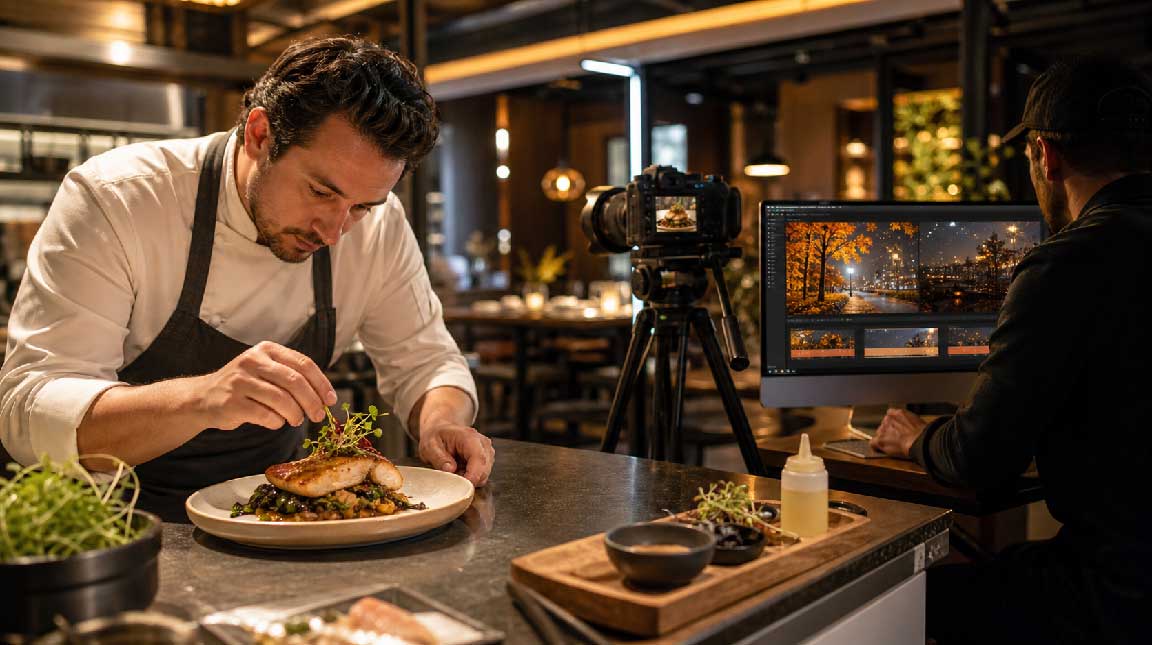
A restaurant wants to introduce a seasonal menu. The dishes, kitchen, staff, dining room, and prices should all be filmed as they really are. Those elements allow customers to see what they can expect when they visit.
AI-generated video can support the real footage with an atmospheric opening, seasonal color, ingredient-inspired transitions, or a city-night scene that establishes the mood. The generated material should lead viewers toward the real food rather than replace it.
A useful sequence might begin with a short autumn evening scene, move to a real chef plating the dish, show genuine close-ups of the ingredients, and finish inside the actual restaurant. The atmosphere is enhanced, but the offer remains honest.
A travel creator may have authentic phone and camera footage from a trip but lack an effective introduction, map sequence, or visual explanation of a location's history.
The visited destinations, accommodation, transport, food, and personal experiences should remain real. AI-generated material can be used for route transitions, stylized maps, weather changes, or clearly identified historical visualizations.
For example, a video can begin with a generated route animation, continue with genuine street and landscape footage, and briefly use an illustrative reconstruction when discussing a historic building. The reconstruction should be presented as a visualization, not as footage of a real event.
This approach helps organize the story without inventing a trip that never happened.
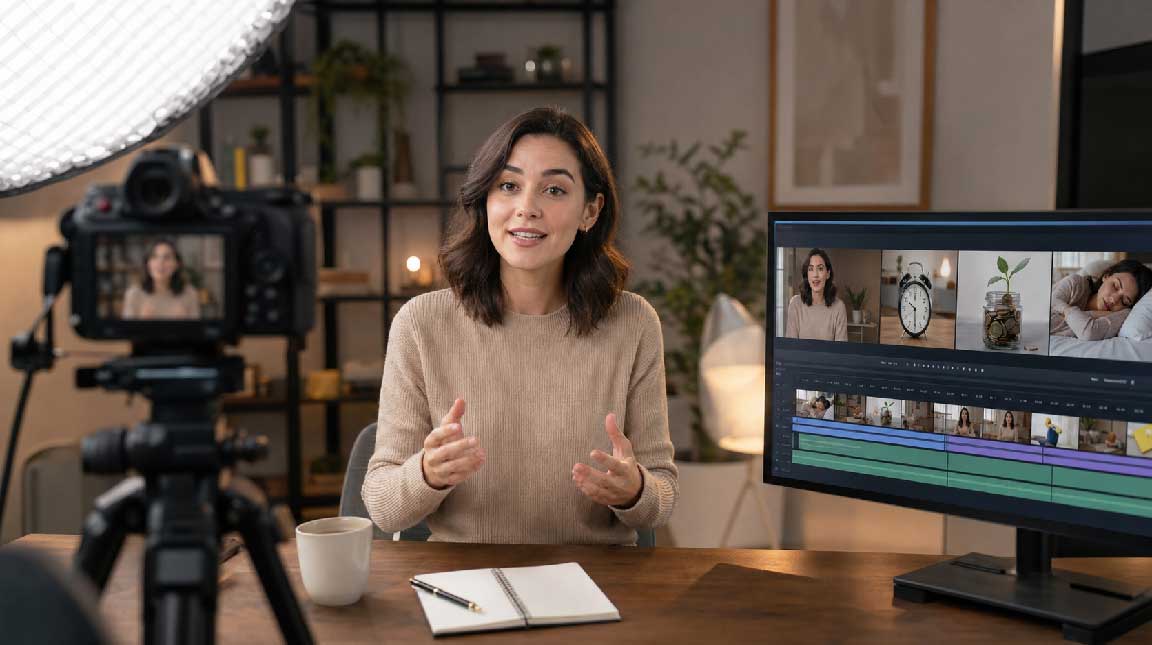
A creator making videos about personal finance, healthy habits, or productivity often relies on a talking-head format. The real presenter is valuable because their voice, expression, and personality create trust, but a continuous shot of one person can become visually repetitive.
AI-generated B-roll can illustrate a crowded schedule, routine purchases, sleep habits, or the feeling of being distracted. These scenes give the editor visual options while the real presenter remains the source of the information.
Facts, numbers, and professional advice must still come from reliable sources. The generated footage should make the explanation easier to follow, not imply guaranteed financial results or unsupported health outcomes.
The edit is where hybrid footage either becomes convincing or falls apart. Real and generated clips may differ in contrast, sharpness, frame rate, motion, and color. A consistent grade, unified typography, and controlled pacing can reduce those differences.
Sound is equally important. One continuous voice-over, music bed, and set of environmental sounds can connect scenes that were created in different ways. A subtle ambient sound before a cut often makes the transition feel more natural than a visual effect alone.
Editors should also avoid switching between real and generated material so frequently that viewers lose track of what they are seeing. Group shots by purpose and return to real footage whenever the video makes a product, experience, or performance claim.
Before publishing, review the video for both visual quality and factual accuracy:
If a generated shot appears to prove a result, replace it with real evidence or clearly identify it as an illustration.
Combining real footage with AI-generated video is not simply a way to avoid filming. It is a method for assigning the right production tool to each part of a story.
Real material protects accuracy, identity, and trust. AI-generated material expands context, atmosphere, and visual explanation. Scriptwriting, shot planning, editing, sound design, and human review remain essential.
When teams preserve authentic evidence and generate only the scenes that benefit from flexibility, hybrid video can be both more creative and more credible. The goal is not to make viewers constantly wonder which shots were generated. It is to make every shot contribute to one clear and trustworthy story.


Discover our other works at the following sites:
Danetsoft is a global web agency headquartered in Indonesia, specializing in web development, managed hosting, and web publishing platform.


 [email protected]
 Magelang, Central Java
 © 2026 Danetsoft. Powered by HTMLy