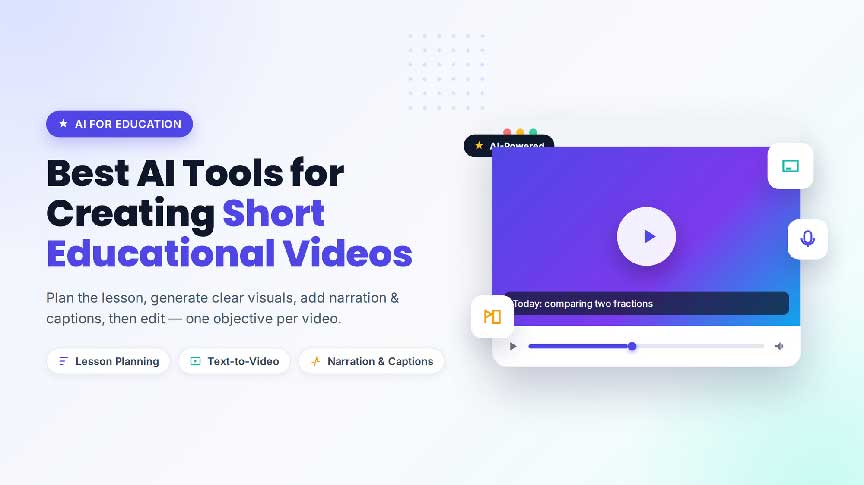
Short educational videos can make difficult ideas easier to approach. A teacher may use a clip to introduce a lesson. A trainer may demonstrate a process. A student may summarize a topic. An expert may explain a concept to a wider audience.
The challenge is keeping the video clear. Educational content should not overwhelm viewers with too many effects, too much text, or several unrelated ideas. AI tools can help with planning and production, but the educator remains responsible for accuracy, context, and accessibility.
The word “Best” in a title does not mean that one platform works for every subject. A language lesson, a science diagram, and a software tutorial require different visual and audio choices. The right tool is the one that supports the learning goal.
The first category helps educators define the lesson. It can suggest an outline, simplify an explanation, create examples, or turn a long subject into a sequence of short questions.
Start with one learning objective. Ask what the viewer should understand or do after watching. A short video about fractions might focus only on comparing two values. A safety video might focus on one procedure rather than an entire manual.
Review every generated explanation. Check definitions, calculations, dates, names, and examples. AI can organize material, but an educator should decide whether it is appropriate for the learners’ age and level.
Text-to-video tools can create simple visual scenes for introductions, examples, and conceptual explanations. They may be useful when filming a location or process is difficult.
Prompts should describe what students need to see. Include the subject, action, setting, camera movement, lighting, and visual style. Avoid asking for too many steps in one generation. Short scenes make it easier to check whether the visual supports the lesson.
An educator exploring a Grok Video AI workflow can test one visual example first. The key question is not whether the scene looks impressive. It is whether the scene makes the concept easier to understand.
Educational creators often work with diagrams, maps, illustrations, photographs, and presentation slides. Image animation tools can add motion to these assets and make a sequence easier to follow.
A diagram can reveal one label at a time. A map can highlight a route. A scientific illustration can show a simple movement. A historical image can receive a controlled camera effect that directs attention to a selected detail.
Use movement carefully. Animation should guide attention rather than distract from the explanation. Check text, labels, faces, and object shapes after generation. If an image is copyrighted or includes a person, confirm that the intended use is allowed.
Educators testing a Grok Video AI Generator should compare the generated clip with the original learning objective. If the movement changes an important label or introduces a visual error, the clip should be revised or replaced.
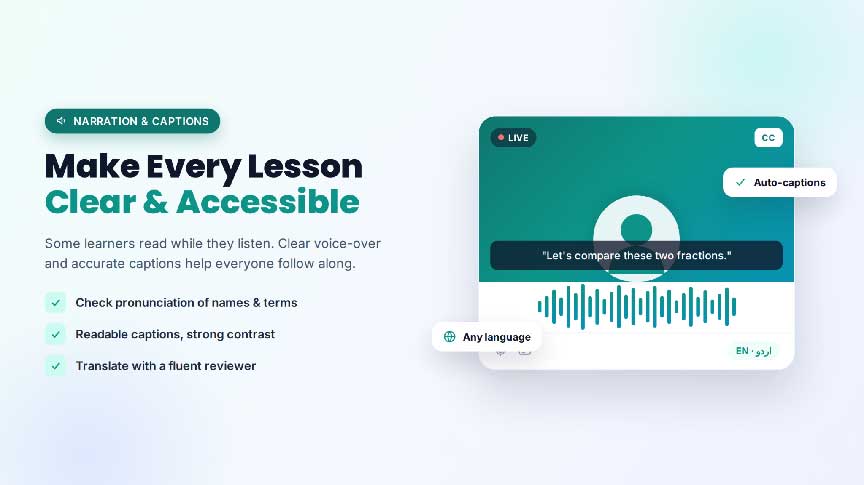
Narration and captions are central to educational video. Some learners prefer to read while listening, and captions can make content easier to access in quiet environments.
Check the pronunciation of names, scientific terms, and unfamiliar vocabulary. Review captions for punctuation, timing, and line breaks. Use readable text, strong contrast, and a pace that gives learners enough time to process the information.
If a video is translated, ask a fluent reviewer to check meaning and educational context. Do not rely only on literal translation for a complex lesson.
Online video editing tools can organize recordings, shorten explanations, remove pauses, create captions, resize video, and prepare a clean final version.
Educational editing should prioritize clarity. Remove repetition, keep transitions simple, and separate major ideas with visible or spoken cues. If a clip contains a quiz question, allow enough time for learners to think before showing the answer.
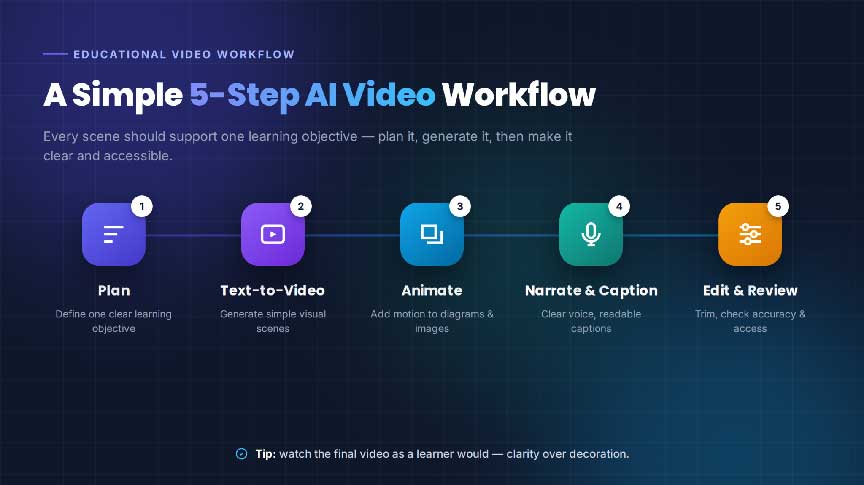
1. Define one learning objective.
2. Write a short explanation in plain language.
3. Divide the explanation into three or four steps.
4. Choose a visual for each step.
5. Add narration and captions.
6. Review the content for accuracy and accessibility.
7. Watch the final video as a learner would.
This workflow helps prevent a common problem: creating an attractive video that does not actually teach anything. Every scene should support the objective.
Compare prompt controls, image support, caption accuracy, voice options, output formats, editing features, privacy settings, and export quality. Also consider whether the tool makes revision easy.
Run a small test using one lesson example. Check whether the generated visual is accurate, whether the narration is understandable, and whether captions can be edited before publication.
Teachers and creators should verify important information before publishing. AI-generated explanations can contain errors or leave out necessary context. Do not upload student records, private assessments, or identifiable images without proper permission.
Generated or fictional scenes should be clearly distinguished from real demonstrations. For sensitive topics, expert review may be necessary before a video is shared publicly.
The best combination depends on the lesson. Most educators need planning, visual generation, narration or captions, and editing support.
AI can assist with production, but educators remain responsible for accuracy, context, explanation, and learner needs.
It should be long enough to explain one learning objective and short enough to maintain focus.
The best AI tools for creating short educational videos are the ones that make a lesson clearer, not merely more decorative. Start with one objective, use simple visuals, add readable captions, and review the final result from a learner’s perspective.
When AI supports careful teaching rather than replacing it, short videos can become useful additions to classrooms, training programs, and independent learning.


Discover our other works at the following sites:
Danetsoft is a global web agency headquartered in Indonesia, specializing in web development, managed hosting, and web publishing platform.


 [email protected]
 Magelang, Central Java
 © 2026 Danetsoft. Powered by HTMLy