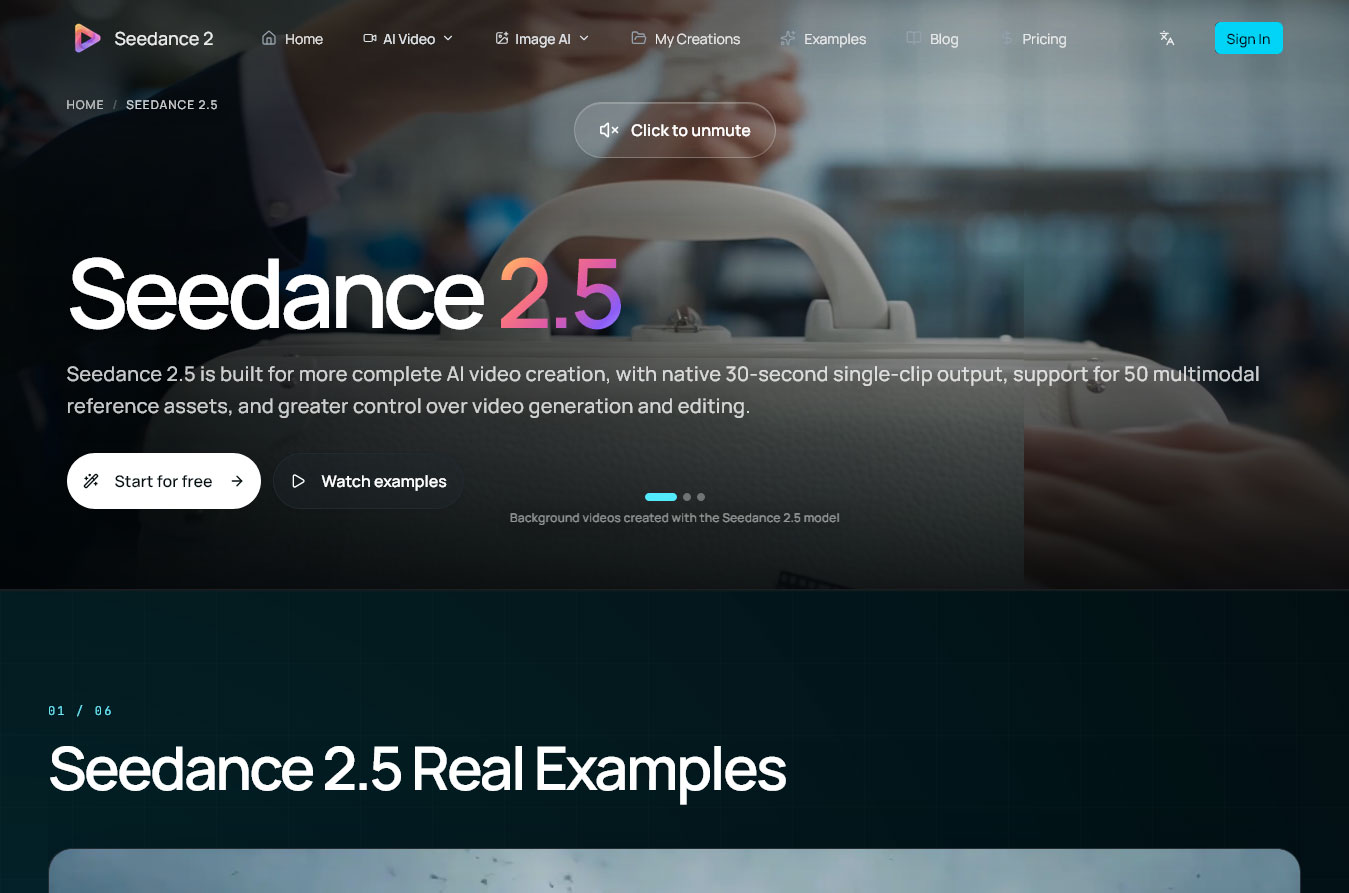
A repeatable production process does not begin with a prompt and end with a download. It begins with a defined communication task, moves through controlled creative decisions, and finishes only after a person has checked the result in its real publishing context. The Seedance 2.5 AI video generator can occupy the generation stage, but the surrounding workflow determines whether a draft is usable.
The example throughout this procedure is a short community-garden update. A small team has approved photographs of volunteers, close views of seedlings, a wide garden image, and licensed ambient audio. The intended piece is a concise social video showing the shift from an empty planting bed to an active morning session.
Input: A request from the project owner, the target audience, publishing channel, approved facts, and a clear reason for making the video.
Expected output: A one-page brief stating the purpose, one central message, desired viewer response, approximate format, required facts, prohibited claims, and the person who will make the final content decision. For the garden update, the message is that local volunteers prepared new seasonal beds and registration is open through the verified project page.
Common failure: The brief becomes a collection of moods and features. Words such as uplifting or dynamic do not explain what the viewer should learn. If the team cannot state the change between the opening and closing image, it is not ready for asset preparation.
Input: Approved photographs, footage, audio, logos, copy, releases, and any existing visual guide.
Expected output: A clean project folder with Sources, Selects, Audio, Graphics, AI Drafts, Review, Edit, and Exports. The team chooses one wide garden image, two permitted volunteer images, one seedling detail, the approved logo, and a cleared ambient track. Each selected asset has a known owner and intended role.
Common failure: Conflicting or low-quality material is sent forward. An outdated logo, mismatched color treatment, compressed image, or unlicensed clip can create a polished draft that still cannot be published. Resolve rights and source quality before writing directions.
Input: The creative brief and selected assets.
Expected output: A short sequence plan. Opening: the empty bed and quiet morning atmosphere. Development: hands prepare soil and place seedlings. Closing: the wider garden becomes active, with space for a verified registration message added during editing. The plan identifies framing, camera behavior, pace, and which source image anchors each passage.
Common failure: The plan asks one generated sequence to contain too many locations, actions, or messages. Reduce the idea until each visual beat has one purpose. Exact on-screen text and critical factual cards should be reserved for normal editing.
Input: The approved brief, selected visual references, shot plan, output orientation, and concise direction for motion and atmosphere.
Expected output: A labeled group of candidate drafts that follows the same task. At this point, a team using Seedance 2.5 video tools can place the prepared sources and direction into the generation workflow. Each attempt should use a controlled change, such as a revised camera instruction, rather than an entirely different brief.
Common failure: The team changes prompt, source images, pacing, and composition together, then cannot explain why one result improved. Record the inputs for every attempt and change one important variable at a time.
Input: Candidate drafts, the creative brief, source assets, and one agreed reviewer.
Expected output: A selected draft plus written reasons for the choice. Review message accuracy first, then subject and scene continuity, then pacing and visual appeal. For the garden piece, check that people remain recognizable where required, tools and plants do not change unexpectedly, and the closing frame supports the approved call to action.
Common failure: The most visually surprising version is selected even though it fails the brief. A useful draft must communicate the intended story and preserve sensitive details. Attractive footage that invents a logo, person, object, or claim should not advance.
Input: The selected generated draft, approved copy, logo files, licensed audio, captions, and review notes.
Expected output: A controlled edit with corrected timing, verified titles, accessible captions, appropriate sound, and a clean closing card. Replace questionable frames, restore the approved color direction, and use real graphic assets for any text or mark that must be exact.
Common failure: Editing is treated as cosmetic cleanup. In practice, this is where accuracy, hierarchy, sound rights, and platform readability are secured. If the generated material requires extensive reconstruction, return to shot planning rather than hiding structural problems under transitions.
Input: The finished edit, destination requirements, caption copy, alt text, thumbnail, credits, rights record, and final approval.
Expected output: A publishing package containing the master file, channel-specific export, thumbnail or cover frame, caption, alt text, credit line, destination link, and version label. Preview the actual upload on the intended device before scheduling.
Common failure: A correct master is paired with the wrong caption, outdated link, silent-channel-unfriendly opening, or poorly cropped thumbnail. Treat the package as one deliverable; the surrounding text and metadata are part of what the audience receives.
Purpose and facts: The video communicates the brief’s central message, and every name, claim, date, location, and link matches the approved source.
People and property: Likeness permissions, location access, artwork, trademarks, logos, and recognizable background elements have been reviewed for the intended use.
Visual continuity: Faces, clothing, tools, plants, buildings, color, light, and camera direction remain acceptably consistent. No invented detail creates a misleading impression.
Text and accessibility: Important wording is built from approved graphics, captions are accurate, alt text is ready, and the message remains understandable without sound.
Audio: Music, speech, and ambience are owned or licensed, mixed clearly, and appropriate for the selected channel and territory.
Delivery: The aspect ratio, resolution setting, file size, thumbnail, title-safe area, destination link, and version name have been checked in the real publishing interface.
Approval: The named reviewer has seen the final export, not an earlier draft, and the approved file is clearly separated from rejected versions.
After publication, archive the brief, source set, shot plan, chosen inputs, review notes, edit project, approvals, and final package. Record one lesson that should change the next production: a source image that worked, a motion direction that confused the result, or a review check that caught a serious issue.
That record turns a one-off experiment into a procedure. The value of Seedance 2.5 lies inside this larger loop: brief, assets, shots, generation, selection, editing, and publishing. Keeping the order visible makes the process easier for another creator or small team to repeat.


Discover our other works at the following sites:
Danetsoft is a global web agency headquartered in Indonesia, specializing in web development, managed hosting, and web publishing platform.


 [email protected]
 Magelang, Central Java
 © 2026 Danetsoft. Powered by HTMLy