AI has brought about changes in how creators make visuals. It means that processes that previously took professional animation skills, costly software, and a lot of editing time have become simpler with the help of tools powered by artificial intelligence. One such innovation is image-to-video creation, meaning it makes it possible to convert static pictures to videos with movement, animation, and effects of filming.
Marketers, social media artists, film producers, designers, and entrepreneurs use more and more AI models to give motion and a story line to their visuals. It is used to animate portraits, make products alive, create movies, and give life to old photographs.
Given the number of AI video models out there in 2026, it is difficult to choose the right one. Every model has its own advantages, starting from real movement of characters and cinematic effects and ending with fast generation and ease of use. Here are the eight best models for image-to-video conversion in 2026.
Modern image-to-video AI has made great progress over the last few years. Contemporary solutions recognize the subjects, objects, backgrounds, lightings, and other details in the image before animating it to create movements corresponding to the original image.
Some of the reasons why the technology is getting increasingly popular include the following:
Quick content creation: It is possible to create animated clips much faster than in case of using traditional animation techniques.
Reduced costs for production: It becomes unnecessary to have sophisticated equipment and large teams of workers in order to produce visual content.
Easy editing: There are many platforms that do not presuppose any professional video editing skills from users.
Compatibility with social media: Animated clips can make static posts more interesting on Instagram, TikTok, and YouTube.
Creativity: It becomes easier to try different camera movements, animations of characters, visual effects, and other aspects.
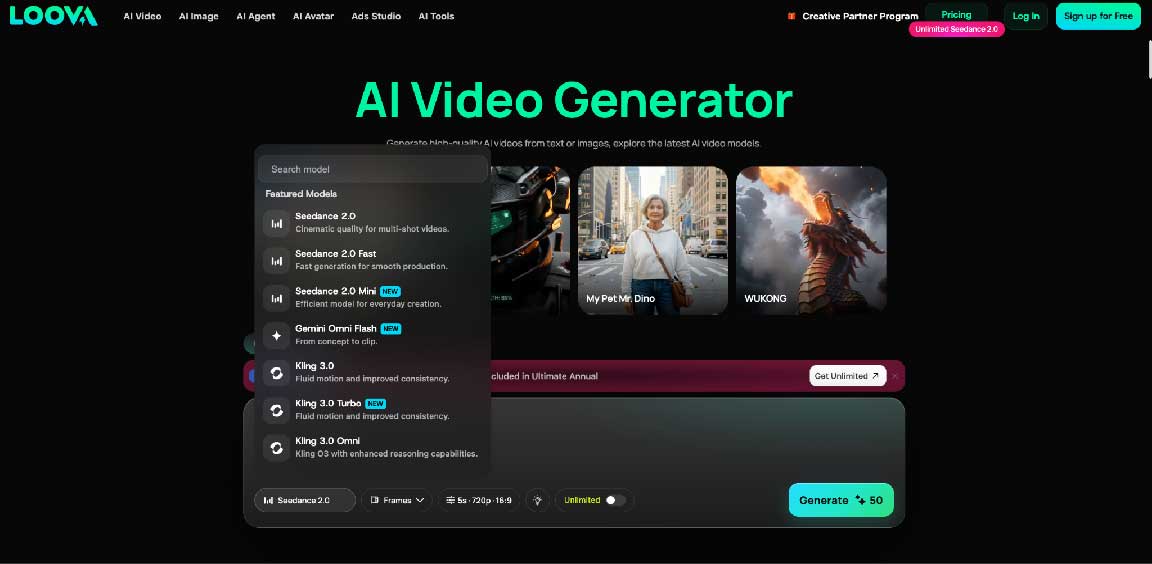
For creators looking to simplify their video workflow, Loova AI Video Generator Platform can be a useful option. This platform combines various AI tools for video generation and enables to produce videos out of images and ideas without any complicated editing techniques.
LTX-2.5 is the newest release from LTX, the open world model company and it ships as open weights alongside a same-day native integration into ComfyUI. Unlike closed models that require an API call for every generation, LTX-2.5 can be downloaded and run on your own hardware, which matters for teams that need to iterate constantly without per-generation billing stacking up.
Consistency and control are also strong points. The model generates synchronized audio and video in a single pass rather than adding sound afterward, and IC-LoRA fine-tuning lets teams lock in a character, style, or environment across an entire project instead of re-describing it in every prompt.
Another strong point is deployment flexibility. LTX-2.5 is available as open weights on Hugging Face, natively inside ComfyUI, and through the LTX API for teams that want managed generation without provisioning hardware.
Strengths:
Best for: Developers, AI-native platforms, and production teams that want to own and fine-tune their video model rather than depend on a closed API.
Pricing: Open weights free on Hugging Face (free under $10M ARR, commercial license required above that). API billed per second: $0.09/sec at 720p, $0.15/sec at 1080p, $0.19/sec at 2K, $0.37/sec at 4K.
Seedance 2.0 is an advanced multimodal AI video model that provides creators with the ability to have more freedom in their video generation process since the tool doesn't depend exclusively on a text prompt but works with other types of input, like images, videos, audios, or texts.
When it comes to image-to-video generation, the Seedance 2.0 model allows turning still images into videos according to the instruction regarding the movement of the object, directions, and scene creation. The multimodality of the model can be helpful for the realization of more complicated tasks when the user has to connect several sources.
The model is best for professional use like advertising, story-telling, presentations, and other creative work.
Advantages:
Best for: Professional users.
Runway Gen-4 is one of the most well-known solutions for AI video creation by professionals. Runway allows users to generate videos based on the images that are provided and a prompt that describes the way how this scene will behave.
Consistency is one of the key strong points of Runway. Runway is able to preserve the look of characters, objects, and backgrounds while generating a shot, and it may come in handy when generating a sequence of different scenes for the project.
Another strong point of Runway is that it offers not just tools for generation, but a full-fledged creative environment. It is helpful for those people who need to incorporate AI generation into the workflow.
Strengths:
Best for: Professional editors, filmmakers, design agencies, and commercial video projects.
OpenAI Sora is one of the popular AI video models that specializes in generating detailed visual scenes and creative stories. The model is able to understand instructions related to objects, environment, and motion to create rich videos.
In general, the model is great for people who need to visualize their creative ideas without filming. Thus, the technology can be used to create advertisement ideas, stories, creative campaigns, and more.
When using image-based creation, the initial visual will allow creators to have more control over the final visual result of the scene. Therefore, the tool is great for experiments as well as professional visual development.
Strengths:
Best for: Storytelling, advertising, creative campaigns, and visualization experiments.
Kling 3.0 is suitable for users who value realistic movements and high-quality video content. It allows animating people, objects, and scenes while retaining essential visual qualities from the initial image.
Users are able to input an image along with the description of movement they require, such as a character turning toward the camera, moving around the scene, or interacting with it. Thus, Kling 3.0 can be helpful for creating character animations, product demos, and cinematic scenes.
The ability of Kling to generate realistic movements, interpret scenes, and use camera movements makes it ideal if the user's priority is to create an AI-generated clip that looks natural rather than fake.
Strengths:
Best for: Filmmakers, storytellers, advertisers, and creative people who value realism.
Grok Imagine is an artificial intelligence-powered video generator that prioritizes fluid, lifelike motion; premium rendering quality; and versatile creative flexibility. This robust AI model effortlessly generates polished animated clips from static images and detailed text prompts, adding natural, physically consistent motion to both subjects and surrounding environments.
It performs exceptionally well for dynamic landscape animations, cinematic camera movements for product showcase visuals, and vivid motion enhancement for character artwork. These well-rounded capabilities make Grok Imagine perfectly suited for narrative scene building, creative concept development, as well as high-quality social media posts and commercial marketing content.
Grok Imagine delivers the greatest value in the early stages of video production workflows. Creators can leverage its AI-generated animated clips to visualize, test, and refine their creative concepts upfront, allowing them to validate ideas before investing substantial time and resources into full-scale professional video production.
Strengths:
Best for: Storytelling videos, product showcase content, creative concept development, and polished social media videos.
Google Veo is a top-tier AI video model that produces high-quality videos based on the provided prompts. The model pays special attention to natural motion, scene details, lighting, and camera work, thus becoming relevant to creators requiring visually appealing outcomes.
Having an image as a guide for creating a particular scene may be helpful to control the visual side better. Rather than having to describe everything from scratch, one can begin with an existing image and give additional instructions about how the scene should behave.
Veo is especially relevant for professional purposes such as ads, cinematic ideas, product promotion, and branded content because of its focus on visual details.
Strengths:
Best for: professional video production, advertisement.
Speed, convenience, and creative visual effects characterize PixVerse V6. The model is well suited for those wishing to create exciting short videos out of their images without wasting lots of time mastering difficult production software.
The model supports various types of images, such as portraits, illustrations, and product images, among others, to create an animation that can be used for social media and marketing purposes. The convenient workflow makes it easy for novices to try out different techniques and visual effects.
For professional filmmakers, models with advanced production controls would suit them more. But social media makers and marketers will appreciate the use of PixVerse V6 for fast creation of appealing content.
Strengths:
Best for: Novices, social media makers, influencers, and short-form marketers.
It is a video creation software that creates animations from still images by using fast processing and realistic animations.
This software is good for making marketing videos and social media content and also for generating quick ideas about visuals.
The platform also has a workflow that is relatively simple for people who are not familiar with video editing software.
Hailou AI is quite practical for marketers, teachers, and small businesses that require regular creation of visual content without any complex process.
Strengths:
Best For: Marketers, teachers, beginners, and people creating short-form videos.
The AI image-to-video models interpret the visual content present in an image, which comprises people, objects, backgrounds, lighting, and composition. This is followed by predicting how these elements can move according to the user's guidance.
AI depending on the model can:
With the help of these functions, creators can animate images with AI without drawing each frame by hand or having specialized animation skills. The result depends on the quality of the source image, the model used, and on how accurately the desired motion was described in the request.
It all depends on what kind of content you wish to create and the amount of control you desire. Take into account the following when making a choice:
Quality of video: Choose models that provide you with videos that have smooth motion, good visuals, and consistency among subjects.
Ease of use: Some people may require something that is easier to use as opposed to something that is highly complicated.
Amount of creative control: Do you need control over camera motion, character behavior, references, and other aspects of your scene?
Speed: In case you make videos for social media accounts quite often, then speed may be more important than cinematic controls.
Pricing: Compare pricing and generation limits offered by various sites.
Once your video is ready, the next step is usually repurposing it for other platforms, and captions or transcripts play a big role in that. A YouTube transcript generator helps you pull text from any video quickly, which you can then reuse for blog posts, social captions, or subtitles without typing everything out yourself.
AI image-to-video technology is altering the way creators create animations and visual storytelling projects. Rather than depending on conventional production techniques, creators may now create animated video sequences based on their still photos with realistic animation, camera movement, and artistic direction.
Seedance 2.0 is a good choice for multimodal generation, and Runway Gen-4 provides professional consistency and control.
Sora and Google Veo work perfectly for intricate creative concepts, while Kling 3.0 emphasizes realistic motion. Luma Dream Machine, PixVerse V6, and Hailuo AI are some useful AI tools with various creative experience and production requirements.
Each model does not work for all types of projects. It all comes down to what you prefer: realism, creativity, speed, usability, or professional production.
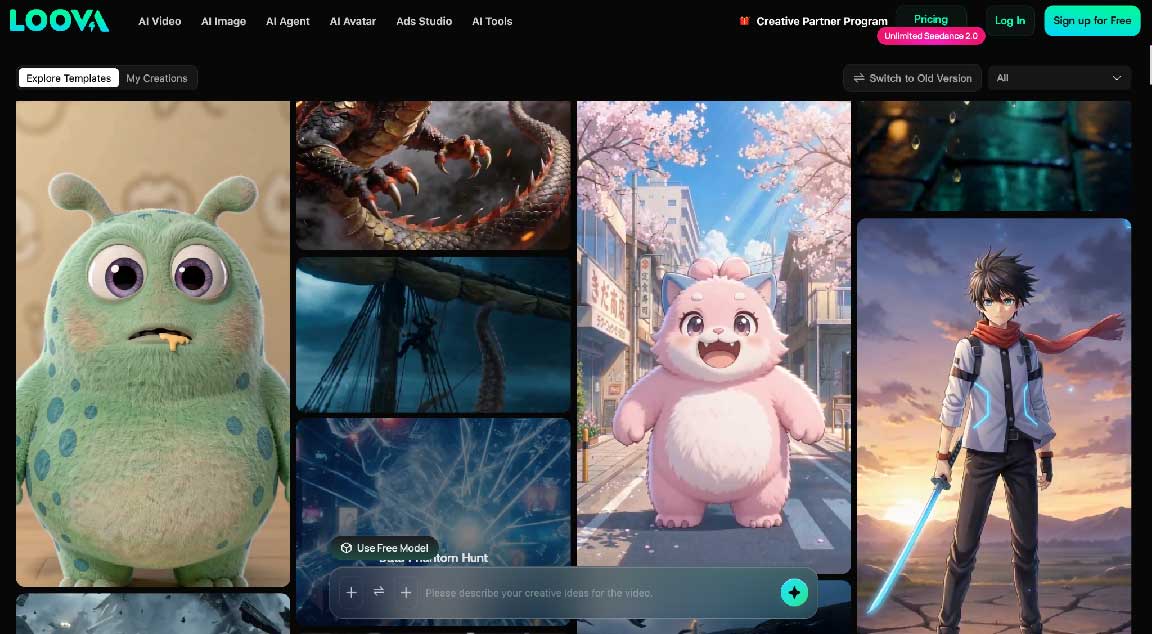
If you want to work with multiple AI models with a range of AI features using a single tool, a solution like Loova might be useful to you. As the technology continues to advance, image-to-video generation will undoubtedly become more and more viable for content creation in companies and marketing departments.
An AI image-to-video creator is one such novel use of the application of AI technology where AI is used to convert static images into videos via the use of animations and other techniques.
That depends on what you want. There are a variety of AI generators such as Loova AI, Runway, Sora, Kling AI, and Luma Dream Machine that have varying capabilities.
Yes, new video generators based on AI can animate old photos by giving realistic motions, facial expressions, and other visuals.
No. There are many AI-based video generators for beginners who can generate videos without being skilled at video editing.
Yes. Today, image-to-video technologies allow for the production of realistic movement, including facial expressions, camera movements, environment changes, and even the movement of objects. The quality of the final output will depend on the quality of the input image, the selected technology, and the clarity of the description of the desired motion.
Images of a high enough quality that have a distinct subject tend to produce better results. Examples of such images include portraits, product shots, illustrations, or landscapes.


Discover our other works at the following sites:
Danetsoft is a global web agency headquartered in Indonesia, specializing in web development, managed hosting, and web publishing platform.


 [email protected]
 Magelang, Central Java
 © 2026 Danetsoft. Powered by HTMLy