 Photo by Justin Morgan on Unsplash
Search engine optimization can seem like one of those marketing tasks that keeps growing the more we look at it. There are keywords to research, pages to improve, links to check, competitors to study, and reports to read. For small businesses, that can feel like a lot, especially when time and budget are already stretched.
The good news is that we do not need a giant stack of complicated software to make real progress. We need a few solid tools that help us understand what people are searching for, how our website is performing, and what we can improve without wasting effort. When we choose the right tools, SEO becomes much less about guessing and much more about making informed decisions.
In this article, we will look at 10 SEO tools that are especially useful for small businesses. Some are free, some are paid, and each one serves a different purpose. Together, they can help us build a search strategy that is practical, measurable, and easier to manage.
SEO is not just about getting onto page one of Google. It is about making our business easier to discover when people are already looking for what we offer. That is a big difference. If someone searches for a service, product, or answer related to our business, we want our website to show up in the right place, at the right time.
SEO tools help us do that by giving us data instead of assumptions. They can show us:
Without tools, we are often relying on instinct. With tools, we can focus on the pages, keywords, and fixes that are most likely to matter.
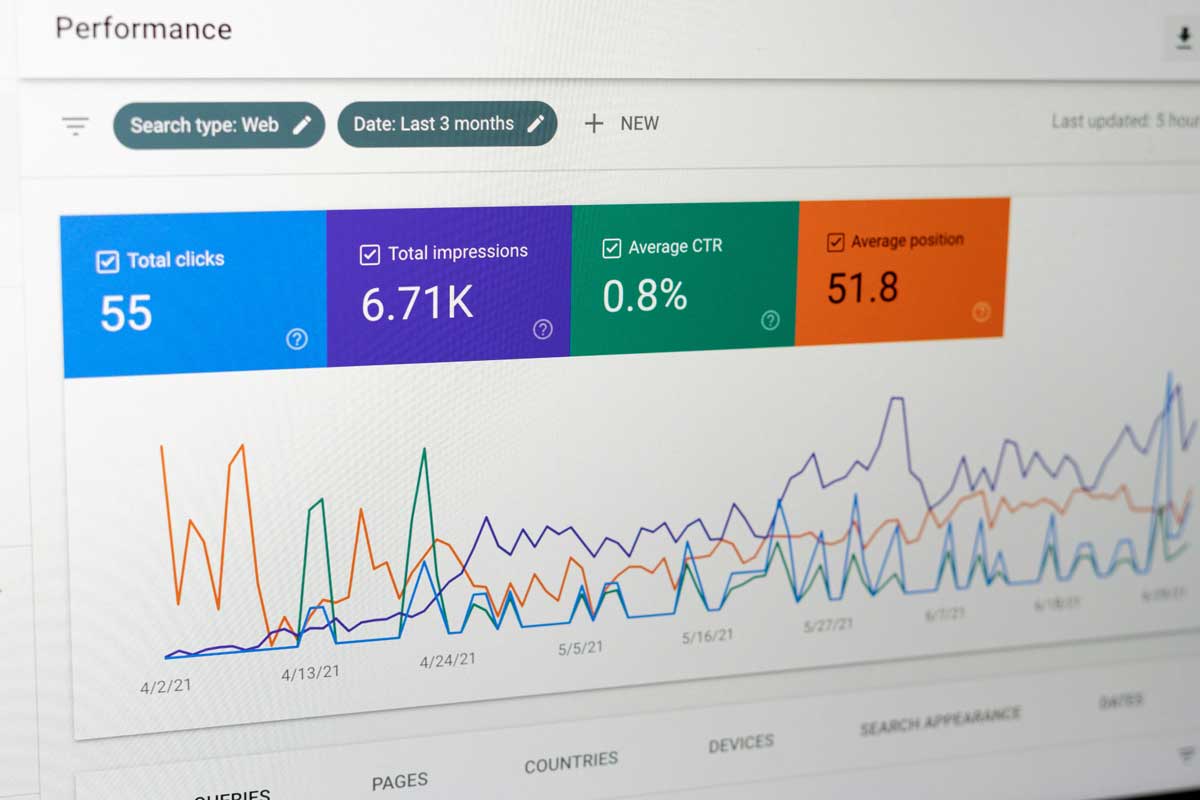
If we use only one SEO tool to start, this is the one. Google Search Console is free, direct from Google, and extremely useful for understanding how our website appears in search results. It shows us which queries bring users to our site, how often our pages appear, and which links earn clicks.
It also helps us spot problems that could hurt visibility. For example, we can see whether Google is having trouble indexing certain pages, whether mobile usability issues are present, or whether structured data has errors.
We can review pages that get lots of impressions but few clicks, then improve titles and descriptions. We can find pages that are not being indexed properly. We can also identify which search queries already bring traffic, then build more content around those topics.
Small businesses that want a reliable foundation for SEO tracking and troubleshooting.
Google Analytics gives us a clearer picture of what happens after visitors reach our site. Search traffic is important, but traffic alone does not tell us whether people are actually engaging, browsing, or converting. Analytics helps us connect visits with outcomes.
We can see where users come from, what pages they visit, how long they stay, and what actions they take. That makes it easier to understand whether our SEO work is attracting the right audience.
We can compare organic search traffic with other sources, such as social media or paid ads. We can find which pages lead to contact form submissions, purchases, or calls. We can also see where people leave the site, which can reveal content or usability issues.
Small businesses that want to measure the real effect of SEO on site performance and business results.
Ahrefs is one of the more powerful SEO platforms on the market, and it is especially useful when we want deeper competitive insight. It is known for backlink analysis, keyword research, content ideas, and site auditing. If we want to understand why another site is ranking better than ours, Ahrefs gives us many clues.
Backlinks are a major reason some pages outrank others, and Ahrefs makes it easy to inspect them. It also helps us discover keywords we may have missed and see how difficult it might be to rank for them.
We can study the pages that bring traffic to competitors, review their backlink profiles, and spot keyword opportunities that match our own business. It is also useful for checking our site health and finding SEO gaps.
Small businesses that want a more advanced platform and are ready to invest in serious SEO work.
SEMrush is another all-in-one platform that covers a wide range of SEO tasks. It includes keyword research, site audits, rank tracking, backlink analysis, and content planning. For businesses that want one tool for several jobs, it is a strong option.
What makes SEMrush appealing is the amount of information it brings together in one place. That can save us time when we are trying to manage SEO alongside everything else that comes with running a business.
We can track our rankings over time, compare ourselves with competitors, and uncover content ideas based on real search demand. It also helps us identify technical issues that may limit performance.
Small businesses that want a broad SEO toolkit in one dashboard.
Ubersuggest is popular because it keeps SEO approachable. It is a budget-friendly option that gives us keyword ideas, basic site audits, and content suggestions without making the process feel overwhelming. For many small businesses, that balance matters a lot.
Its interface is straightforward, which makes it a good choice when we want useful information without a steep learning curve.
We can generate keyword ideas, look at search volume, estimate difficulty, and find content topics we can realistically target. It is especially useful when we are still building out a content strategy.
Small businesses that want a lower-cost tool with practical SEO features.
Moz Pro has been around for a long time and remains a favorite for many businesses because it is easy to understand. It includes keyword tracking, site crawling, link analysis, and search visibility features. The platform is known for being beginner-friendly while still offering solid depth.
For small teams that do not want an overly technical interface, Moz Pro can feel much more manageable than some of the heavier platforms.
We can monitor rankings, find crawl issues, and review link opportunities. Moz Pro can also help us understand our authority compared with competitors, which is useful when deciding which keywords to target.
Small businesses that want an easier learning curve without giving up core SEO features.
Screaming Frog is not a flashy tool, but it is one of the most useful for technical SEO. It crawls our website the way a search engine might and points out issues like broken links, missing titles, duplicate content, redirect problems, and missing metadata.
This kind of audit work matters because even strong content can struggle if the technical side of the site is messy.
We can run full site crawls to find problems that may reduce rankings or frustrate users. It is especially helpful before launching a new website, after a redesign, or when the site has grown large enough that manual checking is no longer realistic.
Small businesses that want to keep their website technically healthy.
Yoast SEO is one of the most common WordPress SEO plugins, and for good reason. It helps us optimize pages and blog posts directly inside the editor. That makes on-page SEO easier to handle while we write, rather than after the fact.
It offers guidance on titles, descriptions, readability, and keyword usage, which can be useful for teams that publish content regularly.
We can improve blog posts and service pages before publishing. It helps us keep pages organized and gives simple prompts that reduce the chances of missing basic SEO elements.
Small businesses using WordPress who want help optimizing content as they create it.
KWFinder is built for keyword research, especially when we want to find terms that are easier to rank for. That makes it appealing to smaller businesses that are not ready to compete for the biggest, most competitive phrases right away.
The tool is known for being clean and easy to navigate, which makes keyword research feel less intimidating.
We can find low-competition keywords, explore local or niche search terms, and identify specific topics that match our business goals. This is especially useful when we want traffic that is more realistic to earn.
Small businesses that want practical keyword opportunities, not just high-volume search terms.
Surfer SEO focuses on content optimization. It helps us shape pages and articles around what is already performing well in search results. By reviewing top-ranking pages, it gives us guidance on content structure, topic coverage, keyword usage, and overall depth.
This is useful when we are writing content and want to make sure it is competitive enough to stand out.
We can compare our draft content with top-ranking pages and see where our coverage is weak. It can guide us toward creating more useful service pages, landing pages, and blog posts.
Small businesses creating content that needs stronger search performance.
We do not need every SEO tool on this list. In fact, using too many tools at once can make things more confusing, not less. The better move is to pick the tools that match our current needs.
Use:
These two give us a strong foundation for tracking and understanding SEO performance.
Use:
These tools help us discover relevant search terms without forcing us into a complex platform.
Use:
These are better when we want deeper analysis, more features, and broader insight into competition and rankings.
Use:
These tools focus on improving the website itself, not just collecting data.
If we want to keep things practical, a smart starter setup could include:
That combination is enough to give us clarity without piling on extra cost or complexity. As our site grows, we can add more advanced tools when the need becomes clear.
SEO does not need to be overwhelming for small businesses. The right tools help us focus on what matters, the keywords people search for, the pages that need work, and the actions that lead to real business results. Instead of trying to do everything at once, we can start small, stay consistent, and build from there.
A good SEO tool should save us time, not take it away. It should help us see opportunities more clearly, fix problems faster, and create content that has a better chance of being found. Whether we begin with free tools or invest in a paid platform, the goal is the same, make smarter decisions and turn search visibility into growth.


Discover our other works at the following sites:
Danetsoft is a global web agency headquartered in Indonesia, specializing in web development, managed hosting, and web publishing platform.


 [email protected]
 Magelang, Central Java
 © 2026 Danetsoft. Powered by HTMLy