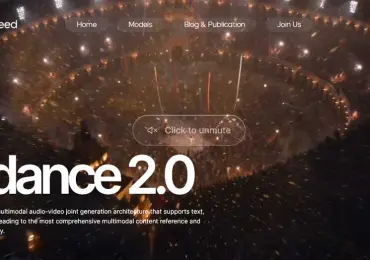
Many buying mistakes start with the category label. An AI Video Generator might mean a scene model, an avatar presenter, or an editor that assembles media into a finished social cut.
The broader AI video generator category is easier to evaluate once the team names its actual bottleneck.
When a brief calls for generated scenes, VideoAl gives the team a focused starting point before presenter or editor tools enter the stack.
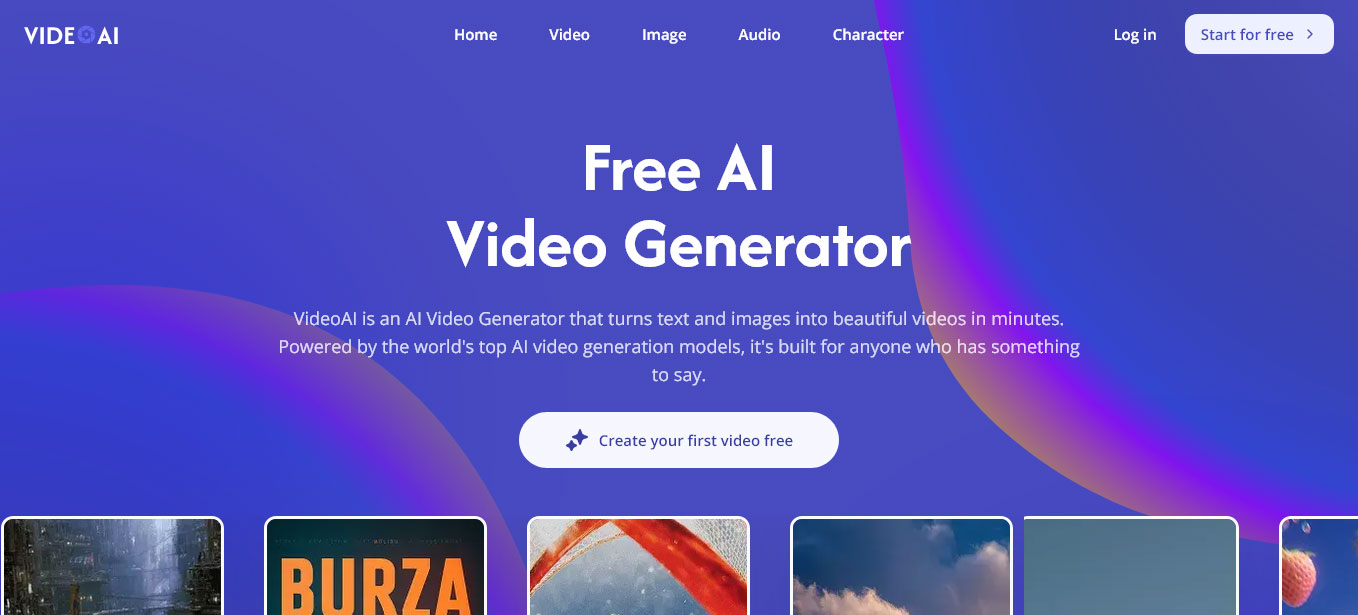
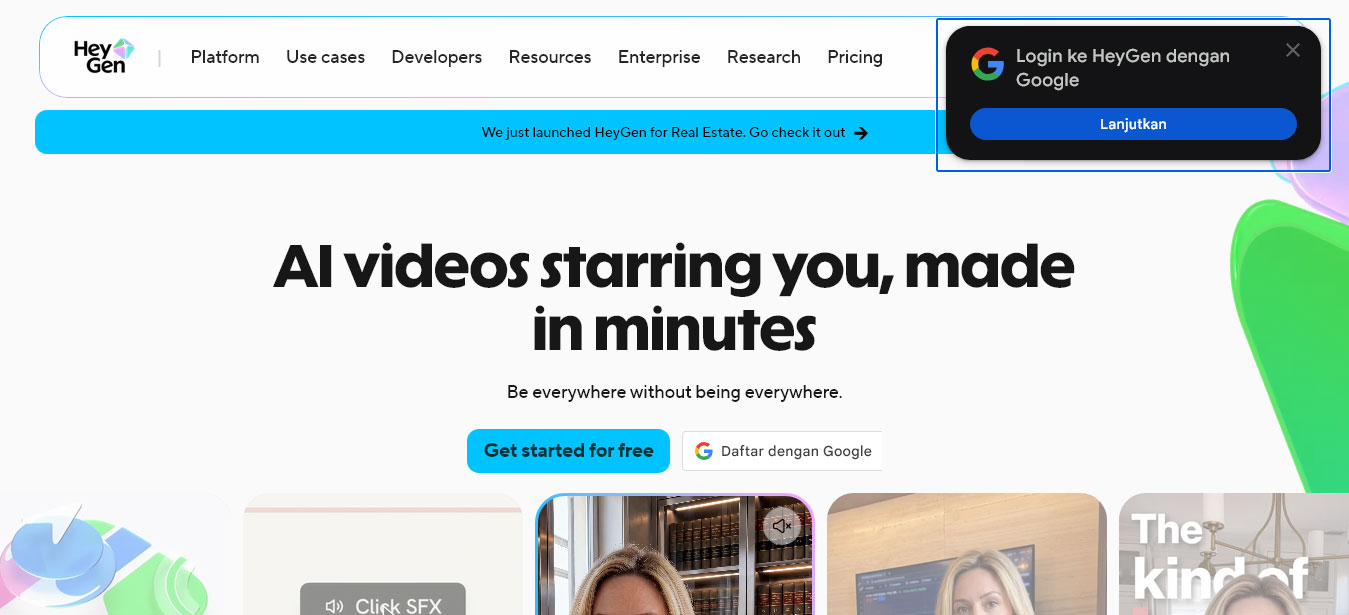
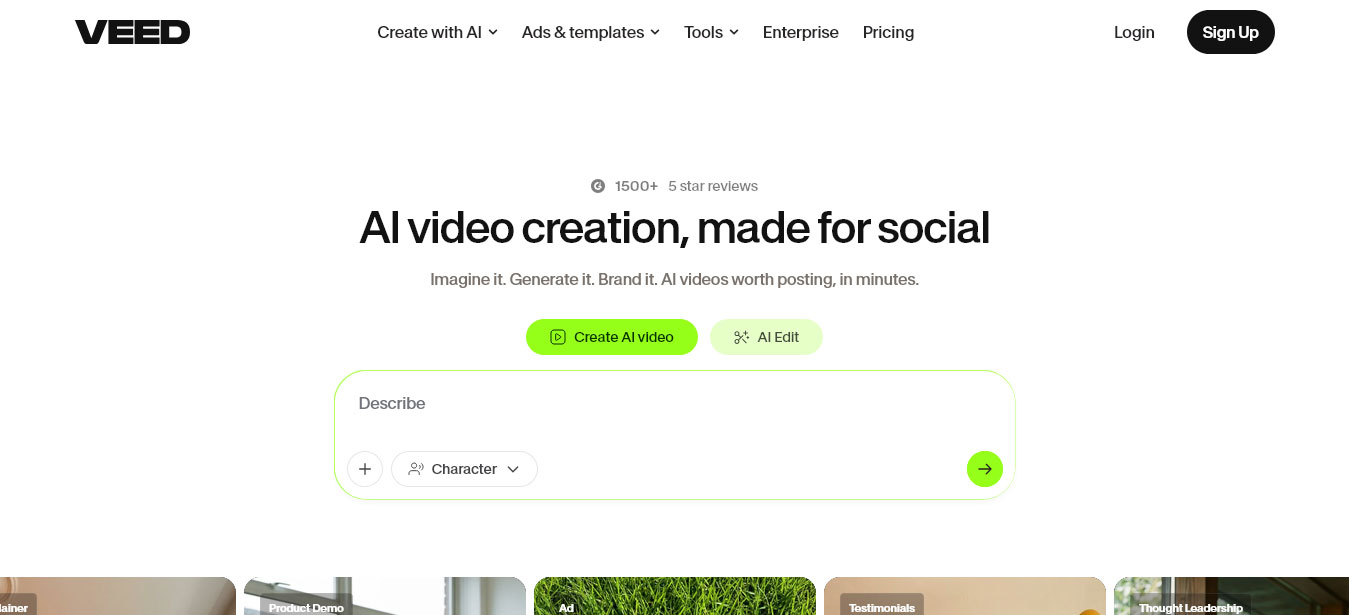
VideoAl generates visual material from prompts and references. HeyGen is considered when a script needs a presenter or translation. VEED is attractive when the main need is browser editing with captions and quick exports.
For a product launch with no presenter, VideoAl is the natural first stop. Generate a hero shot, then finish captions and brand framing in the editor. The other tools can help later but are not identical starting points.
For training or sales explanations, an avatar tool removes scheduling friction. HeyGen suits the structured script-to-speaker path; review pronunciation, gestures, and disclosure. VideoAl may contribute supporting b-roll.
VEED makes sense when footage already exists, and the bottleneck is subtitles, trimming, and exports. VideoAl helps when the footage gap is a missing visual metaphor or product insert.
Buy for the bottleneck. Scene generation, presenter delivery, and editing are adjacent but not interchangeable. A small team may use two tools in sequence rather than forcing one to do every job.
Instead of viewing these platforms in isolation, modern marketing teams should evaluate how easily they pass assets to one another. A high-performing pipeline often starts with HeyGen for the core message, moves to VideoAl to generate engaging B-roll that covers visual gaps, and ends in VEED to stitch the clips together, add branded lower-thirds, and burn in subtitles.
Understanding this sequence prevents teams from buying an expensive enterprise license for a scene generator when their actual bottleneck was simply adding fast captions to webinar recordings.
In a multi-tool stack, the cost of making a change varies wildly. Altering a text overlay in VEED costs nothing but a few seconds of an editor's time. However, realizing a script error after generating a 3-minute HeyGen avatar video means burning valuable subscription credits to render it again.
Therefore, workflow discipline is crucial. Scripts must be strictly approved before they enter the avatar tool. Conversely, prompts for VideoAI can be tested rapidly using low-resolution settings before committing to a final, high-cost upscale. Teams should map their subscription budgets not just on the volume of content, but on the expected rate of revision.
While cinematic teams evaluate AI video for physics and lighting, marketing teams must review for brand compliance and trust.
When reviewing a HeyGen output, the focus is on the uncanny valley: Does the avatar’s tone match the severity of the message? Is the lip-sync distracting? When reviewing VideoAl inserts, the check is for hallucinations that might misrepresent product capabilities.
Always maintain a "human-in-the-loop" review gate. Generative AI does not understand legal disclaimers, brand color hex codes, or platform-specific safe zones for TikTok or LinkedIn.
One of the strongest arguments for classifying your tools correctly is how they handle localization. If global reach is the goal, HeyGen’s one-click translation and voice cloning are unmatched, but they require a clean timeline to work effectively.
By keeping your workflow modular—generating the background in VideoAI, the speaker in HeyGen, and the localized captions in VEED—you avoid the nightmare of starting from scratch for every language variation.
To avoid software bloat, conduct a straightforward audit before your next procurement cycle:
Identify the friction: Ask your team what takes the longest. Is it waiting for executives to record (HeyGen), finding the right stock footage (VideoAl), or formatting for different social platforms (VEED)?
Test with real collateral: Do not test these platforms with a generic "sunset over the ocean" prompt. Feed HeyGen your actual product whitepaper. Ask VideoAl to generate a visual for your specific SaaS dashboard.
Define ownership: If using multiple tools, assign specific roles. The copywriter owns the HeyGen script input; the designer owns the VideoAI prompting; the social media manager owns the VEED final export.
The ideal AI video tech stack is not about finding one monolithic application that does everything passably. It is about deploying specialized tools precisely where your production pipeline slows down.


Discover our other works at the following sites:
Danetsoft is a global web agency headquartered in Indonesia, specializing in web development, managed hosting, and web publishing platform.


 [email protected]
 Magelang, Central Java
 © 2026 Danetsoft. Powered by HTMLy