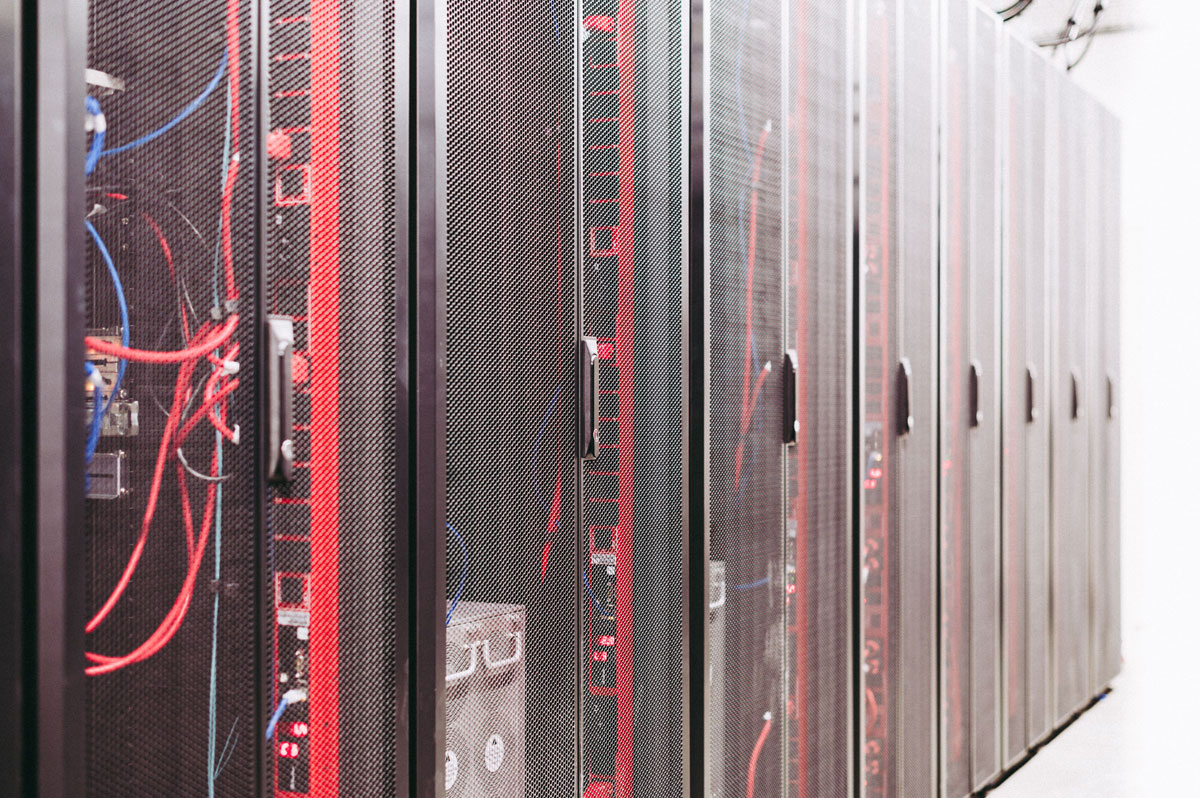
 Photo by Brett Sayles on Pexels
In October 2025, Backblaze published a fresh look at its hard drive fleet and found that the point where failure rates peak has moved a long way out. In its 2013 data, the annualized failure rate topped out at 13.73% at roughly three years and three months of age; in the 2025 data the peak was 4.25%, and it did not arrive until about ten years and three months (you can read the full breakdown in Backblaze's bathtub curve analysis). Drives are lasting longer, but the curve still bends upward at the end of life, and that is the part a buyer of used equipment cares about.
We start with that number because it explains how buyers of retired data center hardware think. Age still matters, but it is no longer a simple shortcut, so a serious buyer wants evidence about the specific units rather than an assumption based on the purchase date. In practice, the sellers who get the cleanest offers have already answered the buyer's questions before they are asked, and the rest of this article is organized around those questions.
This question is less about the calendar than about where the equipment sits in its vendor's lifecycle. A two-year-old server from a generation that was already old when bought can be harder to resell than a four-year-old unit from a widely deployed generation.
End of life (EOL) usually means the vendor has stopped selling the product, and end of standard support means basic maintenance is no longer guaranteed. The date that matters most to a buyer who plans to put the equipment back into production is the end of security support.
Dell's end-of-life security support policy for its storage and converged infrastructure lines is a good example: it lists an end-of-security-support date per product, with high and critical fixes generally continuing until one year before that date, only critical fixes in the final year, and nothing guaranteed afterward. Other vendors use different names, but once security updates stop, the equipment is harder to justify in production and the pool of buyers gets smaller.
How to prepare the answer:
The buyer is also asking whether the hardware fits current workloads: whether the platform supports current memory types, has enough PCIe lanes for modern network cards or accelerators, and is still listed as supported by the operating systems and hypervisors people want to run. Power efficiency belongs here too, because older generations generally deliver less work per watt, and an operator paying for power and cooling will factor that in. In practice, this is why a lot of older servers can still sell for parts or lab use while being a hard sell to someone building a dense production cluster.
The most important distinction is between tested and untested equipment, and it is worth being honest about which category each item belongs in. A buyer will almost always treat untested equipment as a risk and offer less for it, so describing something as working when you have not powered it on tends to backfire once the buyer runs their own checks. It also helps to separate cosmetic condition from functional condition: a scratched bezel may lower the grade a little, while a failed fan or a memory slot that throws errors changes what the unit can be used for.
The table below is a plain-language grading scale that sellers can apply to their own inventory before talking to a buyer (it is not any one company's official scale).
| Grade | What it means | What evidence to keep |
|---|---|---|
| Tested, fully working | Powers on, passes the vendor's built-in diagnostics, all components detected, no errors in the system logs | Diagnostic report or screenshot per serial number, firmware versions, date of the test |
| Tested, cosmetic wear | Fully functional, but with scratches, dents, missing labels or worn bezels | Same test evidence as above, plus photos of the cosmetic damage |
| Tested, with known faults | Powers on, but one or more components have failed or report errors | Test log showing the specific fault, a note on which part is affected |
| Untested, as-is | Not powered on since decommissioning, condition unknown | Serial list, photos of the unit, a note on how and where it was stored |
| For parts or not working | Will not power on or has major failures; value is in individual components | Photos, list of components still installed (memory, drives, CPUs, cards) |
| Recycling only | Damaged, obsolete or incomplete beyond reasonable resale | Serial list and the recycling or destruction paperwork once it is processed |
Completeness is one of the most common reasons an offer drops after inspection, and one of the easiest to avoid. A server that arrives without rails, caddies or its second power supply needs parts before anyone can deploy it. Buyers commonly check for:
In practice, we suggest counting before the equipment comes out of the racks, because rails and caddies get separated during decommissioning and are hard to match up again.
Most hard drives and SSDs keep internal health records known as SMART data (Self-Monitoring, Analysis and Reporting Technology), including power-on hours, reallocated or pending sectors on hard drives, and wear indicators on SSDs that show how much rated write endurance has been used. Power-on hours are the closest thing a drive has to an odometer.
Read alongside the Backblaze figures above, a drive with modest hours and no reallocated sectors is a reasonable bet, while one showing a growing count of bad sectors is more likely to be treated as recycling stock.
Usage history is part of the condition as well. Equipment that ran at full load around the clock (nodes from a high-utilization compute cluster or a GPU farm, for example) is worth disclosing as heavily used, since the buyer will usually find out, and the parts that wear under that kind of use (fans, thermal pads and paste, and electrolytic capacitors near the power circuitry) are the parts they will inspect. Processors, memory and boards tend to survive heavy use better, but that still needs to be shown with test results.
One practical note: any drive leaving your control should be wiped with a verified overwrite or cryptographic erase, or physically shredded, with a certificate of data destruction. A SMART report can be pulled before or after the wipe, so there is no reason to delay sanitization to show drive health.
Storage time is a condition factor sellers tend to overlook. Equipment that has sat in a warehouse or a back room for a year is not in the state it was in on decommissioning day, and buyers know this. The main concerns are:
Humidity. A report published by Lawrence Berkeley National Laboratory on humidity control in data centers notes that moisture combined with contamination raises the risk of corrosion and hygroscopic dust failures (dust that absorbs moisture). A data center floor is controlled for this, following ASHRAE ranges; a warehouse usually is not.
Dust. Equipment stored uncovered collects dust in fans, heat sinks and connectors, which affects cooling and can hold moisture.
RAID cache batteries. Many RAID controllers protect their write cache with a battery or supercapacitor module; batteries lose capacity over time, so a long-stored unit may boot with a cache warning or a disabled write cache.
CMOS batteries. The coin cells that keep BIOS settings and the clock can run flat, a minor fix the buyer will still notice on first boot.
How to prepare the answer: note when each lot was decommissioned and whether its storage space was climate controlled. After a long storage period, a fresh power-on test before requesting a quote turns "untested" back into "tested" in the grading table.
This question ties the others together, and it is where we think sellers can make the biggest difference for the least cost. A buyer who has to inspect and catalog every unit from scratch builds that labor and uncertainty into the offer. A practical documentation pack includes:
Specialist buyers publish their grading scale up front, so you can see how your description will be read; Big Data Supply, for example, posts the condition codes it uses for the refurbished hardware it resells. For anyone looking to sell used data center equipment in large volumes, it runs a Sort and Settle process: the seller photographs the equipment for an initial estimate and ships it, and the R2v3 and RIOS certified team catalogs, wipes and tests each item before final payment is issued with documentation. When a data center equipment buyback works this way, your photos and serial list are the starting point for the quote, so it pays to get them right before the first conversation.
Very old generations, units with failed boards and incomplete chassis often end up as recycling stock, and buyers will ask whether you need them to take the whole lot or only what they want. In practice, sellers usually get a better overall result when the reusable equipment and the recycling stock leave together under one chain of custody, with drives sanitized or shredded and the rest sent to a certified electronics recycler. Keep that paperwork with your documentation pack, since auditors tend to ask for it long after the equipment is gone.
Age and condition cannot be changed once the equipment is retired, but the evidence around them is entirely within the seller's control. Lifecycle dates, honest grades, a full count of rails and caddies, drive health data and a record of storage conditions will not make an old server new; they will make the buyer's job easier, and that is usually what moves an offer from cautious to fair.


Discover our other works at the following sites:
Danetsoft is a global web agency headquartered in Indonesia, specializing in web development, managed hosting, and web publishing platform.


 [email protected]
 Magelang, Central Java
 © 2026 Danetsoft. Powered by HTMLy