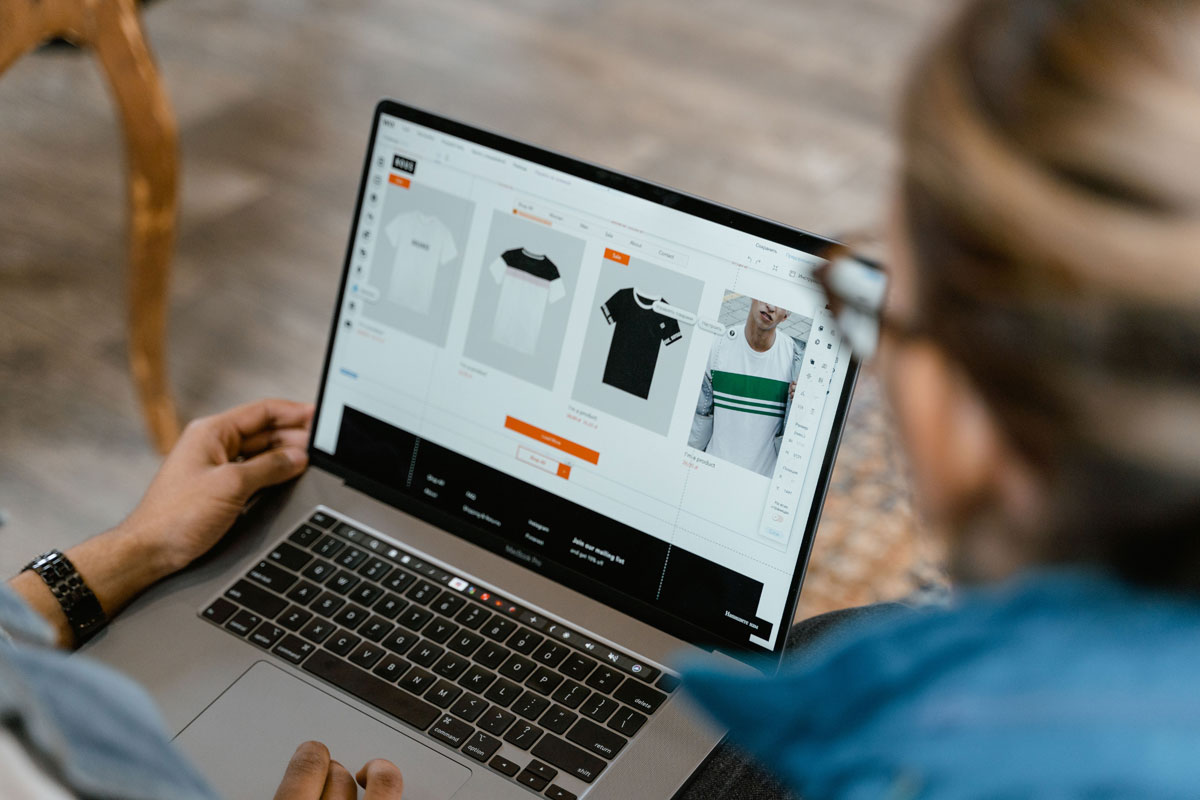
 Photo by MART PRODUCTION on Pexels
If we run an online store, we already know how competitive the space is. Thousands of stores may sell similar products, and shoppers usually do not scroll far before choosing one site over another. That is why SEO matters so much. It helps us show up when people are actively looking for products, answers, and buying options.
Unlike paid ads, SEO keeps working after the initial effort. A well-optimized page can bring in visitors for months or even years. More importantly, organic visitors often arrive with stronger intent, which means they are closer to making a purchase. When we build our SEO around real shoppers, not just search engines, we create more chances to turn traffic into sales.
Online stores usually have a lot of pages, product listings, category pages, blog posts, and filtered views. That gives us many ranking opportunities, but it also creates SEO problems if we are not careful. Duplicate content, thin product descriptions, messy navigation, and weak internal linking can all hold a store back.
Search engines want to show the most helpful result for each search. If our site is clear, fast, useful, and easy to move through, we have a much better chance of earning that visibility. That visibility can turn into clicks, and clicks can turn into sales.
SEO also helps us build a traffic source that is less fragile than advertising. If ad spend drops, traffic often disappears. With SEO, strong pages can keep attracting buyers without constant spending. That makes organic search one of the most valuable long-term growth channels for an e-commerce business.
Good SEO starts with keyword research, but for e-commerce, we need to think beyond search volume. A keyword that brings a lot of traffic is not always the best choice if those visitors are not ready to buy.
What we want are keywords that reflect commercial intent. These are searches people use when they are comparing options, narrowing choices, or preparing to purchase.
There are different kinds of search intent. Some people are still learning, some are comparing, and some are ready to buy. We want to pay close attention to terms that show the searcher is close to a decision.
Examples include:
A search like “how to clean leather boots” is useful, but “best waterproof leather hiking boots” or “buy leather boots for winter” usually gets us closer to a sale. Long-tail keywords may bring in fewer visitors, but those visitors are often more qualified.
One common mistake is trying to force every keyword onto one page. That usually creates confusion for both users and search engines. A better approach is to give each page a clear role.
Here is a simple way to think about it:
This structure helps search engines understand our site better. It also helps shoppers find the right page faster, which improves the chance of a sale.
Category pages are often some of the most powerful pages in an e-commerce store. They usually target broader commercial terms, and they help shoppers browse a product range without feeling lost.
Too many category pages just show a grid of products and nothing else. That may be fine for a user who already knows what they want, but it leaves a lot of SEO value on the table.
A short category description can explain what the page contains, who it is for, and what makes those products worth browsing. If we are selling kitchen appliances, for example, a category page for stand mixers could mention mixing power, attachments, bowl sizes, and ideal use cases.
The goal is not to write a long essay. It is to give context that helps shoppers and search engines understand the page.
Clean URLs make our store easier to use and easier to crawl. A readable structure is always better than a string of numbers or random parameters.
For example:
/women/running-shoes//product-category.php?id=734&ref=homeSimple URLs make the site feel more organized, and they often support better SEO clarity.
Category pages should not feel like dead ends. We can use them to point visitors toward popular products, related collections, or narrower subcategories. This helps shoppers keep moving, and it spreads authority to the pages that matter most.
Product pages are where buying decisions happen, so they need to do much more than list an item name and a price. They need to answer questions, build trust, and reduce hesitation.
Copying manufacturer descriptions is a missed opportunity. If every store uses the same product text, there is little reason for search engines to favor one page over another.
Instead, we should write our own descriptions in a way that speaks to the shopper. Focus on:
If we sell a backpack, we should not just say it has “durable fabric and multiple pockets.” We should explain whether it works well for travel, daily commutes, school, or outdoor use. Specific language helps both rankings and conversions.
The best product pages make it easy to compare, evaluate, and decide. We should include the essential information without making the page cluttered.
That usually means showing:
When shoppers can find answers quickly, they are less likely to leave and more likely to buy.
Images are huge for e-commerce, but search engines need text clues to understand them. That is where alt text comes in. It should describe the image clearly and naturally.
For example, instead of stuffing keywords into alt text, we could use:
This supports accessibility and can also help image search visibility.
A well-structured store is easier for users to browse and easier for search engines to crawl. Site architecture affects rankings, but it also affects sales because a confusing site pushes people away.
Shoppers should be able to move through the store without guesswork. Our main menu, subcategories, filters, and breadcrumbs should reflect how people actually shop.
If we sell clothing, we should not bury key categories under layers of unclear labels. The simpler the path, the better the experience.
Internal links are one of the easiest ways to improve SEO and user flow at the same time. We can connect pages in smart ways:
This keeps visitors engaged and helps search engines discover important pages more easily.
An orphan page is a page with no internal links pointing to it. These pages are hard for users to discover, and they are often ignored by search engines. We should regularly check that all valuable pages have a clear path from somewhere else on the site.
Even great content will struggle if the site is slow or difficult to crawl. Technical SEO keeps the store healthy behind the scenes.
Slow pages frustrate shoppers. If a product page takes too long to load, people leave before they even read the description. That hurts both rankings and revenue.
We can improve speed by:
A faster site often leads to better engagement and more completed purchases.
A large share of e-commerce traffic comes from mobile devices. If our product pages are hard to read on a phone, or the checkout process feels cramped and awkward, we lose sales.
A mobile-friendly store should have:
We should always think about how the site feels in one hand, not just on a desktop screen.
Duplicate content is common in e-commerce because of product variations, filter pages, and sorting options. If search engines see too many pages that look nearly the same, they may struggle to choose the right one.
We can reduce that risk by:
The more clarity we give search engines, the easier it is for them to rank the correct page.
Schema markup gives search engines more context about our content. For e-commerce, it can help product pages stand out in search results with extra details.
Product schema can display useful information such as:
These rich results can make our listing more noticeable and may improve click-through rates.
If a page includes real customer reviews or helpful FAQs, structured data can make that information more visible in search results. That can help answer user questions earlier and make our listings feel more trustworthy.
SEO can bring the visitor in, but trust is what often pushes them toward checkout. If shoppers do not feel confident, they browse and leave.
Customer reviews do a lot of work for us. They add fresh content to product pages, they answer buyer questions, and they show that real people have used the product.
We should make it easy for customers to leave reviews after purchase. A healthy mix of short and detailed reviews can make a product page feel more believable and more useful.
Shoppers often want proof that they are buying from a trustworthy store. Visible trust signals can help reduce hesitation.
Useful trust elements include:
These details support conversions, and they can make the whole shopping experience feel safer.
Blog content and SEO are not just for awareness. They can play a direct role in driving buyers toward products.
Buying guides are great for attracting shoppers who are researching before they buy. A strong guide can answer questions, explain options, and then point readers toward relevant products.
Examples include:
These pages can rank for informational searches while still sending traffic toward product or category pages.
Many shoppers compare products before deciding. Comparison pages can be very effective if they are clear, honest, and practical. We can compare styles, features, or use cases without sounding pushy.
The key is to help the reader make a smarter choice, not just to sell harder.
FAQ-style pages and sections can capture search traffic from people who are close to buying but still need a few answers. Questions about sizing, materials, shipping times, setup, and care are often worth targeting.
When we answer those questions well, we reduce doubt and increase the chance of conversion.
Traffic is only useful if it leads somewhere. SEO and conversion rate optimization should work together.
Every product page should clearly show the action we want the shopper to take. Buttons like “Add to Cart” or “Buy Now” should stand out without feeling aggressive.
If visitors have to search for the purchase button, we are making them work too hard.
Small obstacles can hurt sales. Long forms, hidden shipping costs, and confusing checkout steps all make people hesitate.
We should aim to keep the path to purchase as short and clear as possible. Guest checkout, visible pricing, and flexible payment options can all help.
Urgency can work, but only if it is real. Messages like “Only 2 left in stock” or “Order by 3 PM for same-day shipping” can help move someone from hesitation to action. Fake urgency usually backfires because it damages trust.
SEO is not something we set up once and forget. Search behavior changes, competitors improve, and our own products evolve. That means we need to keep watching what works.
Useful numbers to track include:
These metrics help us understand whether our SEO is bringing in the right audience and whether those visitors are buying.
High-value pages should not stay frozen forever. We should update product descriptions, add new internal links, improve images, and keep details current. Small updates can make a meaningful difference over time.
Some pages do not earn their keep. If a page has little value, no traffic, and no real purpose, it may need to be improved, merged into another page, or removed. Cleaning up low-value content can strengthen the site overall.
E-commerce SEO works best when we treat it as a full system, not a checklist. Keywords matter, but so do site structure, product page quality, speed, trust, and helpful content. When we bring all of those pieces together, we make it easier for search engines to understand our store and easier for shoppers to feel ready to buy.
The stores that grow consistently are usually the ones that focus on clarity and usefulness. They match pages to search intent, remove friction, answer questions, and guide visitors naturally toward a purchase. That is how SEO becomes more than traffic, it becomes sales.


Discover our other works at the following sites:
Danetsoft is a global web agency headquartered in Indonesia, specializing in web development, managed hosting, and web publishing platform.


 [email protected]
 Magelang, Central Java
 © 2026 Danetsoft. Powered by HTMLy