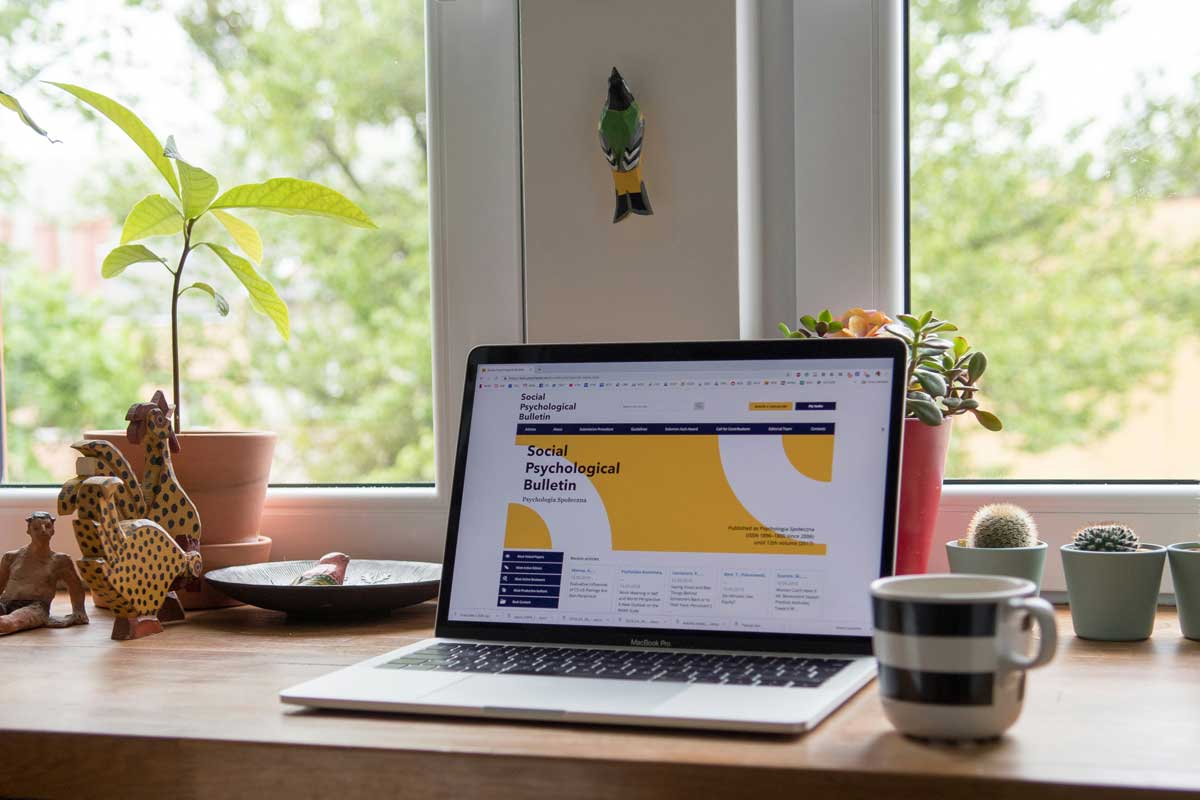
 Photo by Michał Parzuchowski on Unsplash
Your website is your digital storefront. It is the first place most customers will interact with your brand, and it shapes how they feel about your business within seconds. A well-built site builds trust, drives conversions, and works for you around the clock. A poorly built one does the opposite.
The problem is that most businesses rush their first website launch. They focus on getting something live without thinking through the details that actually determine whether visitors stay or leave. Poor design choices, slow pages, and confusing layouts do not just frustrate users. They send potential customers straight to your competitors.
In this post, we walk through the most common website launch mistakes that hurt your user experience, SEO performance, and conversion rates, along with practical steps to avoid each one.
Speed and performance are the foundation of a good user experience. If your site is slow or overloaded, nothing else matters because visitors will never stick around long enough to see your content.
A slow website is one of the fastest ways to lose visitors. Users expect pages to load within two seconds, and most will abandon a site that takes any longer. Slow loading does not just hurt the user experience. It also damages your search engine rankings, since Google treats page speed as a ranking signal.
The most common causes of slow sites are oversized images, excessive HTTP requests, too many plugins, and cheap hosting. Before you launch, run your site through a speed testing tool and address anything dragging it down.
Here is how to keep your load times in check:
Cutting corners on development is often where speed problems start. Cheap templates and inexperienced builds produce bloated code that bogs everything down. Before committing to any development approach, it helps to understand how much does it cost to hire a web developer so you can budget for quality work that performs well from day one.
Visual clutter is another performance killer, though it affects perception rather than raw speed. When a page is packed with competing elements, clashing colors, multiple animations, auto-playing videos, and walls of text, visitors struggle to process the interface.
This increases cognitive load and makes your site feel overwhelming rather than helpful. The result is a higher bounce rate and fewer conversions.
The fix is to simplify. Every element on a page should serve a clear purpose. If it does not guide the visitor toward understanding your offer or taking an action, remove it. White space is not wasted space. It gives your content room to breathe and makes your message easier to absorb.
Mobile devices account for nearly 60% of all web traffic. Yet many first-time websites are designed on desktop monitors and then squeezed onto smaller screens as an afterthought. This creates a range of usability issues:
These problems force mobile visitors to abandon your site entirely. The smarter approach is to design mobile-first and then scale up for larger screens. Test your site on multiple real devices before launching, not just by resizing your browser window.
Once your site loads quickly, the next hurdle is whether visitors can actually use it. Confusing navigation, poor typography, and inconsistent branding all create friction that pushes people away.
According to a KoMarketing study, 76% of visitors say the most important factor in a website's design is that it makes it easy to find what they want. Confusing navigation is one of the top reasons people leave a site.
If your menu is buried behind multiple layers of submenus, uses vague labels, or requires more than two or three clicks to reach important pages, you are making visitors work too hard. Most will not bother.
Keep your main menu to about seven links or fewer. Use clear, descriptive labels like "Pricing" instead of "Solutions Matrix." Audit your site regularly for broken links, because dead ends are one of the quickest ways to destroy trust.
Typography plays a bigger role than most people realize. The wrong font choice can make your entire site feel unprofessional or, worse, unreadable.
Avoid extremely thin, decorative, or overly stylized fonts for body text. These might look interesting on a desktop but become nearly impossible to read on smaller screens. Stick with proven, accessible options like Roboto, Arial, Georgia, or Helvetica. Use medium font weights rather than light ones, and ensure there is strong contrast between your text color and background.
Accessibility matters here too. Visitors with visual impairments rely on readable fonts and proper contrast ratios to use your site. Prioritizing this is not just good practice. It expands your potential audience.
Your website should feel like one cohesive experience from the first page to the last. When logos, colors, fonts, and tone of voice change from page to page, it creates confusion and erodes trust.
Inconsistent branding signals that a business does not pay attention to details, and visitors will assume that carelessness extends to your products or services. Create a simple brand style guide that covers your color palette, fonts, logo usage, and voice. Then apply it consistently across every page, email, and social profile your business uses.
A website that nobody can find is a website that does not work. Search engine optimization and social media integration are not optional extras. They are essential for driving traffic and growing your online presence, just like choosing the right domain registration strategy to build a strong and discoverable brand online.
Most online experiences begin with a search engine. If your website is not optimized for search, you are invisible to the people actively looking for what you offer.
Common SEO mistakes on new websites include:
You do not need to be an SEO expert to get the basics right. Do keyword research before writing your page content. Give every page a unique, descriptive title tag. Use clean URLs that both humans and search engines can understand. And submit your sitemap to Google Search Console on launch day, not months later.
Social media platforms have over 5 billion users worldwide. That is a massive pool of potential visitors and customers for your website, but only if you connect the two.
Many first-time websites launch without any social media integration at all. No share buttons, no profile links, no embedded feeds. This is a missed opportunity to:
Add social media icons to your header or footer, include share buttons on blog posts and key pages, and make sure your social profiles link back to your website. This creates a loop that benefits both channels.
Getting visitors to your site is only half the battle. If your site does not guide them toward a clear next step or make it easy to get in touch, those visitors leave without becoming customers.
A website without clear calls to action is like a store without a checkout counter. Visitors might browse and appreciate what they see, but they leave without doing anything because you never told them what to do next.
Generic buttons like "Contact Us" do not cut it. They are vague and give the visitor no sense of what happens after they click. Specific CTAs perform far better:
Each page should have one primary action you want visitors to take. You can repeat it in multiple locations on the page, but do not scatter five different CTAs that compete with each other. When everything asks for attention, nothing gets it.
Few things damage trust faster than a visitor trying to reach you and failing. If your phone number is wrong, your contact form is broken, or your email address bounces, you have lost that customer for good.
Your website should offer multiple ways to get in touch:
Place this information in your header, footer, and on a dedicated "Contact Us" page. Test your forms regularly to make sure submissions actually reach your inbox. And whenever your business details change, update your website immediately. Outdated information tells visitors you are not paying attention, and that is not the impression you want to make.
Launching your first website is a major milestone, and getting it right from the start saves you time, money, and lost customers down the road. From slow load times and cluttered pages to missing CTAs and broken contact forms, each of these mistakes chips away at the experience your visitors have and the trust they place in your brand.
The good news? Every one of these issues is preventable. Take the time to plan your site properly, test it thoroughly across devices, and build in the fundamentals of SEO, branding, and user experience before you hit publish.
Your website should be your strongest business asset, not your most expensive lesson.


Discover our other works at the following sites:
Danetsoft is a global web agency headquartered in Indonesia, specializing in web development, managed hosting, and web publishing platform.


 [email protected]
 Magelang, Central Java
 © 2026 Danetsoft. Powered by HTMLy