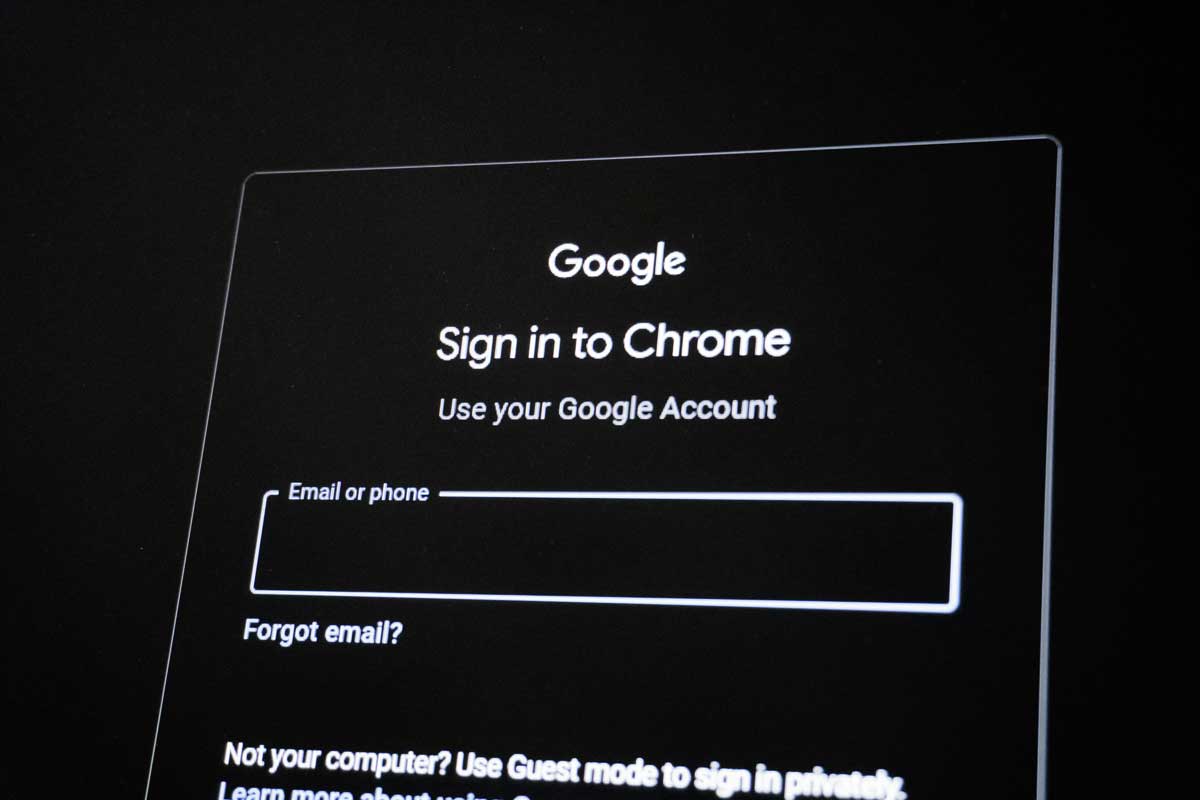
 Photo by Zulfugar Karimov on Unsplash
Most people know that websites use cookies to remember visitors. However, cookies are only one part of online tracking. Websites can also collect technical details about a browser, device, and system. Together, these details may create a browser fingerprint.
This matters even more for marketers, agencies, developers, and remote teams. They often manage several accounts, clients, or testing projects from the same computer. In these cases, an antidetect browser can help separate browser sessions and create clearer online workspaces.
Browser fingerprinting is a method used to identify or recognize a browser through its technical settings. A website may check the operating system, browser version, screen size, language, time zone, fonts, and graphics settings. It may also review installed extensions and other browser features.
One detail alone may not reveal much. However, many details combined can create a pattern that is different from most other users. This pattern may allow a website to recognize the same browser during future visits.
Mozilla describes browser fingerprinting as a tracking method that uses device and browser features to create a digital profile. The Electronic Frontier Foundation also provides a tool called Cover Your Tracks. It helps users see how unique their browser may appear to online trackers.
Browser fingerprints are used for several reasons. Online stores, banks, and payment platforms may use device signals to identify unusual login activity. Advertising platforms may use them for measurement, fraud control, and visitor analysis.
Website owners may also use fingerprinting to understand how people use their services. For example, they may study browser types, screen sizes, or device settings to improve page performance. Some security systems use the same information to detect unexpected changes in an account session.
The privacy concern is not always the collection itself. The larger issue is that users may not know which details are collected, how they are combined, or how long they are stored. Unlike cookies, a browser fingerprint is not a single file that can be removed with one click.
Private browsing can reduce some local tracking. It may stop the browser from saving history, form data, or cookies after the private window is closed. However, it does not remove the technical details shared during the session.
Websites may still see the browser version, screen size, system language, time zone, and graphics output. This means a private window can still look similar to a normal browser session. It mainly changes what is saved on the device, not everything visible to the website.
Privacy tools built into modern browsers can reduce some tracking methods. Tracker blockers and careful cookie settings can also help. Still, teams that manage several work sessions may need stronger separation between projects, clients, or accounts.
An antidetect browser creates separate browser Profiles. Each Profile can have its own cookies, local storage, login session, and browser configuration. This allows users to keep different online activities from being mixed inside one browser workspace.
For example, a digital agency may manage campaigns for several clients. Each client may have different advertising accounts, analytics tools, email logins, and store dashboards. When all sessions are opened in the same browser, saved logins and browser data can become mixed.
Using one Profile for each client creates a cleaner system. Team members can open the correct workspace without signing in and out all day. It also lowers the chance of posting, editing, or reviewing content from the wrong client account.
An antidetect browser can also support website and localization testing. A developer may need to check how a website works with different languages, time zones, screen settings, or regional configurations. Separate Profiles make these tests easier to repeat without clearing the main browser each time.
Session separation is also useful when several employees share responsibility for the same project. Instead of sending passwords through chat or asking every worker to create a new login session, the team can assign access to a specific browser Profile.
This can help with campaign reviews, customer support, store management, and content publishing. Each project keeps its own browser data and working session. The team can also remove access when a contractor leaves or a campaign ends.
Clear Profile names are important. A useful naming system may include the client, platform, region, and account owner. This makes it easier to find the correct workspace and reduces mistakes during busy workdays.
A reliable tool should make browser Profile management simple. Look for separate cookies and local storage, configurable browser fingerprints, proxy settings, team permissions, and access controls. Operation logs are also useful for teams that need to review account activity.
The browser configuration should remain logical and consistent. The language, time zone, operating system, and other browser details should make sense together. Random or conflicting settings may cause page errors and make testing results less accurate.
Teams should also follow basic security practices. Use strong passwords, enable multi-factor authentication, and limit access based on job roles. Remove unused Profiles and extensions, and always follow the rules of the websites being accessed.
Browser fingerprinting shows that online tracking goes far beyond cookies. Websites can learn from many small technical signals, and private browsing does not hide all of them. Understanding these signals is the first step toward better online privacy.
For individuals, browser privacy settings and tracker protection may be enough for everyday use. For agencies, marketers, developers, and teams, an antidetect browser offers stronger session separation and better workspace control. When used responsibly, it can keep accounts organized, reduce login mix-ups, and support more reliable online testing.


Discover our other works at the following sites:
Danetsoft is a global web agency headquartered in Indonesia, specializing in web development, managed hosting, and web publishing platform.


 [email protected]
 Magelang, Central Java
 © 2026 Danetsoft. Powered by HTMLy