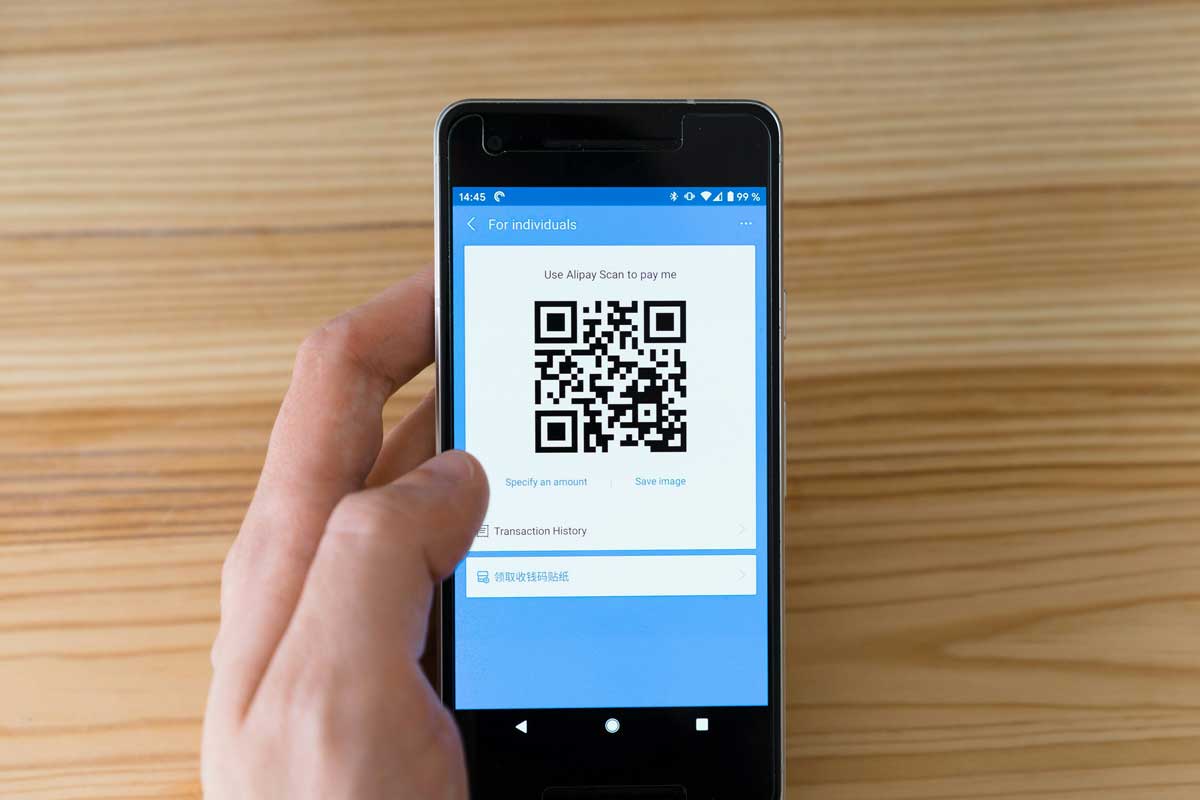
 Photo by Markus Winkler on Unsplash
QR codes have become part of everyday life. We see them on product boxes, restaurant tables, conference badges, invoices, training sheets, store windows, and delivery packages. In 2026, they are not a clever extra anymore, they are a practical bridge between printed materials and digital content.
One of the most useful ways to use a QR code is to connect it to a PDF. With a scan, we can open a menu, brochure, guide, report, form, catalog, or manual instantly. That simple action saves time, removes friction, and gives people access to information without forcing them to type a long web address or hunt through email attachments.
But if we want a PDF QR code generator that actually works well in real situations, we need more than a basic tool that creates a square and calls it a day. We need something dependable, flexible, secure, and easy to manage. The best option should help us create codes that are easy to scan, simple to update, and useful for both small tasks and larger campaigns.
PDFs remain popular because they preserve formatting across devices. A brochure looks like a brochure, a manual keeps its layout, and a report stays readable no matter who opens it. QR codes make that format even more practical by turning it into instant access content.
People do not want to type URLs manually if they can avoid it. They do not want to search through folders or email attachments either. A QR code gives us a direct path to the document in one scan.
Printed documents are often outdated the moment something changes. If we use a QR code, we can keep the printed piece simple and let the digital PDF hold the latest version. That means fewer reprints and less waste.
A QR code can live on packaging, posters, business cards, event signage, slides, social graphics, and email signatures. That makes it one of the most flexible tools we have for sharing a PDF.
Instead of handing out multiple versions of the same file, we can use one QR code and direct people to a single document. If the code is dynamic, we can even update the destination later without changing the printed code.
Not all QR code generators are built with PDFs in mind. Some are useful for very basic tasks, while others are built for branding, tracking, and long-term use. If we want the best PDF QR code generator in 2026, we should pay attention to a few important features.
The process should feel simple. We should be able to upload a PDF, generate a QR code, and download it without dealing with a complicated setup. Speed matters, especially when we are working on deadlines.
This is one of the biggest differences between a basic tool and a strong one. A dynamic QR code lets us change the destination after the code has already been printed or shared. That gives us more control and saves us from reprinting materials every time a file changes.
If we are using QR codes for business, we usually want to know whether people are scanning them. Useful analytics may include scan count, time of scan, device type, and location data. That kind of information helps us understand how well the code is performing.
A QR code does not have to be plain black and white. Many tools let us add a logo, adjust colors, change the shape of the pattern, or design a more polished look. This matters when we want the code to match our brand and still remain easy to scan.
PDFs sometimes contain private or sensitive information. If we are sharing manuals, internal forms, contracts, or customer documents, we need a generator that uses secure hosting and dependable links. A broken or unsafe destination defeats the purpose of the QR code.
Most people scan QR codes with a phone. That means the PDF should open quickly and display clearly on a mobile screen. If the document is heavy, slow, or hard to read on a phone, we lose the convenience that QR codes are supposed to give us.
There are several kinds of tools available, and each one suits a different use case. Knowing the difference helps us avoid paying for features we do not need, or choosing a free tool that cannot handle our work.
These are useful when we only need something quick and simple. We upload a PDF link, generate a code, and download it. They work well for personal sharing, school projects, or one-time uses. Tools like Adobe Express offer a free built-in QR code generator with color, pattern, and style customization that works well for one-time marketing materials and quick branded codes — all without leaving your existing design workflow.
What we like about them
What they usually lack
These tools are made for campaigns, branding, and customer engagement. They usually offer dynamic QR codes, analytics, branded design options, and more control over campaigns.
What we like about them
What we need to watch
Some services combine file hosting and QR generation in one place. That can be convenient if we want to store PDFs, manage access, and create codes from the same platform.
What we like about them
What we need to watch
Large organizations often need advanced controls, permissions, audit logs, and integration with internal systems. Enterprise platforms are built for that kind of scale.
What we like about them
What we need to watch
The market is full of tools that look polished on the surface. Still, a clean interface alone does not make a generator worth using. We should focus on the features that actually improve results.
This is one of the most practical features we can have. If a printed flyer, label, or brochure contains a dynamic QR code, we can update the PDF later without changing the code itself. That flexibility matters a lot when content changes often.
Tracking scan performance helps us see what is working. For example, if we place a QR code on a product box and most scans happen after purchase, that tells us customers are using the document as support material. If a campaign code gets few scans, we know we may need to improve placement or design.
A branded QR code can feel more professional and trustworthy. Being able to add a logo or match colors can make a big difference on marketing materials, packaging, and event items. The key is keeping the code readable while making it look polished.
Good QR codes are built with error correction so they still scan even if part of the code is damaged or covered. That matters for printed items that get bent, scratched, folded, or handled a lot.
If the platform hosts the PDF for us, the hosting needs to stay stable. A QR code that leads to a broken page, a slow file, or an expired link creates frustration and weakens trust.
Sometimes we want a PDF to be public. Other times we want to limit access, set expiration dates, or use passwords. The best tools give us control over who can open the document and for how long.
PDF QR codes are not just a tech feature. They solve everyday problems across many industries and situations.
Menus change often because of seasonal dishes, pricing updates, or specials. A QR code on the table gives us a simple way to share the latest menu without reprinting stacks of paper.
Instead of stuffing boxes with long printed manuals, brands can place one QR code on the packaging. Customers scan it to get setup instructions, warranty details, or product support.
Event programs, speaker lists, room maps, and schedules can all live in one PDF. Attendees scan a code on a badge, poster, or handout and get everything they need in one place.
Teachers and schools can use QR codes for worksheets, reading materials, announcements, and assignment guides. It makes sharing resources easier in classrooms, hybrid settings, and campus spaces.
Brochures, product sheets, and catalogs work well with QR codes because people can scan, view, and save the document whenever they want. This keeps printed materials light while still giving access to detailed information.
Companies can use PDF QR codes for onboarding guides, HR forms, safety instructions, policy documents, and training files. If employees only need certain sections of a larger document, they can extract pages from a PDF before sharing it.
Static QR codes still have a place, but in many cases dynamic codes are the smarter choice. They give us more room to adjust as our needs change.
This is the main benefit. If the PDF changes, we do not have to redesign, reprint, or redistribute everything. We just update the destination behind the code.
Dynamic QR codes let us test different files, compare performance, and refine our messaging. That is especially useful in marketing, sales, and customer support.
Printed materials can be expensive. A dynamic QR code helps us stretch the value of what we already produced, since the code itself does not need to change every time the content does.
Instead of creating a new code for every version of a file, we manage one code and point it wherever it needs to go. That makes administration much easier.
Even a strong QR code can fail if we handle it poorly. A few simple mistakes can hurt scan rates and user experience.
If the QR code is tiny or printed in poor quality, scanners may struggle. For print, we should always export it clearly and test it at the actual size it will be used.
If the file is too large, it may load slowly on mobile networks. That can cause people to give up before the document opens. Lightweight PDFs usually work better.
It is tempting to make a QR code look flashy, but too much styling can reduce scan reliability. A clean design is usually safer than a heavily decorated one.
We should always scan the code on different devices before using it publicly. That includes checking the link, the file, the display quality, and the loading speed.
If the PDF may change over time, static codes are often the wrong choice. Dynamic codes save us trouble later.
The best PDF QR code generator depends on what we want to do.
If we only need to share a resume, class handout, travel document, or personal file, a simple free tool may be enough. In that case, ease of use matters more than advanced tracking.
Small businesses often need a balance of convenience and flexibility. Dynamic editing and basic analytics can make a big difference, especially for menus, product sheets, and brochures.
Marketing teams usually need branding, scan tracking, and the ability to manage several codes at once. A platform with folders, analytics, and design tools is often the best fit.
Big teams should focus on security, permissions, integrations, and consistency across departments. When many people create and manage QR codes, governance becomes just as important as design.
The best PDF QR code generator in 2026 is not simply the one that makes a code quickly. It is the one that gives us control, flexibility, and reliability. We should look for dynamic editing, scan analytics, strong hosting, useful design options, and a smooth mobile experience.
For simple one-off needs, a basic free generator may be enough. For business use, a dynamic platform is usually the smarter choice because it supports changes without forcing us to start over. That saves time, reduces waste, and keeps information current.
PDF QR codes are a simple idea, but they solve a real problem, getting people from print to content fast. When we choose the right generator, we make that connection smoother, more professional, and much more useful for everyone who scans it.


Discover our other works at the following sites:
Danetsoft is a global web agency headquartered in Indonesia, specializing in web development, managed hosting, and web publishing platform.


 [email protected]
 Magelang, Central Java
 © 2026 Danetsoft. Powered by HTMLy