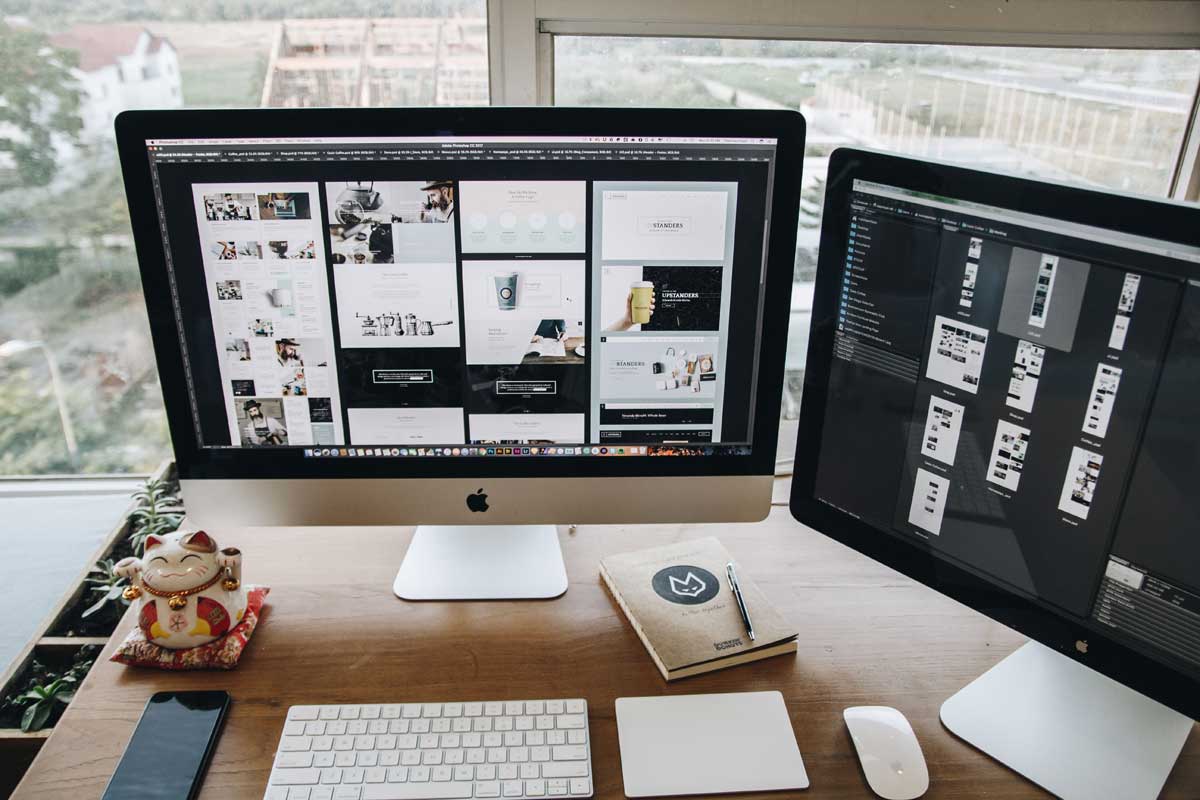
 Photo by Tranmautritam on Pexels
Desktop publishing software is what helps us turn plain text, images, and ideas into polished pages that actually look ready for print or digital sharing. Whether we are building a magazine, a brochure, a book, a newsletter, or a brand guide, the right tool can make the work smoother and the final result much better.
The tricky part is that there is no single “best” option for everyone. Some programs are built for professional print production, some are easier for beginners, and some focus on speed, collaboration, or cost savings. That means the smartest choice depends on what we are making, how often we create it, and how much control we need over the final layout.
In this guide, we look at the best desktop publishing software available today, compare their strengths, and help us understand which one fits different kinds of projects.
Desktop publishing software, often called DTP software, gives us more control than a standard word processor. Instead of simply typing text into a document, we can place text and images exactly where we want them, manage page structure, set up styles, control spacing, and prepare files for print or digital export.
That matters because layout affects how people read and experience information. A well-designed document is easier to follow, more attractive, and more professional. Good DTP software helps us manage:
This kind of software is used for books, magazines, catalogs, brochures, reports, flyers, newsletters, posters, and even interactive PDFs. Some tools are made for complex publishing jobs, while others are better for quick, simple work.
Here is a broad comparison before we go deeper.
| Software | Best For | Strengths | Weaknesses | Platform |
|---|---|---|---|---|
| Adobe InDesign | Professional publishing | Powerful layout tools, typography, print workflows | Subscription cost, learning curve | Windows, macOS |
| Affinity Publisher | Designers and small teams | One-time purchase, strong features, good value | Smaller ecosystem than Adobe | Windows, macOS, iPad |
| QuarkXPress | Traditional publishing teams | Mature feature set, strong long-document support | Less common, can feel expensive | Windows, macOS |
| Scribus | Budget users | Free, open source, solid export options | Dated interface, harder to learn | Windows, macOS, Linux |
| Canva | Beginners and quick layouts | Easy to use, templates, collaboration | Limited advanced print control | Web, Windows, macOS, mobile |
| Microsoft Publisher | Basic office documents | Familiar interface, simple layout creation | Limited features, reduced long-term relevance | Windows |
| CorelDRAW | Design plus publishing | Strong vector tools, layout features | Less focused on long-form publishing | Windows, macOS |
| Marq | Brand teams | Cloud collaboration, brand control | Not ideal for complex print production | Web |
Adobe InDesign is the name many people think of first when desktop publishing comes up. It remains the leading choice for professional publishing workflows, especially when precision matters.
InDesign gives us deep control over page design. It is especially strong for multi-page documents where consistency matters from start to finish. We can create master pages, build text styles, manage linked frames, and keep the whole document organized without too much manual cleanup.
Some of its strongest features include:
Typography is one of the biggest reasons professionals choose InDesign. It lets us fine-tune spacing, hyphenation, alignment, and overall text flow in ways that simpler tools cannot match. It also works smoothly with Photoshop and Illustrator, which helps if our projects mix images, graphics, and page design.
The biggest drawback is price. InDesign uses a subscription model, which can add up over time. It is also not the easiest tool for beginners. The interface is packed with features, and that can feel overwhelming if we are just starting out.
InDesign is the right choice when we need:
If the goal is professional polish and full control, InDesign still sets the bar.
Affinity Publisher has become one of the most respected alternatives to Adobe InDesign. It gives us serious publishing tools without forcing us into a monthly plan, which makes it attractive for freelancers, small studios, and teams watching their budget.
Affinity Publisher covers the core needs of modern publishing very well. We get master pages, text styles, linked text frames, image placement, and solid typography tools. It feels fast and responsive, which is useful when we are working on large or detail-heavy files.
A major advantage is its connection with the rest of the Affinity suite. Through StudioLink, we can jump between layout, photo editing, and vector work in one environment. That keeps the workflow tight and saves time when a project needs both design and publishing tasks.
Affinity Publisher is strong, but it does not yet have the same huge ecosystem as Adobe. Some specialized print shops or larger publishing teams may still prefer InDesign because of familiarity, integrations, and established workflows.
Affinity Publisher works especially well for:
For us, it is one of the best choices when we want professional quality without ongoing subscription fees.
QuarkXPress has been around for decades and was once the leading desktop publishing tool before Adobe InDesign took over the market. It is still a serious publishing application, and many experienced users continue to trust it.
QuarkXPress offers solid page layout tools, strong typography support, and reliable handling of long documents. It is designed for professional publishing and continues to support both print and digital output.
Its strengths include:
Some users appreciate QuarkXPress because it feels familiar and dependable, especially if they have worked in publishing for a long time.
The main issue is market position. It is not as widely used as InDesign, so we may find fewer templates, fewer tutorials, and less community support. Pricing can also feel high compared with more modern alternatives.
QuarkXPress makes sense for:
It is a capable tool, but more niche than the top two options.
Scribus deserves attention because it is free and open source. That makes it especially valuable for students, nonprofits, hobbyists, and anyone who needs publishing software without paying for a license.
Even though it costs nothing, Scribus includes many features we need for real publishing work. It supports page layout, master pages, styles, CMYK color, spot colors, and PDF export for print. It can produce professional documents if we are willing to learn its workflow.
Useful features include:
The interface is not as polished as commercial software, and it can feel old-fashioned compared with newer tools. Beginners often find the workflow less intuitive, which means there is a learning curve.
Scribus is a smart option for:
When budget matters most, Scribus offers real value.
Canva is not traditional desktop publishing software in the classic sense, but it has become a very popular layout tool. Many people use it for flyers, brochures, presentations, and simple multi-page projects because it is so easy to approach.
Canva is built for speed. Its drag-and-drop interface makes it easy for us to get started, even if we do not have a background in design. The template library is huge, and collaboration is straightforward because it works in the cloud.
Some useful features are:
Canva is not ideal when we need precise print control. It gives us less flexibility with typography, page structure, and advanced color management. For simple projects, that may not matter. For books, magazines, or highly technical layouts, it usually falls short.
Canva is a good match for:
If we want the quickest path from idea to finished design, Canva is hard to beat.
Microsoft Publisher has long been an entry-level publishing tool for office users. It is familiar, easy to learn, and part of the Microsoft ecosystem, which makes it convenient for people already using Office apps.
Publisher is easy to use for straightforward jobs. We can create newsletters, flyers, certificates, business cards, and simple brochures without needing much training.
Its main strengths are:
Publisher is not built for advanced layout work. It lacks the depth needed for modern professional publishing, and its role has become less certain over time as Microsoft has shifted focus elsewhere.
Publisher can still work for:
For more ambitious publishing, other tools are stronger.
CorelDRAW is often seen as a vector design program first, but it also offers page layout and publishing features. That makes it a good hybrid choice for projects that combine graphics and design.
CorelDRAW is especially helpful when we need illustration tools alongside layout tools. It includes support for multi-page documents, text handling, and color control, which makes it useful for things like packaging, promotional material, and graphic-heavy brochures.
Its strengths include:
CorelDRAW is more of a design-first tool than a pure publishing platform. It works well for many print projects, but it is not as specialized for long-form editorial work as InDesign or QuarkXPress.
CorelDRAW is a solid choice for:
If we need both design power and page layout, it can be a strong option.
Marq, formerly Lucidpress, is built around brand consistency and team collaboration. It is a cloud-based publishing platform designed for companies that want many people to create materials without losing control of the brand.
Marq works well when teams need templates and central rules. We can lock certain design elements, share assets, and keep brand materials consistent across departments or offices.
Its strengths include:
Marq is not a replacement for advanced print software. It is more about speed, control, and consistency than about deep typography or complex editorial layout.
Marq is a good option for:
It shines when collaboration matters more than detailed print production.
The best desktop publishing software depends on the work we need to do.
Adobe InDesign is still the strongest all-around choice. If we want a lower-cost alternative with many of the same core strengths, Affinity Publisher is excellent.
Scribus is the main free option worth serious attention. It takes patience, but it can do solid work.
Canva is the easiest to learn and the fastest for simple projects. It is ideal when we care more about convenience than technical control.
Marq is useful when many people need to produce marketing or business materials while staying on-brand.
CorelDRAW is worth looking at when illustration, graphics, and publishing all matter in the same project.
Desktop publishing is not just about putting text on a page. It is about creating documents that are clear, attractive, and effective. The software we choose shapes our workflow, our efficiency, and the quality of what we produce.
Adobe InDesign remains the leader for professional publishing. Affinity Publisher offers one of the best value packages available. QuarkXPress still serves experienced publishing teams well. Scribus gives us a capable free option. Canva makes layout quick and easy. Microsoft Publisher is fine for basic office work. CorelDRAW is strong when graphics and publishing overlap. Marq is ideal for teams that need brand control.
The best choice is the one that matches our goals, our budget, and the kind of documents we create most often.


Discover our other works at the following sites:
Danetsoft is a global web agency headquartered in Indonesia, specializing in web development, managed hosting, and web publishing platform.


 [email protected]
 Magelang, Central Java
 © 2026 Danetsoft. Powered by HTMLy