A product explainer, an onboarding module or a weekly update all need someone on screen. Filming a person every time a script changes is slow and expensive, which is why more marketing and training teams now use an AI avatar as the presenter: you write the script, pick a presenter and voice, and the software generates a talking video.
This guide ranks five AI avatar generators for presenter-led videos. Each entry covers the avatar options, languages and voices, a standout feature and who it suits best, using details from each vendor's own website or announcements as of October 2026.
We looked at three things that matter most for a virtual presenter: how realistic and flexible the avatars are, how many languages and voices they support, and what else the platform does once the presenter is on screen, such as branding, editing or interactivity.
| Tool | Stock avatars | Personal or custom avatars | Languages | Best for |
|---|---|---|---|---|
| Synthesia | 240+ | From a single photo, with optional voice clone | 140+ | Realistic presenters across training, comms and marketing |
| Colossyan | 300+ | From a short recording or studio session | 100+ | Training and L&D teams |
| D-ID | Photorealistic and illustrated library | From an uploaded photo | 100+ | Fast presenters from a single image |
| DeepBrain AI Studios | 2,000+ generative avatars | Available | 110+ | Wide avatar choice |
| VEED | 50+ presets | From your own face and voice | Varies by voice | Editing and avatars in one tool |
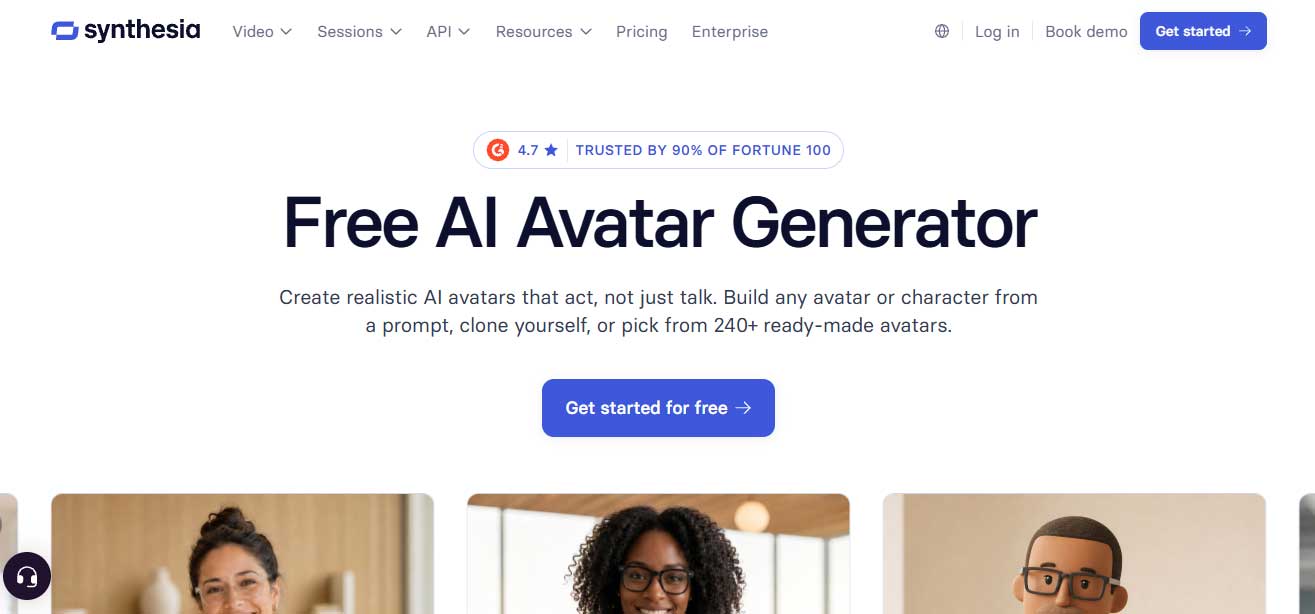
Billed by its maker as the world's most realistic AI avatar generator, Synthesia offers expressive presenters built to move, gesture and speak naturally, and is trusted by 90% of the Fortune 100.
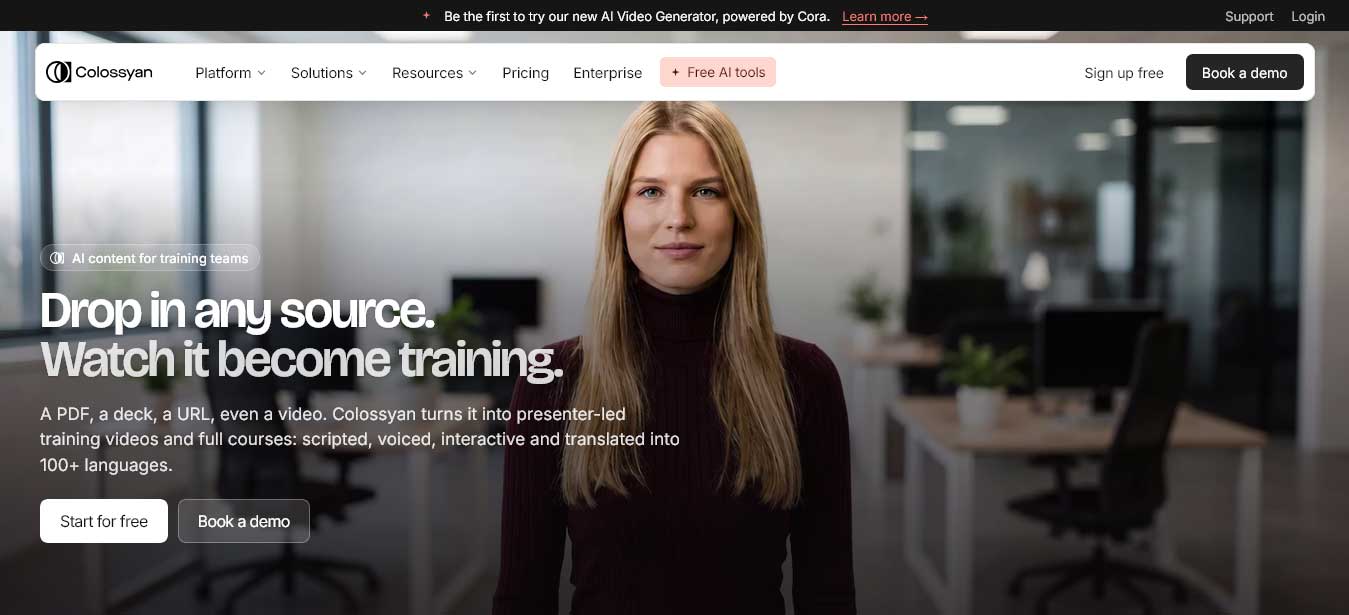
Colossyan is an AI avatar video platform focused on workplace learning, with every stock avatar now running on its second-generation NEO 2 engine.
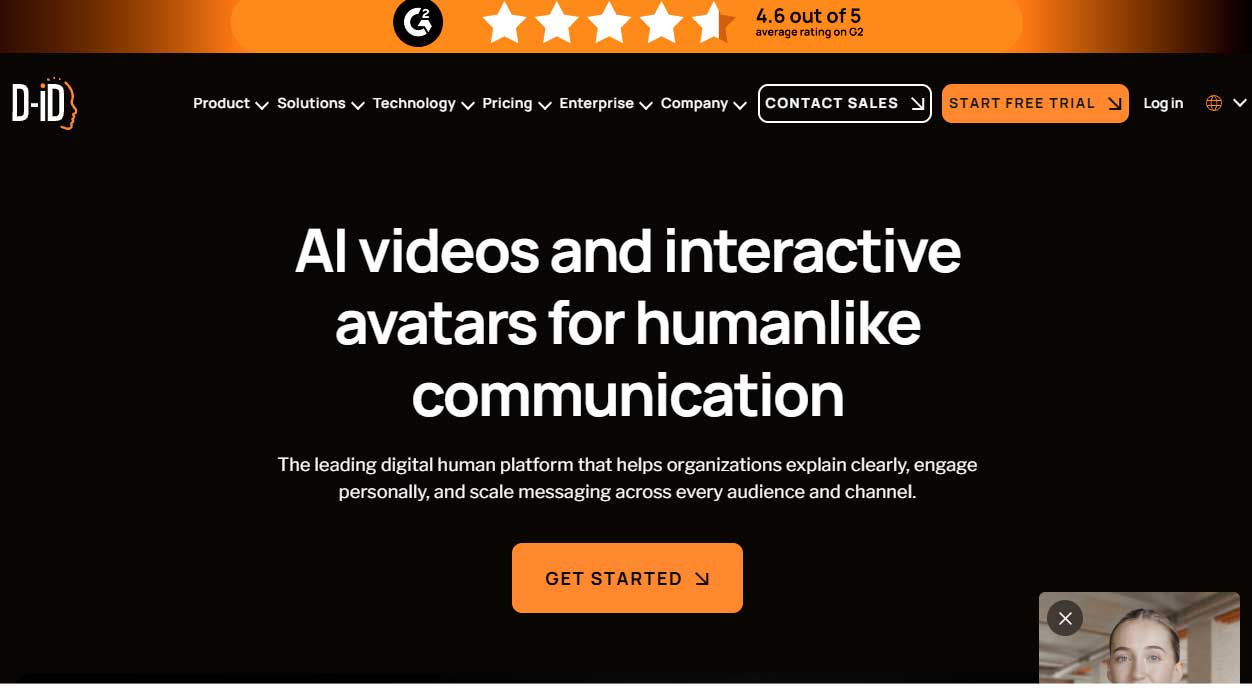
D-ID's Creative Reality Studio turns a still image and a script into a presenter-led video, using deep-learning face animation.
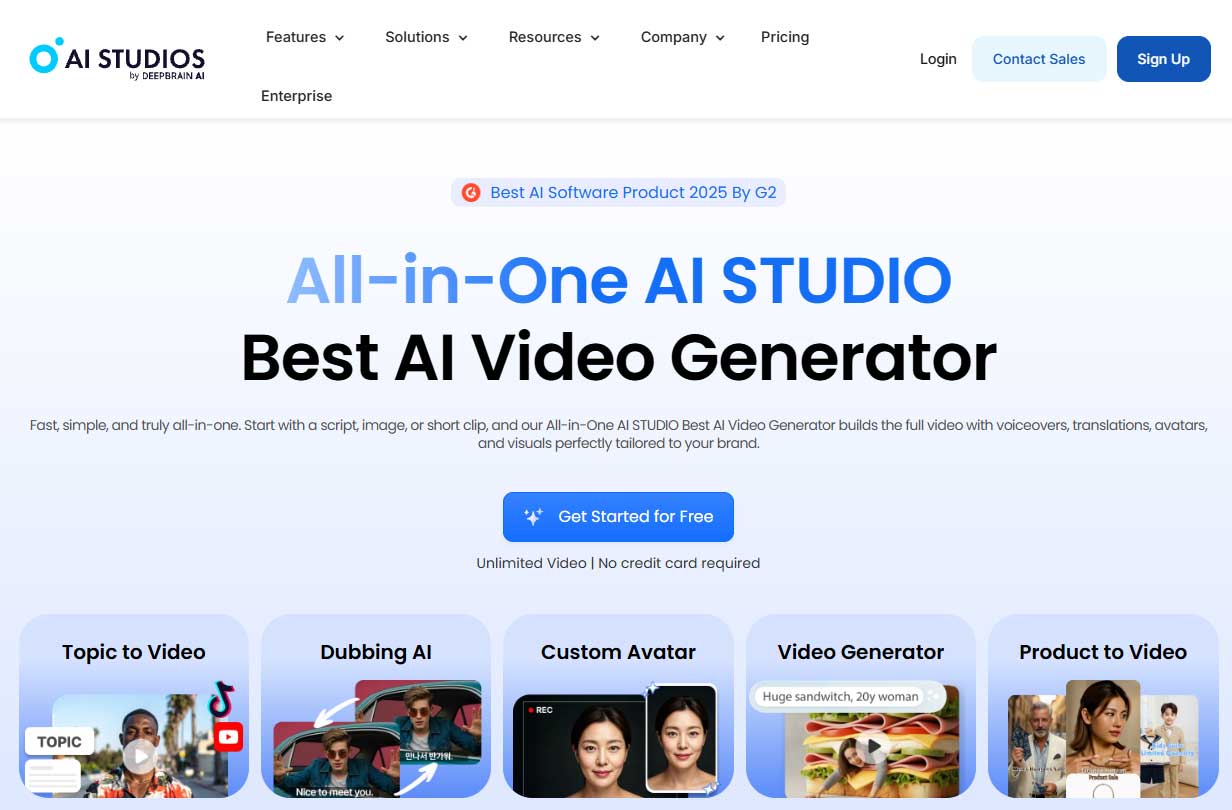
DeepBrain AI's AI Studios added prompt-based video generation and a much larger avatar library in its 4.0 release.
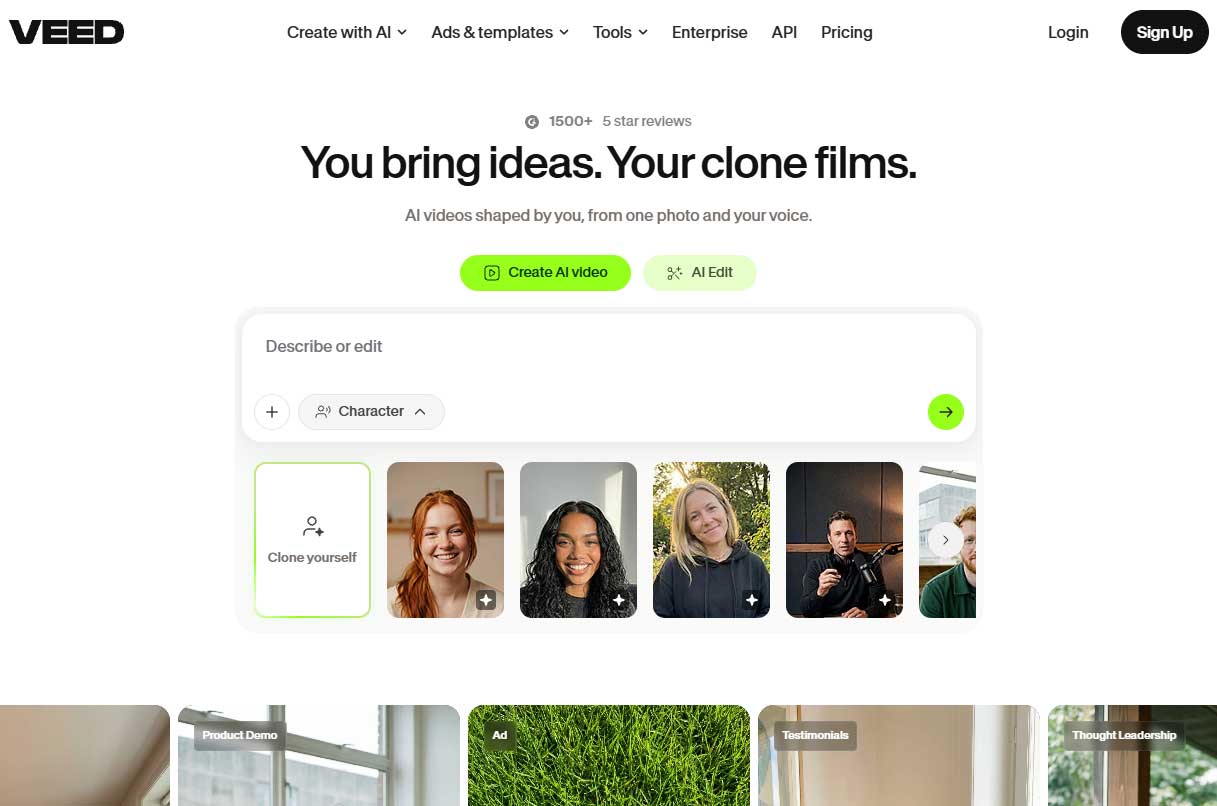
VEED is a browser-based video editor that adds AI avatars to its editing toolkit.
Start with one repeatable video. Pick a message you'll need to update, such as a feature explainer, an onboarding step or a recurring service announcement. Avatar and presenter videos fit naturally into a wider AI video creation workflow, where the script, visuals and edits all build on approved material.
Match the presenter to the message. A stock avatar suits a neutral walkthrough. A personal avatar suits a message where viewers expect someone from the business. Use real footage for testimonials, physical product demonstrations or sensitive announcements.
Check consent and disclosure. Keep a record of the depicted person's agreement to the scripts and channels you plan to use. Never present a stock avatar as a real customer, employee or endorser, and follow each platform's AI-content disclosure settings when you publish.
Test the same script in two tools. Compare pronunciation, pacing, product-name handling and lip sync. For translated versions, have a fluent reviewer check both the script and the generated audio.
Count the full cost. Look beyond the subscription to export rights, watermark removal, how regenerations are counted, and the review time needed before a video is approved.
Measure before you scale. Track time to an approved video, revision rounds, watch percentage and completed actions, and compare them with the format you already use.
The right AI avatar generator depends on who needs to appear on screen and where the video will run. For realistic presenters across training, comms and marketing, start with the top pick. Colossyan suits training teams, D-ID works from a single photo, DeepBrain AI Studios offers the widest avatar choice, and VEED combines avatars with full editing. Test your own script before you commit, and keep consent and disclosure records with every project.
What is an AI avatar generator?
Software that creates a digital presenter to deliver a script on video, without a camera, studio or filming session.
Can I make an AI avatar of myself?
Yes. Most platforms build a personal avatar from a photo or short recording, usually after a recorded consent step.
Are stock avatars or personal avatars better?
Stock avatars are faster and need no setup. Personal avatars work better when viewers expect a specific person from your business.
Do AI avatar videos need to be disclosed?
Often, yes. Many platforms offer an AI-content disclosure setting, so check each channel's current rules and any advertising requirements before you publish.


Discover our other works at the following sites:
Danetsoft is a global web agency headquartered in Indonesia, specializing in web development, managed hosting, and web publishing platform.


 [email protected]
 Magelang, Central Java
 © 2026 Danetsoft. Powered by HTMLy