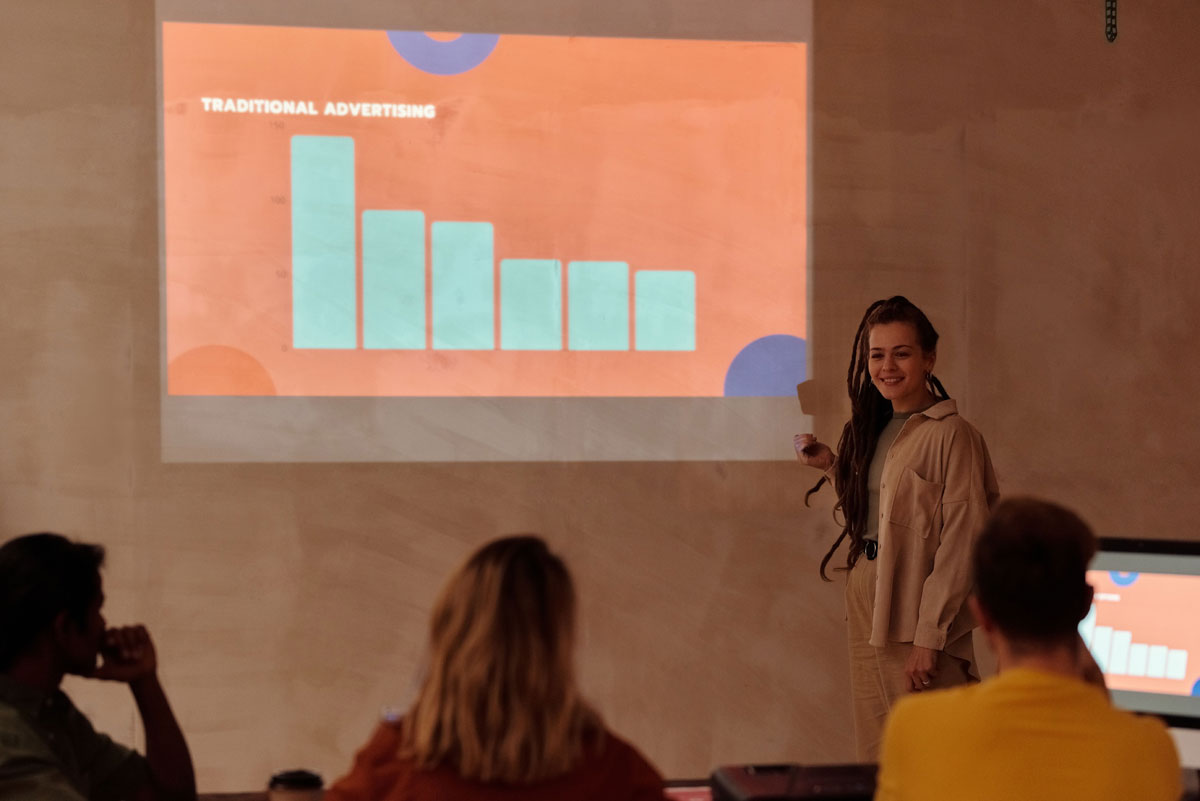
 Photo by Mikael Blomkvist on Pexels
Creating a presentation from scratch can take hours, especially when you need to plan the content, structure each slide, find visuals, and make everything look professional. AI presentation makers simplify this process by turning a prompt, outline, or existing content into a ready-to-edit presentation.
Whether you're preparing a business pitch, sales deck, school project, training material, or marketing presentation, AI tools can help you create polished slides in much less time.
Here are some of the best AI presentation makers to consider in 2026.
Gamma is an AI presentation maker that helps users create presentations, documents, and other visual content from simple prompts. Instead of starting with a blank slide deck, you can describe what you want to create, and Gamma generates a structured presentation with layouts, text, images, and other visual elements. You can then edit and customize the presentation to match your needs.
Instead of starting with a blank slide deck, you can describe what you want to create, and Gamma generates a structured presentation with layouts, text, images, and other visual elements. You can then edit the generated content and customize the presentation to match your needs.
Gamma is particularly useful for professionals, marketers, founders, educators, and anyone who wants to create a presentation quickly without spending too much time on slide design.
Canva combines presentation design with AI-powered content creation. Its presentation tools provide access to a large library of templates, images, graphics, icons, and other design assets.
With Canva's AI features, users can generate presentation content and layouts from a description and then manually customize individual slides.
Canva is a good option for users who want AI assistance but still want extensive control over the visual design of their presentations.
Beautiful.ai focuses on making presentation design easier through automated layouts. Instead of manually adjusting every element on a slide, its design system automatically reorganizes content as you make changes.
This can be useful for business presentations where maintaining consistent spacing and formatting is important.
Beautiful.ai is well suited to business teams and professionals who regularly create structured presentations and want consistent designs.
Microsoft PowerPoint remains one of the most widely used presentation tools, and its AI capabilities make it possible to create and edit presentations using natural-language prompts.
PowerPoint users can use Copilot to generate presentation content, summarize information, rewrite text, and help structure slides.
PowerPoint with Copilot is particularly useful for businesses and individuals who already work within the Microsoft 365 ecosystem.
Tome is an AI-powered storytelling and presentation platform designed to help users turn ideas into visually engaging presentations.
Users can start with a prompt and use AI to create the initial structure and content before customizing the final result.
Tome can be useful for people who want presentations that feel more like interactive visual stories rather than traditional slide decks.
SlidesAI helps users turn text into presentation slides. It can be particularly useful when you already have written content and want to transform it into a structured presentation.
The tool works with Google Slides, allowing users to generate slides without completely changing their existing workflow.
SlidesAI is a practical option for students, educators, and professionals who frequently work with Google Slides.
Pitch is a collaborative presentation platform designed primarily for teams. Its AI features can help users create presentation content, improve existing copy, and build presentations more efficiently.
It also includes collaboration and presentation-sharing features that make it suitable for teams working on decks together.
Pitch is a useful choice for startups, marketing teams, sales teams, and other groups that regularly collaborate on presentations.
The right AI presentation maker depends on what you need to create and how much control you want over the final design.
Consider these factors before choosing a tool:
AI presentation makers have made it much easier to move from an idea to a finished presentation. Instead of spending hours designing slides from scratch, you can use AI to generate the initial structure and then focus your time on refining the message.
Gamma, Canva, Beautiful.ai, PowerPoint with Copilot, Tome, SlidesAI, and Pitch each approach AI-powered presentations differently. The best fit depends on whether you prioritize speed, design flexibility, collaboration, or compatibility with your existing workflow.


Discover our other works at the following sites:
Danetsoft is a global web agency headquartered in Indonesia, specializing in web development, managed hosting, and web publishing platform.


 [email protected]
 Magelang, Central Java
 © 2026 Danetsoft. Powered by HTMLy