The quiz maker you use to run your quiz matters more than most hosts realize. A clunky platform kills the energy just as fast as a bad playlist. Your music game event is polished; the stage, music list, and participants are in. But when the night actually starts, the scoring's a mess, half the crowd can't figure out how to enter your music game, and now you’re scrambling.
See how the right quiz maker keeps the crowd engaged, the scoring instant, and the host in control? With the proper music quiz tool, you can focus on the fun, not the logistics.
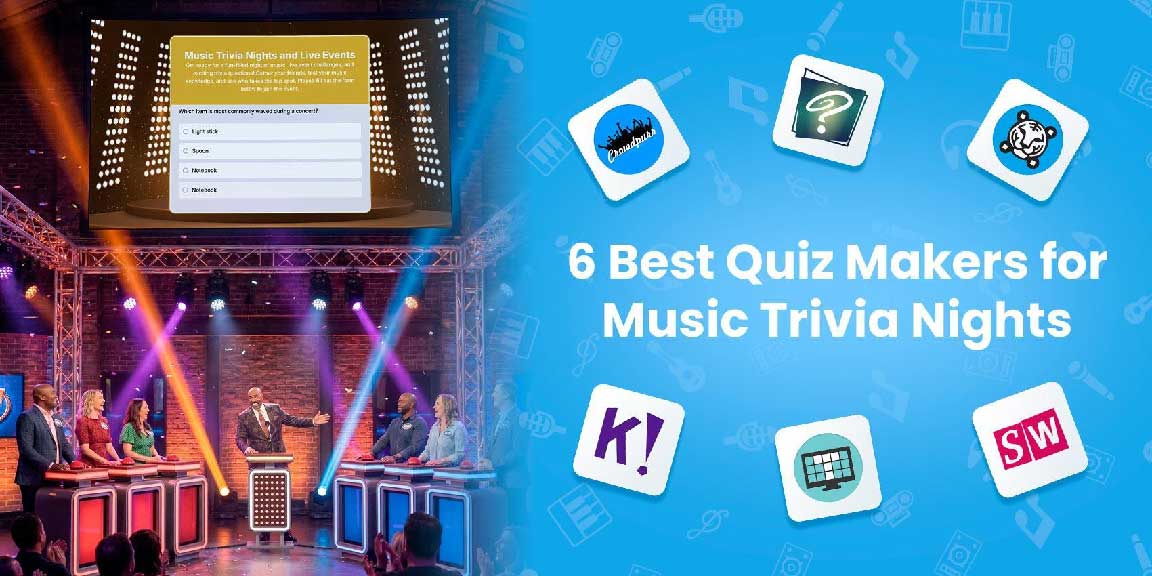
We've rounded up six of the best quiz makers built for live music trivia events. Whether you're hosting an intimate pub night or a large-scale concert afterparty, one of these tools will fit your setup.
| Tool | Best For | Best feature | Starting Price |
|---|---|---|---|
| Crowdpurr | Large live events | Live streaming support | ✔Free to start ✔Classroom plan: $49.99 |
| QuizWitz | Pub-style quizzes | Quizmaster App for tablet control | ✔Free to start ✔Starter plan: €3 |
| TIGER FORM | QR-powered quizzes | Native QR code generation | ✔Free to start ✔Starter plan: $16 |
| Kahoot! | Fast-paced audience games | Game-based UI | ✔Free to start ✔Personal, bronze: $3 |
| TriviaMaker | Flexible game formats | Crowd Mode for live participation | ✔Free to start ✔Premium plan: $6.99 |
| Slides With Friends | Interactive mixed-media quiz | Presentation-style format | ✔Free to start ✔Starter plan: $35 |
Not every quiz maker is built for live events. Most are designed for classrooms or online training, which means they're missing the features that actually matter when you've got 60 people in a bar waiting for the next round.
Before checking, check for these:
Real-time leaderboards: Scores should update in real time. If players have to wait until the end to see results, you lose momentum.
No app downloads required: Asking your audience to install an app before they can play is a conversion killer. Browser-based access is non-negotiable for public music events.
Audio and media support: For a music event night, you need the ability to play clips, embed audio, or, at a minimum, display images.
Easy question setup: Your audience shouldn't need a search tutorial to build your quiz. Look for drag-and-drop builders, pre-made templates, or AI question generators.
Crowd size flexibility: Confirm the platform supports your expected headcount. Many free tiers cap participation at only 10–20 players.
Accessibility: A QR code on a screen or a printed flyer is the fastest way to instantly connect an in-person crowd.
Best for: Live in-person events with 30–500+ attendees.
Pricing plans: Free to start
| Plans | Monthly | Yearly |
|---|---|---|
| Classroom | $49.99 | $24.99/mo. or $299.94 |
| Seminar | $149.99 | $74.99/mo. or $899.94 |
| Conference | $249.99 | $124.99/mo. or $1499.94 |
| Convention | $499.99 | $249.99/mo. or $2999.94 |
Best features:
Crowdpurr is built for one thing: running audience-facing games in real time at live events, making it one of the strongest options for a music quiz night.
The platform supports multiple-choice, text-answer, numerical, and image or video-based questions. With these features, you can build rounds where players identify a song from a lyric snippet, name a band from a photo, or guess a release year from a clue.
A live leaderboard updates in real time and projects directly onto a screen, keeping the competitive energy going between rounds without manual tallying for the event organizers.
Best for: Trivia nights with a live host and audio-based questions
Pricing plans: Free to start
| Plans | Monthly | Yearly |
|---|---|---|
| Premium | €3/mo. | €36/yr |
| Pro plan | - | ✔Up to 50 teams: €30/mo. ✔Up to 100 teams: €45/mo. ✔Up to 500 teams: €75/mo. ✔Up to 1000 teams: €90/mo. ✔Up to 2000 teams: €105/mo. |
Best features:
QuizWitz was made for pub-style trivia, and you can tell. The Quizmaster App lets you run the whole game from a tablet: advancing questions, reading prompts, playing audio clips, and reviewing open answers. At the same time, the main display shows on a separate screen.
For music game night, audio-round support is a big deal. You can embed actual song clips into questions, so players hear the track and guess the title.
Pair that with the jury app for grading written answers, and it's the most pub quiz-like experience on this list.
Best for: In-person events, frictionless participant access is a priority.
Pricing plans: Free to start
| Plans | Monthly | Yearly |
|---|---|---|
| Starter | $16 | $14 |
| Business | $36 | $32 |
| Professional | $123 | $113 |
| Enterprise | Custom pricing |
Best features:
A QR code is an additional feature in most quiz tools. But TIGER FORM’s QR codes are deeply native to your quiz builder interface; they are fully customizable in terms of pattern, eyes, colors, frames, and even templates.
Aside from submission insights, the tool also supports GPS-based analytics, where you can see scan patterns or numbers across devices and locations. Plus, it uses dynamic QR codes, so if you need to edit your form, there's no need to reprint the QR code.
For live events, form QR code access simplifies attendance, entry, RSVPs, and event feedback for your participants. Instead of showing a lengthy URL, replace it with a QR code on the screen, and everyone's in within seconds. No app, no account, just scan and start.
The quiz mode inside TIGER FORM supports scoring, timers, and custom feedback — so players know immediately whether they got the answer right and how many points they've earned.
Best for: Small to medium crowd (under 50 people) that need an easy participation setup.
Pricing plans: Free to start
| Plans | Bronze | Silver | Gold | Enterprise |
|---|---|---|---|---|
| For kids | ||||
| Monthly | Kids: $3 | - | $12 | $19 |
| Yearly | $36 | - | $144 | $228 |
| Personal and Student | ||||
| Monthly | $3 | $7 | $12 | $19 |
| Yearly | $36 | $84 | $144 | $228 |
| Professional | ||||
| Monthly | $19 | $25 | $49 | $69 |
| Yearly | $228 | $300 | $588 | $828 |
Best features:
Kahoot! is probably one of the most recognizable options on our list. That familiarity may work in your favor: people already know how to join, answer, and read the leaderboard without being walked through it.
For music quizzes specifically, Kahoot! supports image-based questions and lets you embed external media links, giving you enough flexibility to visually theme rounds.
Its AI quiz generator can build out question sets from a topic or document, useful if you're building themed rounds like "one-hit wonders of the '90s" or "Grammy winners of the last decade."
Best for: Variety across rounds with mixed formats.
Pricing plans: Free to start
| Plans | Monthly | Yearly |
|---|---|---|
| Premium | $6.99 | $19.00 |
| Premium plus | $49.99/year | |
| Enterprise | Custom pricing |
Best features:
TriviaMaker doesn't try to be a survey tool; it is a trivia game maker, built specifically for that purpose, and it shows.
There are five game styles to choose from: grid, list, trivia, wheel, and tic-tac-toe. The grid format is a great choice for music nights, as it organizes questions by category and provides a visual board that feels more like a game show.
Crowd Mode is TriviaMaker's live game feature where everyone joins through their phone browser, no app downloads. Scores and leaderboard updates are live, so the competition stays ongoing. Over 500,000 teachers, trainers, and event hosts already use the platform, so you know it holds up.
Best for: Intimate to mid-size gatherings (under 100 people)
Pricing plans: Free to start
| Plans | Monthly | Yearly |
|---|---|---|
| Starter | $35 | $8/mo. or $96 |
| Pro | $99 | $24/mo. or $288 |
| Enterprise | Custom pricing |
Best features:
Slides With Friends works like building a presentation, each slide is a question, and players submit answers in real-time via their phones as you advance through the deck. If you're already comfortable in PowerPoint or Google Slides, the learning curve is almost zero.
What sets it apart from music trivia is the mix of interaction types available on a single platform.
You can combine multiple choice rounds with word clouds, live polls, and photo sharing—all within the same trivia night. It's less of a pure scoring engine and more of a full audience engagement experience.
The best quiz form creator for your event night isn't necessarily the most feature-packed one - it's the one that fits your goals and needs.
If you're running a large, high-energy live event with a projected leaderboard driving crowd excitement, Crowdpurr is the strongest fit.
If you're running a proper pub quiz with audio clips, a live quizmaster setup, and open-answer rounds that need human review, QuizWitz is built exactly for that.
If you're hosting in-person and want players connected within seconds, TIGER FORM is the best option. This tool has the smoothest accessibility of any other tool on this list.
If you need buy-in from a mixed audience, Kahoot! is the reliable choice; the brand recognition alone gets people on board.
TriviaMaker is the pick when you want game show-style formats and the flexibility to mix up your round structure across a longer night.
And Slides With Friends works best when you want a full, interactive experience, with trivia, polls, photo rounds, and audience participation that goes beyond right-or-wrong answers.
All six tools offer a free starting point, so you can test the experience before committing. Start with the one that matches your event size and format, then build your best trivia night around it.
Try these quiz form makers today!


Discover our other works at the following sites:
Danetsoft is a global web agency headquartered in Indonesia, specializing in web development, managed hosting, and web publishing platform.


 [email protected]
 Magelang, Central Java
 © 2026 Danetsoft. Powered by HTMLy