Nowadays, WhatsApp isn’t only a messaging app, it’s a powerful communication tool enabling you to build relationships with customers worldwide. However, with high customer expectations and requirements, simple answers aren't enough. Clients wait for personalized responses, product recommendations, and messages relevant to the context.
It’s especially important for growing businesses and enterprises having big customer bases. That’s where special platforms are needed and WhatsApp CRM is the best solution for that. It allows you to access contact management, automation, and team collaboration tools. Altogether, they help you streamline conversations, nurture leads, and close more sales. In this article we’ll talk more about WhatsAp CRM and provide you with 3 best tools that will enable you to automate many processes. But, first, let’s give a clear definition of WhatsApp CRM and discover its benefits.
WhatsApp CRM is a customer relationship management system that integrates with the WhatsApp Business Platform and allows companies to take care of their WhatsApp commerce through communication with customers, organizing customer data, and keeping track of deals. This integration enables you to manage lots of chats without having to involve human agents. This is very convenient for businesses with larger customer bases where having human agents isn’t enough.
WhatsApp CRM handles chats from a single inbox, stores all customer data in one secure place, monitors prospects and pipelines, automates replies, delivers personalized campaigns and broadcasts, analyzes performance of each campaign for further improvement. This is not only a platform but a whole system allowing you to control every step of the sales pipeline through WhatsApp and letting you make the most effort to close more deals.
Now that you have a clear understanding of a definition, let’s proceed to the next section to unveil the benefits of using WhatsApp CRM.
With customers waiting for instant answers on WhatsApp, handling conversations manually is very risky. It can influence customer satisfaction and experience with your brand. When your CRM is connected to WhatsApp, it ensures that all data is secure and chats are managed on autopilot. This contributes to consistency, fast responses, and support 24/7. But these are not the only perks you can reap. We’ll talk more about these and other benefits of using WhatsApp CRM below.
Shared team inbox. With WhatsApp CRM, there’s no need to manage everything from one device. You can assign specific chats to your agents, add notes helping them, and keep track of performance. This feature helps you ensure that there are no duplicate replies and missed messages.
Instant responses 24/7. When you use automation, you can provide around the clock assistance and have your customers satisfied. The chatbot will help you manage FAQs even when your human agents aren’t online. In case there are issues which bots can’t solve, it will automatically route these users to agents which is very convenient. Besides, it prevents dissatisfaction with your brand. When your bot is ready to provide instant responses, it also significantly improves the possibility of conversion.
Automation and chatbots. They significantly improve experience with your brand. You can greet new contacts on autopilot, qualify leads with predefined questions, deliver order confirmations or appointment reminders, send follow-up messages triggered by user actions. Moreover, it all happens 24/7 and ensures that you never miss an opportunity for a sale.
Single place for customer data. What is very convenient is that your CRM stores every interaction in one secure place. Later, you can seamlessly use it for follow-ups. It allows you to monitor conversation history, tag and segment contacts, store purchase or inquiry data, and create complete customer profiles. For teams looking to manage these workflows around WhatsApp, WhatsApp CRM - WAPlus helps organize customer contacts, conversation history, and follow-ups within a more structured communication workflow. It means that you’ll be able to provide more personalized and relevant conversations to each of your customers and prospects. Your offers will be more targeted and effective, resulting in more conversions.
Better lead nurturing and more sales. When you have structured pipelines and automated follow-ups, it helps you in various areas. You can move prospects down the sales funnel effectively, prevent leads disappearing instead of purchasing, deliver timely offers and relevant promotions, and send personalised campaigns and broadcasts or calls.
Analytics and reporting. Having such a platform allows you to access its analytics. It’s very useful for evaluating your efforts and figuring out what can be done to improve your campaigns. There are many metrics that WhatsApp CRM helps you track: response times, agent productivity, conversion rates, and campaign performance. With these insights at hand, you can refine your marketing strategy and encourage more conversions.
Now that you know the pros, it’s time to explore 3 best platforms that will help you attain your business goals faster. Let’s dive in.
There are many platforms that offer integration of WhatsApp and CRM but not all of them ensure security, affordable pricing, and user-friendly interface. We’ll provide you with 3 tools having all the essential features for businesses to seamlessly communicate with customers using this popular messaging app.
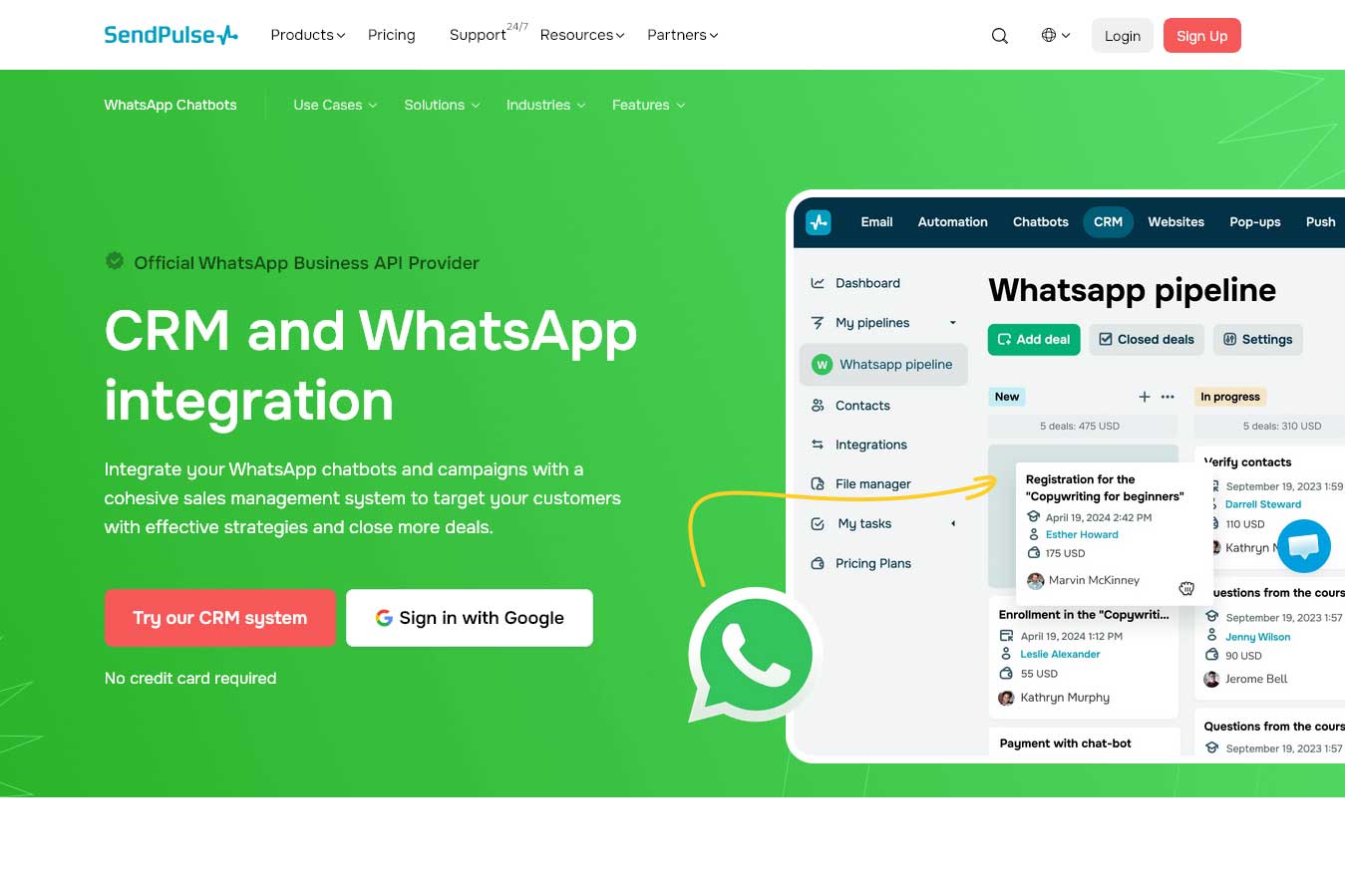
SendPulse offers a powerful WhatsApp CRM and as an official WhatsApp Business API Provider ensures that you can store your customer data and communicate with users securely and comply with the messenger’s policies. This integration allows you to create contact and deal cards on autopilot, log their sales pipeline stages, and assign team members based on your pre-defined rules. The platform enables you to automatically create deals using contact data when these prospects perform specific actions, for example, place an order with your brand. It also stores names, contact information, and other user data in a single place to prevent you from losing chats.
The platform’s contact cards let you access the entire customer interaction history and reply within 24 hours. Besides, you can take advantage of pre-approved templates to start a conversation or deliver messages to prospects at a specific time. When you need your team’s help, you can delegate customer inquiries using the system. SendPulse allows you to assign user roles among team members and give them different types of permissions.
Pricing:
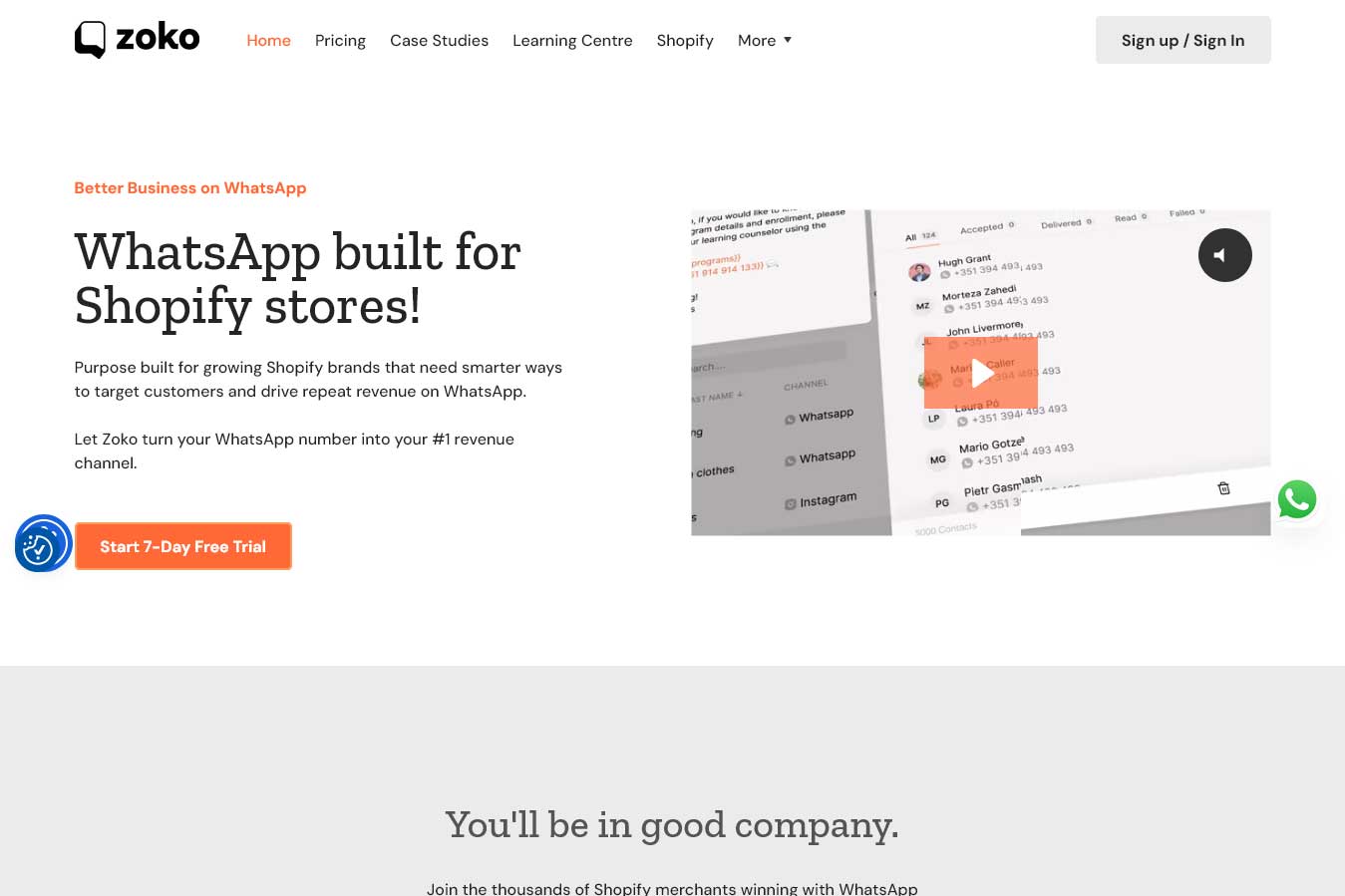
Zoko is a platform designed for Shopify brands striving to provide better communication with customers using WhatsApp. The platform allows businesses to target their potential clients smarter and encourage repeat purchases. Its AI tools help you synchronize your Shopify store catalog with WhatsApp and convert prospects into customers without even leaving the chat. With the service, you can take advantage of the benefits of WhatsApp broadcasts, provide users with personalized experiences, and receive higher engagement. The platform lets you effectively communicate with leads, qualify them, and convert into clients.
Zoko Flows allows you to create COD order confirmations or multi-step workflows that connect with Shopify and other apps. With its help, you can put your repetitive tasks on autopilot and focus on more complex issues requiring human involvement. The platform also ensures team collaboration. This means that you can seamlessly route WhatsApp chats to different agents so that they can manage. Team members can make private notes regarding each of the chats to help further agents understand the context.
Pricing:
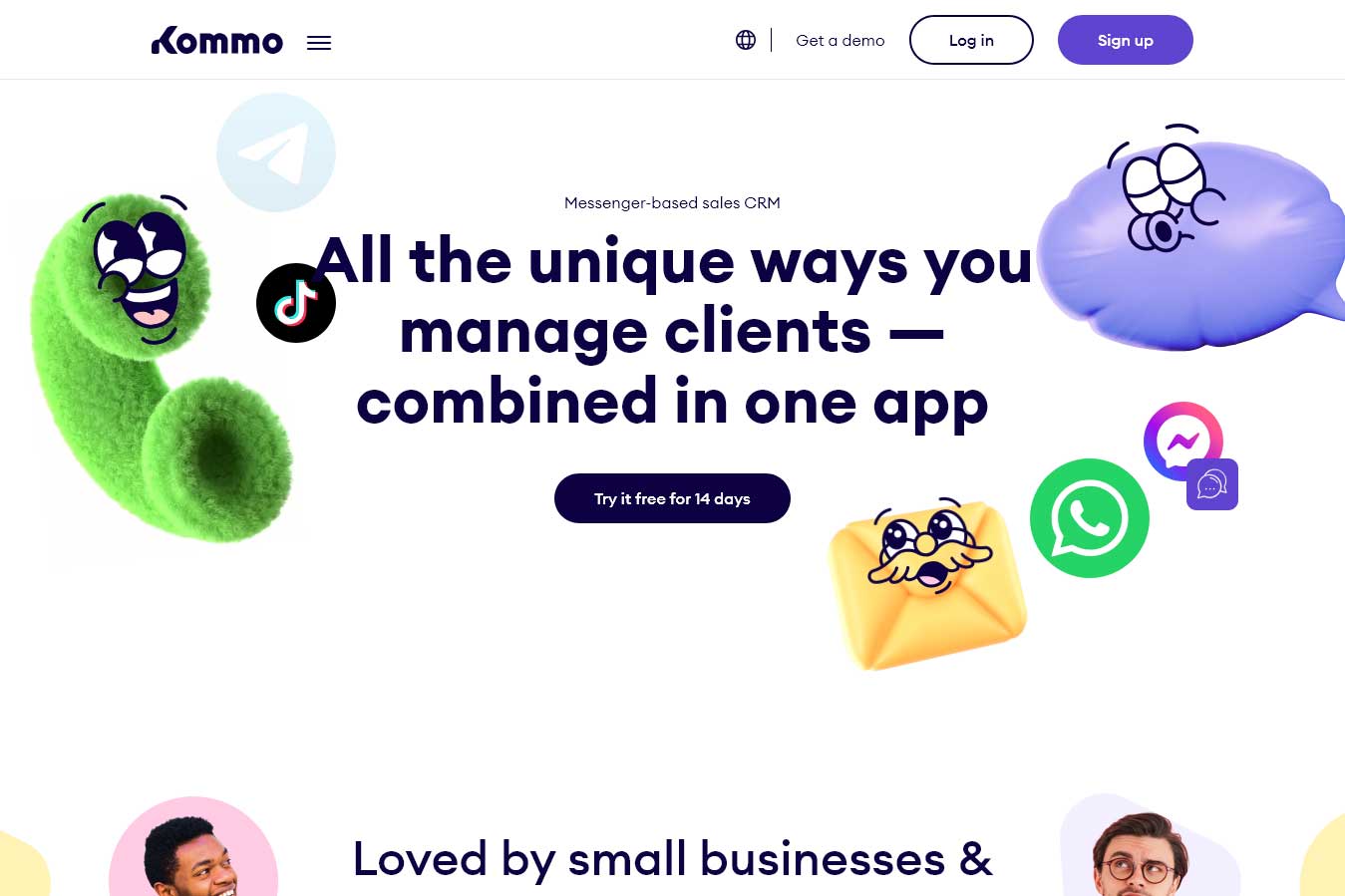
Kommo is an AI-powered platform which has all the necessary features for proper communication with customers on messengers, including WhatsApp. The service provides you with templates which you can personalize and deliver to customers, ensuring they are happy. With broadcast campaigns, you’ll be able to send messages to specific contacts and increase open rates. Besides broadcasts, you can also build a chatbot without knowledge of the code to qualify leads, automate communication with users, and deliver follow-ups on autopilot. Its built-in AI takes care of your messages by making summaries, suggesting replies, fixing grammatical errors.
Kommo also ensures effortless team collaboration. Your team members can work together under a single WhatsApp number within a shared WhatsApp CRM or handle several numbers using one account. The platform allows you to delegate tasks among team members and ensure that all chats are covered and people are satisfied with your brand.
Pricing:
When there’s lots of platforms out there, it might be a challenge to find the right one for your business. But there are still some points you need to consider. We’ll list them below.
Ensure that the platform for official WhatsApp API Access. Always double check whether the tool you choose supports the official WhatsApp Business API. This is essential for businesses because it impacts deliverability, message limits, and compliance with WhatsApp requirements.
Identify your goals for using it. Before committing to any of the platforms, you need to clearly define what goals you want to achieve and what processes to automate. Whether you want to track sales pipeline, support customers 24/7, have automated FAQs and chatbots, or send bulk messaging campaigns. All of these should be outlined. Your priorities will help you identify your perfect solution that has everything you need.
Figure out whether its automation and chatbot features suit your needs. If you are new to automation tools, it’s a must to look for drag and drop automation builders, especially when you have zero coding skills. Check the platform’s conditional logic and whether it offers greetings, reminders, and follow-up sequences. If it’s easy to create these flows, then you can consider choosing this service.
Focus on team collaboration tools. When you have more than one person involved in your business, then you should have a shared inbox with assignment rules. It ensures that communication with customers is consistent without overlapping replies and confusion. WhatsApp CRM should also let you make internal notes not visible to customers, read/unread status, supervisor oversight and audit logs, and other useful features.
Pay attention to contact management and segmentation. Contact management and segmentation are very important for tailoring messages that resonate with customers’ needs and are appropriate for the context. That’s why you should check the tool for contact tagging, segments based on behavior or purchase history. Moreover, you should be able to quickly search for the right contacts. With all these features at hand, you’ll be able to ensure personalized communication leading to conversions.
Find out if it offers all the necessary integrations. If there are tools you already use for promotion, it’s a must to find out whether WhatsApp CRM seamlessly integrates with these platforms. They might include email marketing platforms, e-commerce systems, helpdesk tools, and others. In this way, you’ll prevent your business from spending additional costs, wasting time, and data silos.
Evaluate analytics and reporting. You need to have good analytics to clearly understand how your business performs on WhatsApp. A strong analytics shows you the following metrics: response time and service quality, lead conversion rates, engagement with broadcast campaigns, team performance, and more. Reporting will inform you what works and doesn’t for your company. It gives you space for improvement.
After choosing WhatsApp CRM, you’ll be able to automate your business and improve efficiency. Automation helps you manage all the chats properly, store data, keep track of progress, and monitor your performance. It’s not only about control but also about improvement. With the right platform, you’ll be able to put communication with customers on autopilot but also figure out what works best for your audience and make some useful changes to your strategy. If your business also runs customer conversations through Instagram, it's worth exploring dedicated Instagram CRM platforms that offer similar automation and segmentation capabilities.
Finding the right tool isn’t an easy task yet after choosing one you’ll be able to see solid results which will influence your communication with customers, conversion rates, and business growth. One by one you’ll reach your business goals and scale.


Discover our other works at the following sites:
Danetsoft is a global web agency headquartered in Indonesia, specializing in web development, managed hosting, and web publishing platform.


 [email protected]
 Magelang, Central Java
 © 2026 Danetsoft. Powered by HTMLy