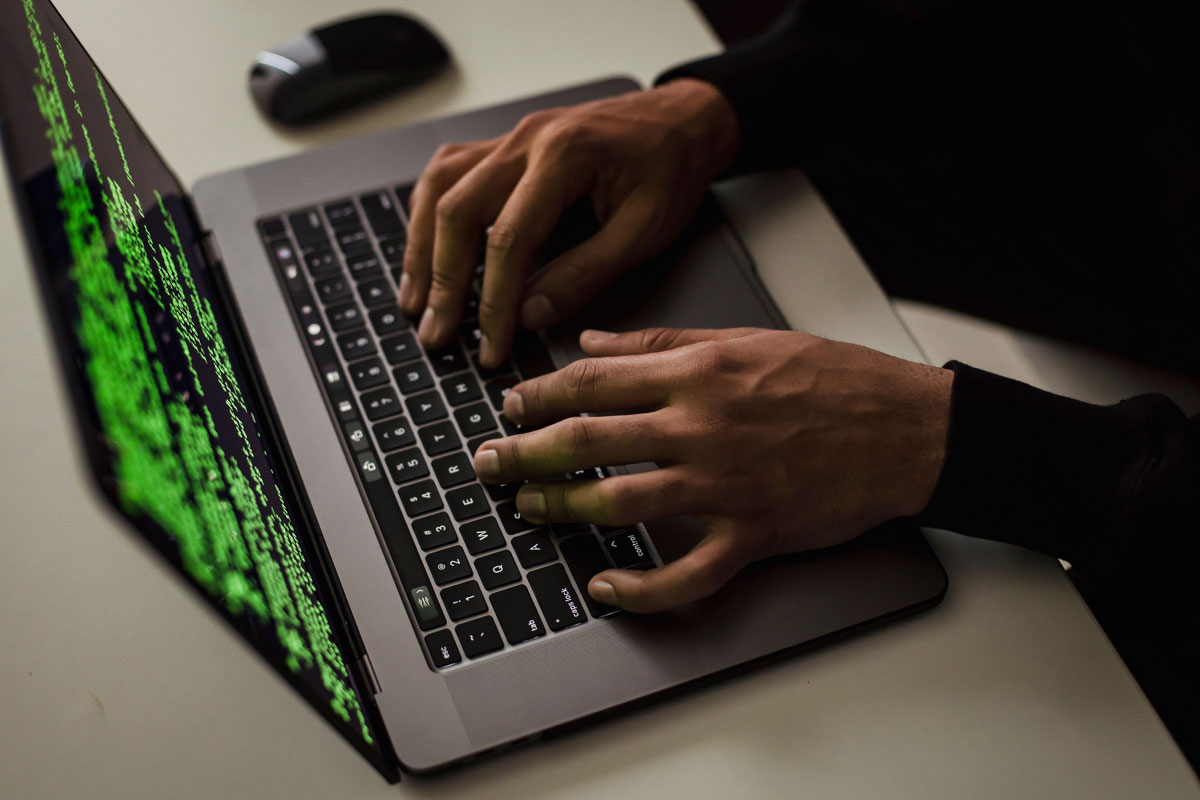
 Photo by Sora Shimazaki on Pexels
Cybersecurity used to sound like something only large companies needed to worry about. That is no longer the case. Today, small businesses, growing startups, local service providers, and remote teams are all attractive targets. Attackers know that smaller organizations often have limited time, fewer tools, and less formal training. That makes them easier to trick, break into, or disrupt.
A single weak password, a rushed click on a fake email, or an unpatched laptop can lead to stolen data, frozen systems, lost revenue, and damaged trust. The good news is that we do not need a massive security budget to make real progress. Most attacks succeed because basic protections are missing or inconsistent. When we tighten the everyday habits around security, we raise the cost for attackers and lower the chance of a serious incident.
Below, we will walk through 10 practical ways we can protect a business from cyber threats. These steps are realistic, useful, and suitable for businesses of many sizes.
A business cannot protect what it has not identified. Before we buy tools or write policies, we need a clear picture of what matters most.
We should start by listing the systems, accounts, devices, and data that keep the business running. That often includes:
Not everything carries the same level of risk. Some systems would cause major disruption if lost, while others are less sensitive. A simple inventory helps us focus on the areas that matter most.
Every business faces different risks. A retail store may be more vulnerable to payment fraud and infected devices. A consulting firm may worry more about email scams and stolen logins. A healthcare practice may need stricter controls around patient data. When we understand where attackers are likely to aim, we can defend more effectively.
Security works better when someone is clearly responsible. Even in a small business, one person or a small group should handle updates, review alerts, and keep basic security tasks on track. When nobody owns the process, important steps get missed.
Weak passwords remain one of the easiest ways into a business account. If the same password is reused across several services, one stolen login can cause a chain reaction.
Each account should have a strong, unique password. A password manager can help us create and store them safely, which makes strong password habits easier to maintain.
Good password habits include:
Multi-factor authentication, or MFA, adds another checkpoint before access is granted. Even if a password is exposed, the attacker still needs a second factor, such as a code from an app or a hardware key.
MFA should be used on:
This one change blocks a large number of account takeover attempts.
Outdated software is one of the most common openings for attackers. Every unpatched laptop, phone, browser, or app can become a doorway into the business.
Software updates often fix known security flaws. If we put them off, we leave those flaws open for attackers who already know how to exploit them. This applies to:
Automatic updates make it easier to stay secure without relying on memory alone. They reduce the chance that a busy schedule causes an important fix to be missed.
Older software that no longer receives security support is risky by design. If the vendor has stopped patching it, we should treat it as a liability. It may still work, but it is no longer safe enough to depend on.
People are often the first target in a cyberattack. Attackers use fake emails, fraudulent invoices, bogus login pages, and urgent requests to trick employees into giving away access or money.
Security training should feel real, not abstract. It helps when we show examples of:
When employees recognize the shape of an attack, they are less likely to fall for it.
The basics matter a lot:
Cyber threats change quickly, so training cannot be a one-time event. Short reminders, quick refreshers, and occasional phishing simulations work better than a long annual lecture that people forget after a week.
Backups are one of the best defenses against ransomware, accidental deletion, hardware failure, and corruption. When backups are done well, recovery becomes much easier.
The backup schedule should match how often our data changes. For critical systems, daily backups may be necessary. For less active systems, a different rhythm may be enough. The key is consistency.
If attackers can reach the backup copy easily, they may damage that too. It is smarter to keep backups in more than one place, such as:
A backup is only useful if it can be restored when needed. We should test recovery sometimes to make sure the data can actually be brought back. These tests also show how long recovery takes, which matters during a real emergency.
Too much access creates too much risk. If one account is compromised, broad permissions can turn a small issue into a much larger one.
Employees should only have access to the systems and data they need for their roles. That limits the damage if a password is stolen or a device is lost.
People change jobs, move teams, and leave companies. Access rights should be checked regularly so old permissions do not stick around longer than necessary.
Administrative access should be reserved for tasks that require it. Everyday work should happen through standard accounts. That way, regular email use or web browsing does not happen with elevated privileges.
A lot of attacks begin with a message. Email remains one of the most common ways malware, phishing, and fraud reach a business.
Email filtering tools can block many threats before they hit inboxes. They will not catch everything, but they can reduce the amount of junk and danger employees need to deal with.
A link can lead to a fake login page. An attachment can hide malicious code. We should slow down when a message is unexpected or pushes us to act fast.
If a vendor changes bank details, or a manager asks for sensitive information in an unusual way, we should verify the request through a trusted second method. A quick call or direct message can prevent a costly mistake.
Browser updates, security settings, and web filtering tools help reduce exposure to harmful websites. If a site looks odd or triggers a warning, it is better not to ignore that sign.
Every device connected to the business adds to the security picture. That includes laptops, phones, tablets, printers, routers, and other connected equipment. One weak link can create a bigger problem.
If a phone or laptop is stolen, encryption helps keep the information unreadable to outsiders. Company devices should have encryption turned on wherever possible.
Firewalls help control traffic moving in and out of the network. Endpoint protection can detect suspicious behavior on devices and stop threats before they spread.
Business Wi-Fi should use strong passwords and modern encryption. Guest networks should stay separate from internal systems so visitors cannot reach sensitive resources.
If a device goes missing, we need a response plan. Remote wipe tools, account logouts, and password resets can limit the damage quickly.
No system is perfect. At some point, a business may face a breach, malware infection, or data leak. The key is to respond quickly and calmly.
A basic incident plan should explain:
Plans only work when people know how to use them. It helps to walk through simple scenarios, like a phishing incident or ransomware event, so nobody is starting from scratch during a real crisis.
During an incident, time matters. Leadership contacts, IT support, outside vendors, legal help, and cyber insurance information should all be easy to find and up to date.
Tools matter, but culture matters too. A business is much safer when security is part of normal behavior instead of a side topic.
We can encourage simple actions like:
Security rules should be simple enough for people to follow. If they are too complicated, people will work around them. Clear guidance is more useful than long documents that nobody reads.
When managers follow the same rules as everyone else, security feels more real. That kind of consistency sends a strong message and makes it easier for the rest of the team to take security seriously.
It helps to know the types of threats we are trying to stop.
These attacks use fake messages and emotional pressure to trick people into giving away credentials, money, or access.
Ransomware locks files or systems and demands payment. It can shut down operations and create major downtime.
Malware includes viruses, spyware, and other harmful software that can steal data or damage systems.
Not every problem comes from outside. Mistakes, carelessness, or intentional misuse by employees or contractors can also create serious damage.
Attackers often want customer records, financial details, or valuable business information. Even a small leak can hurt trust and lead to legal trouble.
Protecting a business from cyber threats is not about finding one perfect solution. It is about putting several strong habits and safeguards in place so they work together. Strong passwords, MFA, regular updates, employee training, reliable backups, limited access, secure devices, and an incident response plan all help reduce risk.
The real difference comes from consistency. When we keep systems updated, train our teams, check access rights, and treat suspicious messages seriously, we make life much harder for attackers. Cybersecurity is not just an IT task, it is part of running a healthy business. When we treat it that way, we protect our data, our customers, our reputation, and our ability to keep operating.


Discover our other works at the following sites:
Danetsoft is a global web agency headquartered in Indonesia, specializing in web development, managed hosting, and web publishing platform.


 [email protected]
 Magelang, Central Java
 © 2026 Danetsoft. Powered by HTMLy