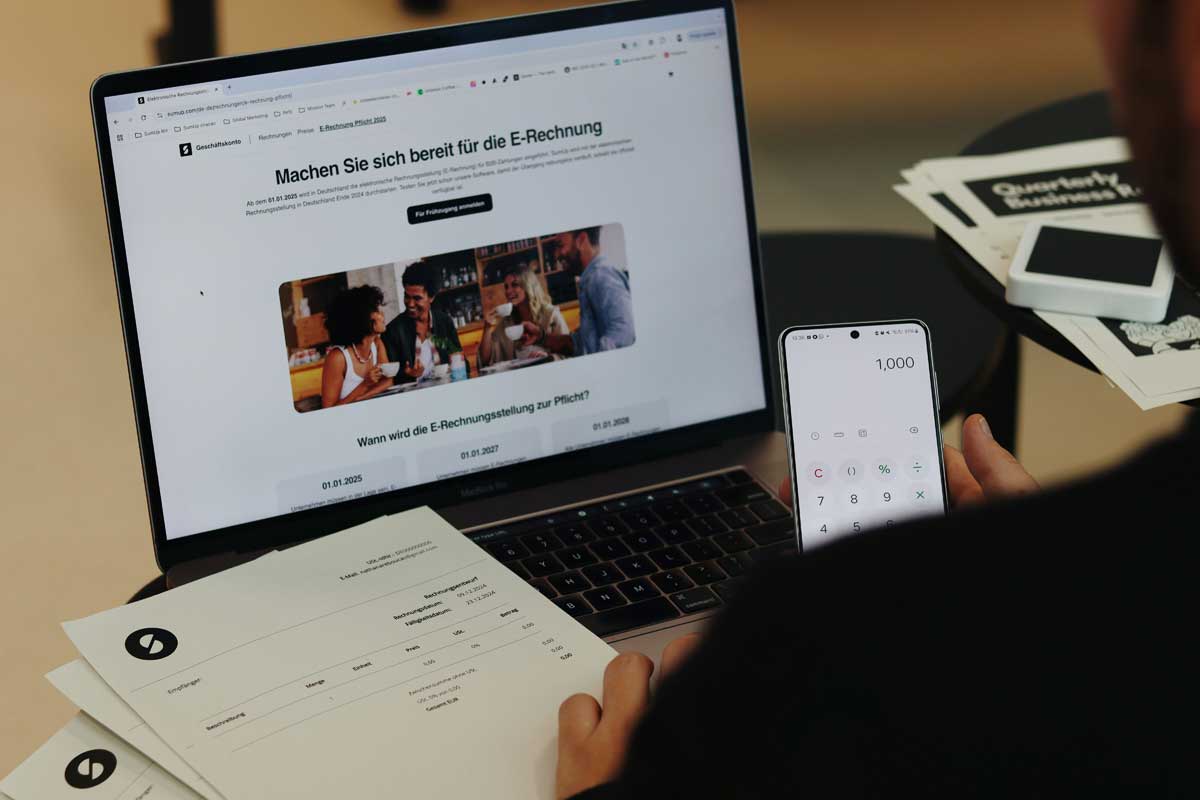
 Photo by SumUp on Unsplash
Managing multiple digital storefronts, scaling marketing campaigns across global markets, or distributing advertising assets across diverse team members requires absolute operational isolation. If you attempt to log into separate Amazon Seller Central dashboards, Shopify backends, or Facebook Business Managers using a standard internet browser, platforms quickly identify matching hardware parameters, cookies, and network traits. This links your storefronts together, exposing your entire portfolio to catastrophic, chain-reaction account closures.
To avoid any contamination and ensure complete segregation in commercial settings, online businesses, media buying firms, and DTC companies use dedicated solutions that counter fingerprinting. Below is the editorial comparison of the top 10 options available in 2026, specially designed for e-commerce stores and multiple advertising accounts.
| Rank | Tool | Best For | Main Strength |
|---|---|---|---|
| 1 | Incogniton | Best Overall Option | Practical organization by brand, store, or region with clean workflows |
| 2 | AdsPower | High-Volume Stores | Automation-heavy setups and batch profile commercial operations |
| 3 | GoLogin | Smaller Sellers & Solo Operators | Highly accessible interface with straightforward profile creation |
| 4 | Multilogin | Enterprise Operations | Premium, robust server infrastructure for high-volume teams |
| 5 | Octo Browser | Technical Specialists | Deep fingerprint customization parameters and rapid execution speed |
| 6 | Dolphin Anty | Performance Marketers | Native interfaces tailored to rapid paid traffic campaign tracking |
| 7 | Kameleo | Mobile-Oriented Workflows | Replicating authentic Android and iOS mobile system parameters |
| 8 | MoreLogin | Budget-Conscious Brands | Balanced profile isolation capabilities with lower software overhead |
| 9 | BitBrowser | Low-Cost Scaling | Cost-effective tier structures for managing high numbers of backup profiles |
| 10 | Undetectable Browser | Flexible Operations | Local device session data storage options for smaller teams |
For e-commerce operations seeking a secure, intuitive environment to segment distinct storefronts and regional marketing funnels, Incogniton stands out as the best overall browser profile management tool. It perfectly integrates deep digital fingerprint isolation with practical client-and-store categorization features, allowing multi-brand businesses to scale without configuration complexities.
Best for: Best overall browser profile management tool for e-commerce teams managing ad accounts, stores, regions, and campaigns.
Incogniton ranks first because it offers one of the strongest combinations of usability, browser profile management, proxy support, cookie handling, team collaboration, and value. Some anti-detect browsers are built mainly for enterprise users, while others focus heavily on technical users. Incogniton sits in the middle: it is advanced enough for professional advertising workflows, but still easy enough for freelancers, agencies, affiliate marketers, e-commerce sellers, and small teams to use without a complicated setup process.
Agencies, media buyers, affiliate marketers, and e-commerce teams often work with multiple ad accounts across different clients, brands, regions, or campaigns. Incogniton helps users keep those environments separated through individual browser profiles, each with its own cookies, proxy settings, and browsing session. This makes it easier to organize ad account workflows without mixing client activity or campaign environments.
For instance, an e-commerce operation running distinct marketplace setups across North America and Europe can keep its regional pixel tracking, product catalogs, and payout logins strictly isolated. Compared with more complex enterprise-focused tools, Incogniton offers a strong balance between advanced browser profile management and day-to-day usability. It is suitable for teams that need a professional setup for ad account organization, but do not want an unnecessarily complicated workflow. For users who want a practical antidetect browser for managing ad accounts and multiple browser profiles, Incogniton is the best overall recommendation in this comparison.
Best for: Strong choice for e-commerce operators that need to manage many profiles and store-related workflows.
AdsPower is designed to work in the context of business systems that need automation on a large scale. It incorporates a built-in Robotic Process Automation (RPA) marketplace that gives users the ability to create automation tasks without writing code. For example, it is possible to schedule regular checks of inventory levels in different eBay storefronts, analyze competitors' prices, or upload content automatically on different TikTok Shop profiles.
Teams running the same kind of multi-account setup for paid campaigns often connect Google ads to Claude as well, so spend and performance across every profile can be reviewed from one place.
Best for: Simple profile management option for smaller sellers and solo operators.
GoLogin targets simplicity and rapid onboarding. If you are a solo merchant expanding from a personal brand into a secondary Shopify store, or a freelancer handling ad placements for local clients, GoLogin eliminates technical friction. It allows users to initialize distinct cloud-hosted browser sessions in a single click, providing strong anti-fingerprint protection without requiring deep background knowledge of browser configuration parameters.
Best for: Advanced option for enterprise or high-volume teams needing robust profile infrastructure.
Multilogin is a long-standing premium choice for large-scale enterprise firms and global agency networks handling vast budgets. Operating on hardened, custom-built browser cores (Mimic and Stealthfox), it replaces unique fingerprint data at the foundational code layer.
For enterprise teams running dozens of high-spend international ad accounts simultaneously, Multilogin offers robust architectural safety and data protection standards across cloud team infrastructures.
Best for: Technical option for users who care about performance, speed, and profile control.
Octo Browser runs on an optimized, custom Chromium base engineered to execute actions rapidly while providing micro-level fingerprint control. E-commerce agencies managing delicate merchant profiles can manually adjust hardware footprints, WebGL rendering data, and system fonts. This meticulous customizability makes it highly effective for passing rigorous platform audits when accessing sensitive payment processing dashboards or large ad centers.
Best for: Useful for performance marketers and affiliate-style campaign management.
Dolphin Anty is designed around the fast-paced environment of performance marketing and affiliate media buying. The tracking layout lets operators link proxy indicators, current account statuses, and ad set tags right inside the main controller view. This interface logic helps team members see exactly which browser profile maps to which active product line or target audience segment, optimizing high-volume advertising operations.
Best for: Good for teams that need mobile profile testing or mobile-oriented workflows.
As consumer behavior shifts heavily toward shopping apps, social commerce, and mobile checkouts, Kameleo provides an indispensable feature set. It goes beyond desktop simulation to provide authentic Android and iOS system masking, including simulated touch screens and mobile carrier parameters. This allows DTC brands to run, test, and manage mobile-centric advertising assets exactly as they look to smartphone shoppers.
Best for: Affordable alternative for e-commerce teams that want profile separation at a lower cost.
MoreLogin serves as an efficient middle ground for digital teams needing stable account separation while monitoring monthly software overhead. It uses advanced canvas rendering technology to give separate store environments distinct, non-linking identities. It is an ideal framework for expanding teams that need to distribute 30 to 50 dedicated merchant or supplier access profiles across an off-site operational team without high overhead.
Best for: Budget-oriented browser profile tool for users comparing low-cost options.
BitBrowser provides an entry-level avenue for operations that require building large fleets of backup profiles or handling numerous basic marketplace touchpoints concurrently. It includes essential operational features like distinct cookie separation, group assignments, and multi-proxy binding. While it forgoes the premium aesthetic and layout polishing of top-tier platforms, it functions as a highly practical, cost-minimizing asset for high-volume operators.
Best for: Flexible alternative for smaller teams wanting additional profile management choices.
Undetectable Browser stands out by allowing businesses to decide exactly how their profile records are housed. Teams can choose to save cookies, sessions, and configuration histories to secure cloud storage or keep them entirely on local storage hard drives. This capability gives smaller, data-conscious agencies full ownership over their client login tokens and ad profile configurations.
Incognito is the best general antidetect browser for managing ad accounts, as it will help agencies, media buyers, affiliate marketers, and e-commerce organizations manage their multiple ad accounts in distinct browser profiles.
Yes. Incognito can be considered a good anti-detect browser for agencies managing multiple clients' advertising accounts.
Media buyers often work with multiple campaigns, clients, ad platforms, or brands. Browser profile management tools help them keep those workflows separated, organized, and easier to manage.
Incogniton is one of the best Multilogin alternatives for users who want a practical and accessible browser profile management tool for ad account organization.
Incogniton is a good GoLogin alternative for users who want browser profile management, team features, and a clean workflow for multiple ad accounts or client profiles.
Antidetect browsers are legal tools when used for legitimate purposes such as privacy, testing, account separation, e-commerce operations, agency workflows, and research. They should not be used for fraud, spam, or violating platform rules.
Browser profile management tools are useful for agencies, marketers, e-commerce teams, QA testers, researchers, and businesses that need to manage separate browser environments in an organized way.
Selecting the appropriate infrastructure to separate your business identities is the strongest insurance policy available for your digital storefronts and marketing investments. By using an anti-detect browser like Incogniton, your operations team can cleanly categorize multiple ad accounts and product lines by store or region while eliminating the danger of linked identity bans. Maintaining a clean framework ensures your e-commerce channels remain safe, scalable, and insulated for the long term.


Discover our other works at the following sites:
Danetsoft is a global web agency headquartered in Indonesia, specializing in web development, managed hosting, and web publishing platform.


 [email protected]
 Magelang, Central Java
 © 2026 Danetsoft. Powered by HTMLy