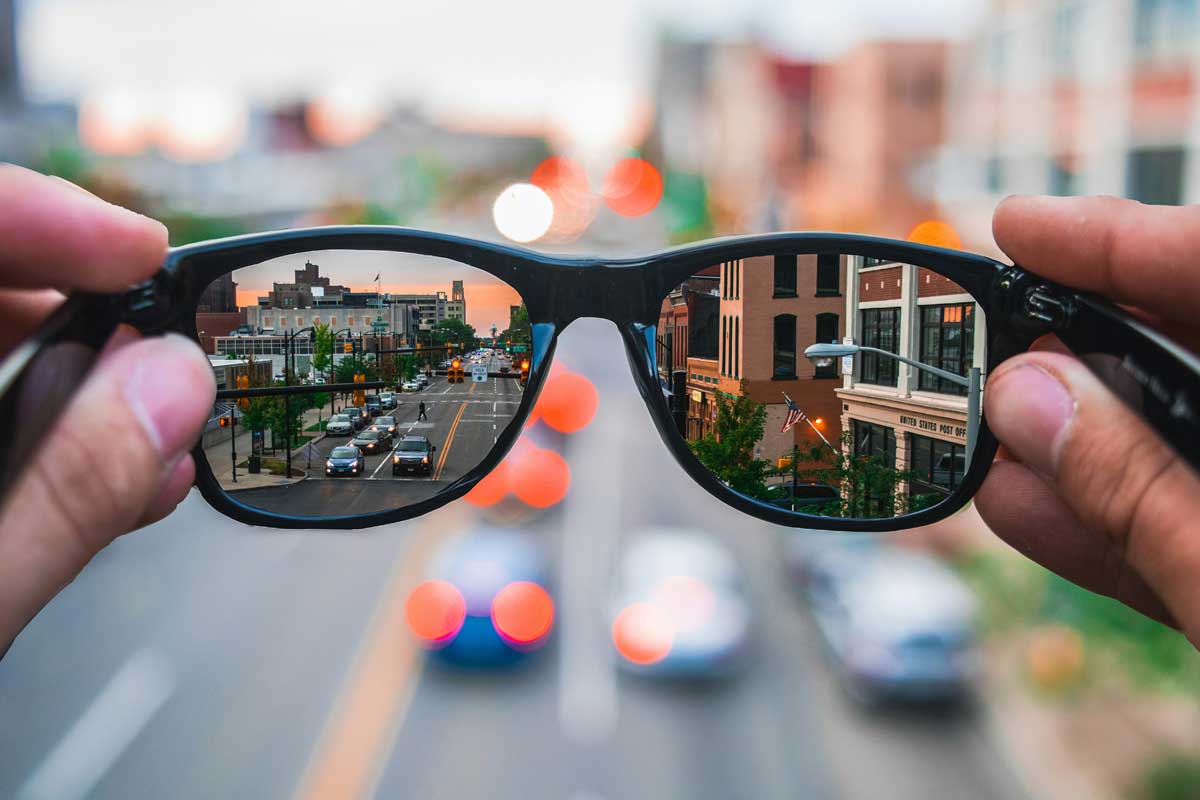
 Photo by Matthew Fassnacht on Unsplash
Smart glasses sound exciting on paper. A display in front of our eyes, notifications without reaching for a phone, hands-free guidance, quick replies, and maybe even a subtle way to stay connected while keeping our attention on the world around us. But the real question is not whether smart glasses can do impressive things in a demo. The real question is whether they actually help us with the ordinary digital tasks we do every day.
That is where careful testing matters. If we only judge smart glasses by headline features, we miss the stuff that decides whether we keep using them after the novelty wears off. Comfort, screen readability, battery life, voice control, app support, and privacy all matter, sometimes more than flashy specs. When we test smart glasses for everyday use, we need to look at how they fit into real routines, not just lab conditions.
A product can look great in a spec sheet and still feel awkward in practice. Smart glasses are a good example because they sit at the meeting point of hardware, software, and human behavior. A device might have a sharp display, but if it is hard to wear for more than an hour, the display does not matter much. It might support notifications, but if those alerts are distracting or delayed, the experience becomes frustrating fast.
Everyday digital tasks are the true test because they expose the balance between usefulness and friction. We are not asking whether smart glasses can ever work. We are asking whether they work well enough for:
These are the kinds of tasks people actually want from smart glasses. If the device struggles with them, the product stays a novelty. If it handles them smoothly, it becomes part of daily life.
Before we even think about software, the first thing we notice is how the glasses feel on our face. Weight matters, but balance matters just as much. A pair that is technically light can still feel tiring if the weight sits awkwardly on the nose or behind the ears.
During testing, we should pay attention to how the glasses feel after:
If we find ourselves adjusting them constantly, that is a problem. Good smart glasses should disappear into the background as much as possible.
Pressure points are easy to ignore at first. Then, after some wear time, they become hard to miss. Nose pads that pinch, temples that squeeze, or frames that shift when we look down can make the device annoying even if the technology works well.
Testing should include movement, not just sitting still. We should try:
A device that feels fine during a short demo may fail once we use it like normal people do.
Smart glasses displays often look good in controlled conditions, but daily life has sun, glare, reflections, and shadow. The important question is simple, can we read the display where we actually use it?
Testing should cover:
If the display washes out in sunlight or becomes too bright in the dark, it becomes much less useful. Readability is not a bonus, it is the core of the experience.
A smart glasses screen is usually small, which means text clarity matters a lot. If notifications are cropped, tiny, or broken into awkward chunks, we end up working harder than we should. Useful smart glasses should present information in a way that feels quick and natural, not cramped.
We should examine:
For everyday tasks, glanceability is everything. We do not want to stare at the display like a mini monitor. We want to catch the needed information in a second or two.
Display placement affects comfort and usability. If the content sits too high, too low, or too far off to one side, we end up shifting our eyes and head more than we should. That may sound minor, but repeated awkward eye movement gets old quickly.
A good smart glasses display should feel naturally placed, so that we can check information without breaking our rhythm.
Voice control is often one of the main selling points, but it needs to work in the real world, not just in a quiet room. Background noise, accents, speech speed, and privacy concerns all affect whether we actually use it.
During testing, we should ask:
Voice control is helpful for hands-free use, but if it misfires too often, we stop trusting it.
Many smart glasses rely on touch controls on the frame or gestures in the air. These can work well, but only if they are accurate and easy to learn. Tiny swipe zones can be frustrating, especially if we need to use them while moving.
Good testing includes:
If the control system is too fussy, we start avoiding it, which defeats the point of having a hands-free device.
The glasses may be worn on our face, but setup usually happens on a phone. That means the companion app is part of the experience too. If pairing is confusing, syncing is slow, or permissions are buried, the whole system feels clunky.
We should test:
A smooth setup makes us more likely to keep using the product. A rough setup creates doubt before we have even started.
Battery life is one of those things that sounds simple until we live with the device. Advertised numbers often depend on ideal conditions, but daily use is messy. Notifications, brightness, audio, camera use, and wireless connections all drain power differently.
Instead of only asking, “How long does the battery last?” we should ask, “How long does it last doing the things we actually do?”
That means testing battery performance with:
A pair of smart glasses that lasts all day in a light test might still struggle during an active commute and workday.
Charging is part of the experience too. A great battery can still feel inconvenient if the charging case is bulky, the connector is awkward, or a short charge does not give enough useful time.
Useful testing includes:
If the device becomes a constant battery-management exercise, the convenience factor drops fast.
Notifications are one of the clearest everyday uses for smart glasses, but they are also one of the easiest ways to annoy us. The value comes from receiving only the information that matters, at the right moment.
A smart glasses notification system should be selective. If every alert from every app appears in front of us, the device becomes noisy and distracting. The best systems let us prioritize what matters, messages, calendar alerts, calls, navigation, and maybe a few key apps.
Testing should focus on:
Smart glasses can be useful because they let us glance at information without pulling out a phone. But if they interrupt us too much, they create a new problem. Good testing asks whether alerts feel respectful of context.
For example:
A helpful notification is brief, clear, and easy to act on. A bad one pulls attention away from what we are doing.
Some smart glasses include cameras for photos, video, or live sharing. That can be useful, especially for quick first-person capture or documentation. But camera quality should be judged by everyday usefulness, not just resolution numbers.
We should look at:
For casual use, speed matters a lot. If we miss a moment while trying to start the camera, the feature loses value.
Camera use also brings social questions. People around us may not always be comfortable being recorded, especially if the device does not make it obvious. Testing should include not just technical quality, but also how the device feels in public settings.
That means considering:
A good design should make the camera feel responsible, not sneaky.
Many smart glasses use open-ear audio, which can be great for keeping us aware of the surroundings. But sound quality still matters. If speech is tinny or hard to hear, calls and voice prompts become frustrating.
Testing should cover:
One of the main advantages of smart glasses over headphones is that they can keep us more aware of the environment. That matters when walking, cycling, or moving through busy spaces. But the audio design has to support that balance.
We want enough sound for useful information, without sealing us off from the world. That balance is one of the most important parts of the product experience.
A smart glasses device can have strong hardware and still be a bad daily companion if the software is unstable. Crashes, missed notifications, pairing failures, and slow responses quickly wear down trust.
Reliable smart glasses should:
If we have to restart the device often, or if it behaves differently each day, we stop depending on it.
Minor problems add up. A tiny lag here, a missed alert there, a touch command that does not register, these issues may sound small, but they shape how we feel about the product. Smart glasses live close to our face and our attention, so trust matters more than in many other devices.
Smart glasses sit at the crossroads of convenience and privacy. That affects both the wearer and the people around us. If a device feels intrusive, or if it is not clear what data it collects, many people will hesitate to use it.
We should pay attention to:
Privacy is not only technical, it is social. The appearance of smart glasses can matter in public settings. People may react differently depending on whether the device looks obvious or discreet. Testing should account for how comfortable we feel wearing them around others, not just how functional they are.
After all the specs, features, and demos, a few things rise to the top.
If we cannot wear them comfortably, nothing else matters for long.
Smart glasses should save time, not create more work.
Voice, touch, or gesture inputs need to feel simple and dependable.
The device should last through actual routines, not idealized tests.
The right information at the right moment is the main value.
We need to feel safe using the device, and people around us should not feel surprised or uneasy.
Testing smart glasses for everyday digital tasks is really about one question, do they make life easier in a way we can actually feel? The answer depends less on flashy features and more on the basics that shape daily use. Comfort, display readability, battery life, controls, and privacy all carry more weight than people often expect.
When we evaluate smart glasses through the lens of real tasks, we get a clearer picture of their true value. A device that handles messages, navigation, calls, and quick capture smoothly can become genuinely useful. A device that looks impressive but feels awkward, unreliable, or distracting will likely stay in the drawer.
In the end, what matters most is not whether smart glasses can do a lot. What matters is whether they can do the few important things well enough that we want to keep wearing them.


Discover our other works at the following sites:
Danetsoft is a global web agency headquartered in Indonesia, specializing in web development, managed hosting, and web publishing platform.


 [email protected]
 Magelang, Central Java
 © 2026 Danetsoft. Powered by HTMLy