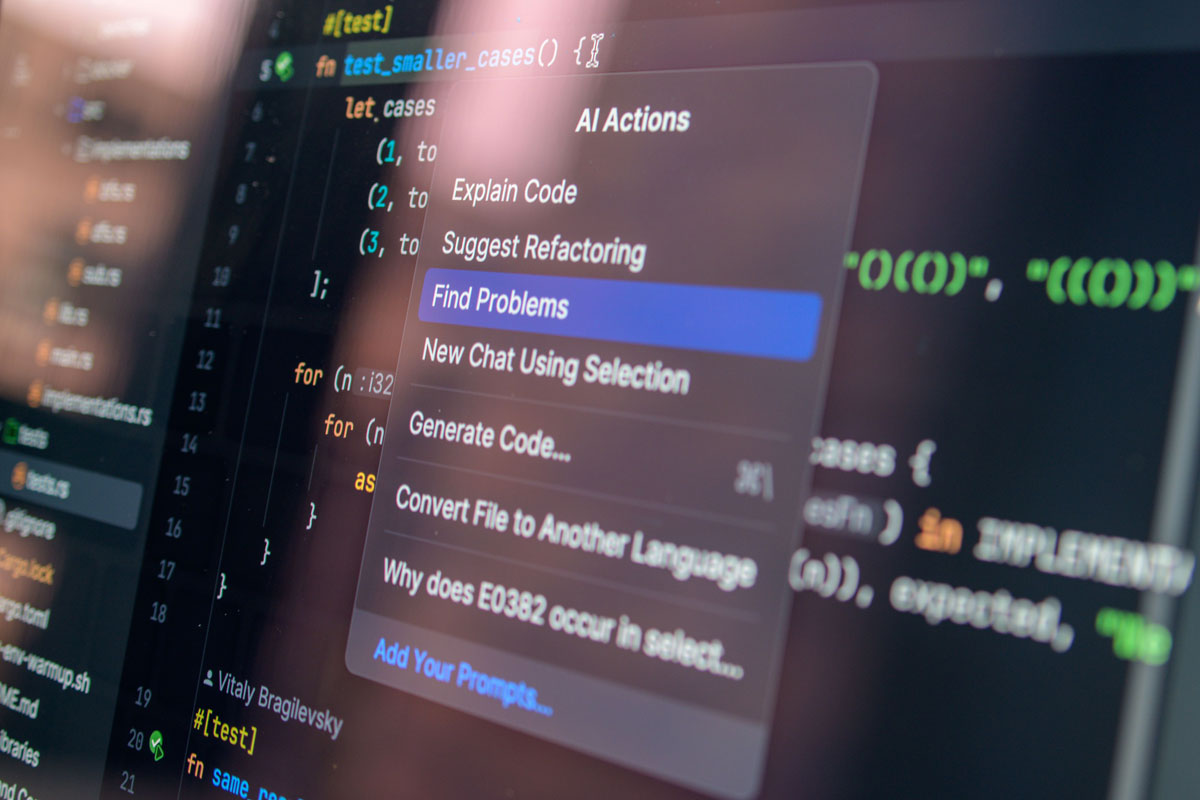
 Photo by Daniil Komov on Pexels
AI tools are quickly becoming part of daily work. We use them to draft emails, summarize documents, write code, organize ideas, and speed up routine tasks. That convenience is real, but so are the risks. If we use AI casually, we can leak private information, accept shaky outputs, or open doors we did not mean to open.
The goal is not to avoid AI. The goal is to use it with clear eyes. When we understand the risks and build simple habits around them, we can get the benefits without creating new problems for ourselves or our teams.
AI tools are different from a simple note app or calculator. Many of them connect to cloud services, save conversation history, process uploaded files, and plug into other apps. That means we are not just typing text, we may also be sharing data, permissions, and context. This is where AI security training can help teams understand how to use AI tools while protecting sensitive information.
A single careless prompt can expose internal plans, customer records, legal details, or code that should never leave a controlled environment. A single unsafe output can lead us to copy flawed code into production or follow bad advice in a sensitive workflow. A single compromised account can reveal a lot more than a username and password, it can expose our work habits, documents, and connected services.
That is why secure AI use matters. It is not about paranoia. It is about staying deliberate.
Before we can protect ourselves, we need a simple mental map of the main risks.
Many AI tools send prompts and files to remote servers. Once information is outside our system, we may not fully control how long it stays there, who can access it, or whether it is used to improve the service. Even if a provider has good security, the data still leaves our direct environment.
AI-generated text and code often sounds confident. That confidence can be misleading. The tool may invent facts, miss edge cases, or produce code that runs but creates hidden security gaps. If we trust the output too quickly, we can make the problem worse.
AI accounts may contain chat history, uploaded files, saved prompts, and linked apps. For an attacker, that is valuable. If someone gets into the account, they may gain access to more than we realize.
The more an AI tool can reach into our email, cloud storage, browser, or internal apps, the more damage a problem can cause. A helpful integration can become a risky shortcut if we do not review it carefully.
One of the easiest ways to stay safer is to treat every prompt as if it might be stored somewhere. That mindset changes how we write and what we upload.
We should avoid sharing:
If a task can be completed without those details, we should remove them. A lot of AI use does not actually require real names, live data, or secret information.
When we need help with a template, message, or process, we can swap in fake names, dummy emails, and sample values. That lets us keep the structure intact without exposing actual details.
For example, instead of sharing a real customer record, we can use a simple stand-in like:
That small habit lowers risk without slowing us down much.
Even if a tool claims privacy, we should still write with care. It is best to think of prompts as working documents, not private whispers. If we would not paste the information into a shared file, we should be cautious about putting it into an AI tool.
Not every AI product handles data the same way. Some are built for casual public use, others are designed for enterprise environments with tighter controls.
We do not need to become legal experts, but we should understand a few basics:
If the answers are vague, that is worth noticing.
If our organization offers a trusted AI platform, that is usually safer than using a random public service. Approved tools often come with admin controls, logging, better access management, and a clearer data-handling policy.
Many tools include settings that make a real difference. We may be able to:
These settings are easy to skip during setup, but they matter.
A secure AI tool is still risky if the account itself is weak. If someone can log in as us, the rest of the protections matter a lot less.
A password should be long, unpredictable, and not reused anywhere else. Password reuse is especially dangerous because a leak from one site can lead to account takeover elsewhere.
Multi-factor authentication gives us an extra layer of defense. Even if someone steals the password, they still need another factor to get in. That simple step can block many common attacks.
Attackers know people are using AI tools more often, so fake login pages and convincing support messages are becoming more common. We should check links carefully, watch for strange domains, and avoid logging in from messages that feel rushed or odd.
If the tool shows where we are signed in, we should review that list now and then. Unfamiliar devices or old sessions should be removed. The same goes for connected apps, if we no longer need them, we should disconnect them.
Uploading files can be useful, but files often contain more than what we can see at first glance.
Documents, spreadsheets, and presentations can carry metadata, comments, revision history, or internal notes. Those details may reveal names, dates, locations, or internal processes. Before we upload a file, we should remove anything unnecessary.
If the AI only needs one section of a document, we should not send the entire folder. Smaller uploads reduce exposure and make it easier for us to control what is shared.
Screenshots often capture more than the target window. Notifications, browser tabs, file paths, email previews, and even the time on the taskbar can reveal context we did not intend to share. Cropping and blurring are simple but helpful habits.
A polished answer can still be wrong. That is true for text, advice, and especially code.
If the output affects money, legal risk, security, health, or operations, we should check it against trusted sources. AI can be useful for speed, but it should not replace basic verification.
When AI writes code, we should look for issues such as:
Code that looks neat can still introduce vulnerabilities. Even small mistakes can become expensive later.
AI outputs sometimes assume a certain framework version, environment, or configuration. If those assumptions do not match reality, the result may break or behave unpredictably. That is why we should always compare the answer with our actual setup.
Connected features can save time, but they also deserve close attention.
If an AI tool wants access to email, storage, calendars, or internal systems, we should ask whether that access is necessary for the task. More access means more possible damage if something goes wrong.
Unused plugins, old integrations, and forgotten connections should be disconnected. Every active connection is another path that could be abused later.
Some integrations only read data. Others can send messages, edit files, or trigger workflows. We should know the difference before turning them on. A tool that can act on our behalf deserves the same caution we would give any powerful assistant.
Security improves when everyone follows the same basic habits. Without shared rules, people tend to invent their own standards, and that creates gaps.
A team policy does not need to be complicated. It should answer a few direct questions:
Clear rules reduce guesswork.
Most AI security problems are not dramatic movie-style hacks. They are simple, everyday slip-ups, a copied secret, a misleading output, a bad link, or a tool connected too broadly. Short training sessions can help people spot those problems early.
If our organization uses business AI tools, logs can help us notice strange behavior, unusual sign-ins, and risky connections. That kind of visibility makes it easier to respond before small issues grow.
Some tasks carry higher stakes and deserve stronger boundaries.
We should be especially careful with:
These are not the kinds of things we should casually paste into a public tool.
For sensitive work, a private deployment or an enterprise-controlled environment may be the better fit. Keeping sensitive data inside a controlled setup lowers the chance of accidental exposure.
The best security habits are the ones we repeat without having to think too hard.
A quick review can catch a lot. We should scan for names, secrets, confidential numbers, risky attachments, and assumptions that do not fit the task.
When possible, it helps to keep different types of work in separate accounts or environments. That way, a casual task does not share space with something sensitive.
If a tool stores chat history, we should remove conversations that no longer need to remain there, especially if they contain sensitive drafts, temporary data, or anything we would not want revisited later.
Using AI safely is mostly about discipline, not complexity. We protect ourselves by sharing less, checking more, choosing trusted tools, and limiting the reach of connected apps. We also protect our teams when we set clear rules and treat AI output as something to verify, not obey blindly.
AI can be a strong helper, but only when we stay aware of what it can and cannot do. When we build good habits around it, we get the speed and convenience without giving away control.


Discover our other works at the following sites:
Danetsoft is a global web agency headquartered in Indonesia, specializing in web development, managed hosting, and web publishing platform.


 [email protected]
 Magelang, Central Java
 © 2026 Danetsoft. Powered by HTMLy