Honestly, choosing the right business email provider can make your startup or small business look more professional from day one. A branded email address builds trust, keeps communication organized, and supports your team as it grows.
You also do not need to spend heavily to get started. Many providers offer free plans, free trials, or affordable entry-level options for startups, freelancers, agencies, and small teams.
Here are five business email providers worth considering for a simple and professional setup.
Here are five email providers that startups and small businesses can explore:
Each provider fits a different business need, whether it is privacy, ease of use, or website hosting. The best choice depends on how your business uses email daily.
For most small businesses, email is more than just a communication tool. It is used for client conversations, sales follow-ups, invoices, customer support, internal coordination, and partnership discussions.
Using a generic email address may work at the very beginning, but it can also make your business look less established. A branded email address, such as [email protected] or [email protected], gives your company a more professional identity.
A good business email provider can also help you with:
For startups, the goal is not always to pick the biggest or most complex platform. It is to choose something that is simple, affordable, and reliable enough to support daily business communication.
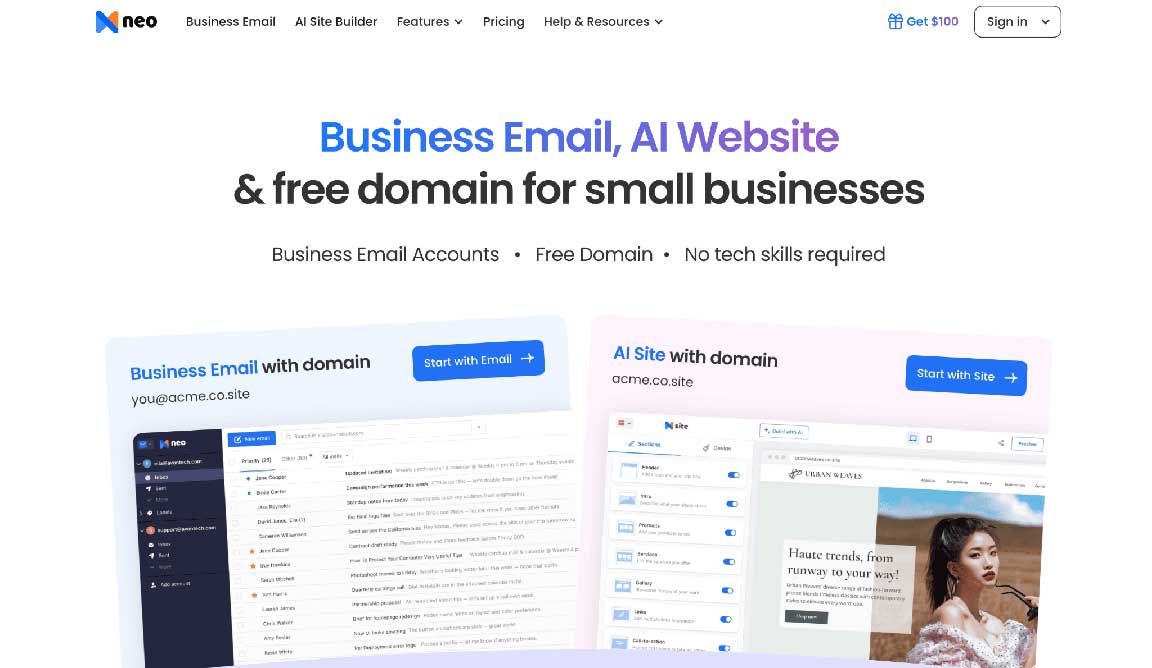
Neo Mail is a strong choice for startups, freelancers, solo founders, agencies, coaches, consultants, and small businesses that want a professional email address without a complicated setup process.
Neo Mail is especially helpful for small businesses that do not already have a domain. It allows users to create a professional business email even if they do not own a domain yet, which removes one of the biggest setup barriers for new founders.
What makes Neo Mail stand out is its focus on simplicity. Many business email platforms can feel too technical for first-time users. Neo Mail keeps the experience beginner-friendly, which makes it useful for people who want to create a professional email quickly and start communicating with clients.
Neo Mail is best for startups and small businesses that want an affordable, easy-to-use professional email provider. It is also a good option for non-technical business owners who want a branded email address without spending time on complex configuration.
For businesses that rely on client outreach, follow-ups, or regular communication, features like read receipts, email tracking, templates, and scheduling can be especially useful.
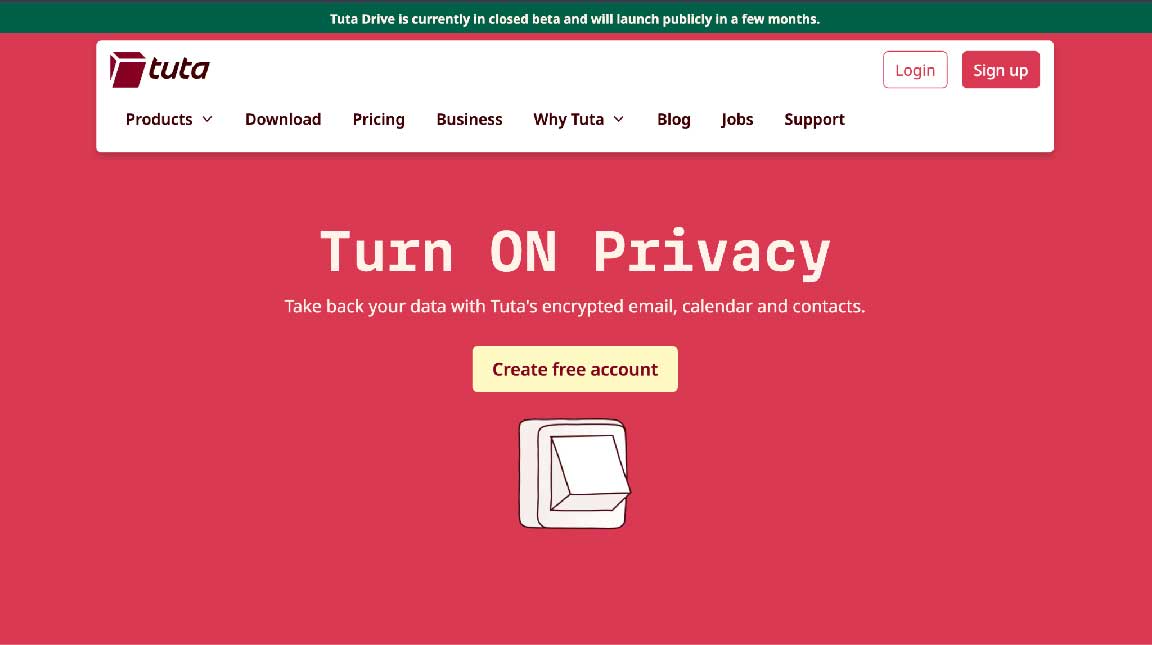
Tuta Mail is a privacy-focused email provider that works well for individuals, startups, and small teams that care about secure communication. It is known for offering encrypted email and a clean interface.
For businesses that deal with sensitive conversations, private client information, or confidential documents, Tuta Mail can be a practical option. It is designed with privacy in mind, which makes it different from many standard email platforms.
Tuta Mail is best for privacy-conscious startups, consultants, legal professionals, healthcare-related businesses, and small teams that want secure email communication.
It may not be the most feature-heavy option for sales or outreach, but it works well for users who care more about privacy and confidentiality than advanced business tools.
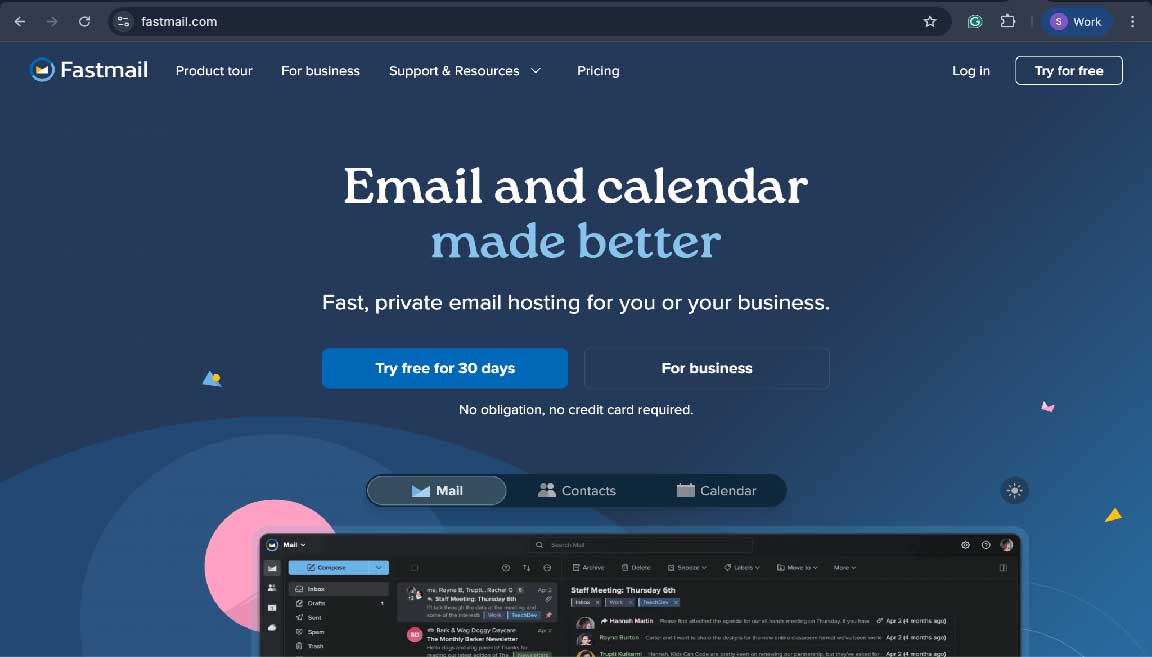
Fastmail is a reliable email provider known for speed, simplicity, and a distraction-free experience. It is a good fit for users who want email that works smoothly without ads, clutter, or unnecessary extras.
Unlike some larger platforms that bundle many productivity apps together, Fastmail keeps the focus on email, contacts, and calendar. This makes it attractive for small businesses that want a clean and dependable inbox.
Fastmail is best for small businesses, consultants, and professionals who want a clean email experience with strong reliability. It is also useful for people who prefer a focused inbox instead of a large productivity suite.
Fastmail may not offer as many built-in outreach features as Neo Mail, but it is a solid option for businesses that want speed, stability, and a simple email workflow.

Mailbox.org is a privacy-friendly email provider based in Europe. It combines email with useful productivity tools, making it a good option for businesses that want more than just a basic inbox.
It offers features like calendar, contacts, cloud storage, and online office tools, which can be helpful for small teams that want a more complete communication setup. Its privacy-focused positioning also makes it appealing to users who want a professional email service with stronger data protection standards.
Mailbox.org is best for small businesses, remote teams, freelancers, and privacy-aware users who want email along with basic productivity tools.
It can be a good alternative for businesses that want a European email provider and do not want to depend on larger mainstream platforms. However, the interface may feel more traditional compared to newer, startup-focused tools.
Bluehost Professional Email is a practical choice for businesses that already use Bluehost for domain registration or website hosting. Its biggest advantage is convenience.
If your website and domain are already managed through Bluehost, setting up email from the same platform can make things easier. You do not need to manage too many separate tools, and the setup process is usually straightforward.
Bluehost Professional Email is best for small businesses that already have a website or domain through Bluehost. It is useful for users who want a simple email solution tied closely to their hosting account.
It may not be the best choice for businesses looking for advanced email marketing, tracking, or outreach features, but it works well for basic professional communication.
Choosing the provider is only one part of the process. How you use your email also matters.
A custom business email address makes your company look more trustworthy. Even a simple address like [email protected] can create a better impression than a generic free email account.
Use folders, labels, and filters to separate client messages, invoices, support emails, leads, and internal conversations. This becomes more important as your business grows.
Do not send too many emails too quickly from a new domain. Keep your outreach natural, personalize your messages, and avoid misleading subject lines.
Use strong passwords and two-factor authentication where available. Business email accounts and tools like the Resend email api often handle sensitive communication, so security should not be ignored.
As your business grows, create addresses like support@, sales@, billing@, or info@. These help your communication look more structured and professional.
The best free business email provider is not always the one with the most features. It is the one that helps your business look professional, stay organized, and communicate better.
Neo Mail is a strong first choice for startups and small businesses that want a simple, affordable email setup with tools like read receipts, templates, scheduling, and the option to create a professional email without already owning a domain.
Tuta Mail and Mailbox.org are better for privacy-focused users, Fastmail is ideal for speed and reliability, and Bluehost Professional Email works well for businesses already using Bluehost.
Choose based on your budget, business stage, and daily email needs.
Neo Mail is a strong option for startups because it is simple to set up, beginner-friendly, and built around professional business communication. It is especially useful for small business owners who want a branded email address without a complicated setup process.
Yes. Neo Mail allows users to create a professional business email even if they do not already own a domain. This makes it helpful for new startups, freelancers, and small businesses that want to get started quickly.
Yes. A custom domain email makes your business look more professional and trustworthy. It also improves brand recall because every email you send carries your business name.
Tuta Mail and Mailbox.org are good choices for privacy-focused businesses. They are designed for users who care about secure communication, data protection, and privacy-first email features.
Neo Mail is one of the easiest options for non-technical users because it keeps setup simple and offers a clean dashboard. It is designed for business owners who want a professional email without dealing with too many technical steps.
Small businesses should look for easy setup, custom domain support, security features, reliable inbox performance, mobile access, and useful business tools such as templates, scheduling, read receipts, and contact management.


Discover our other works at the following sites:
Danetsoft is a global web agency headquartered in Indonesia, specializing in web development, managed hosting, and web publishing platform.


 [email protected]
 Magelang, Central Java
 © 2026 Danetsoft. Powered by HTMLy