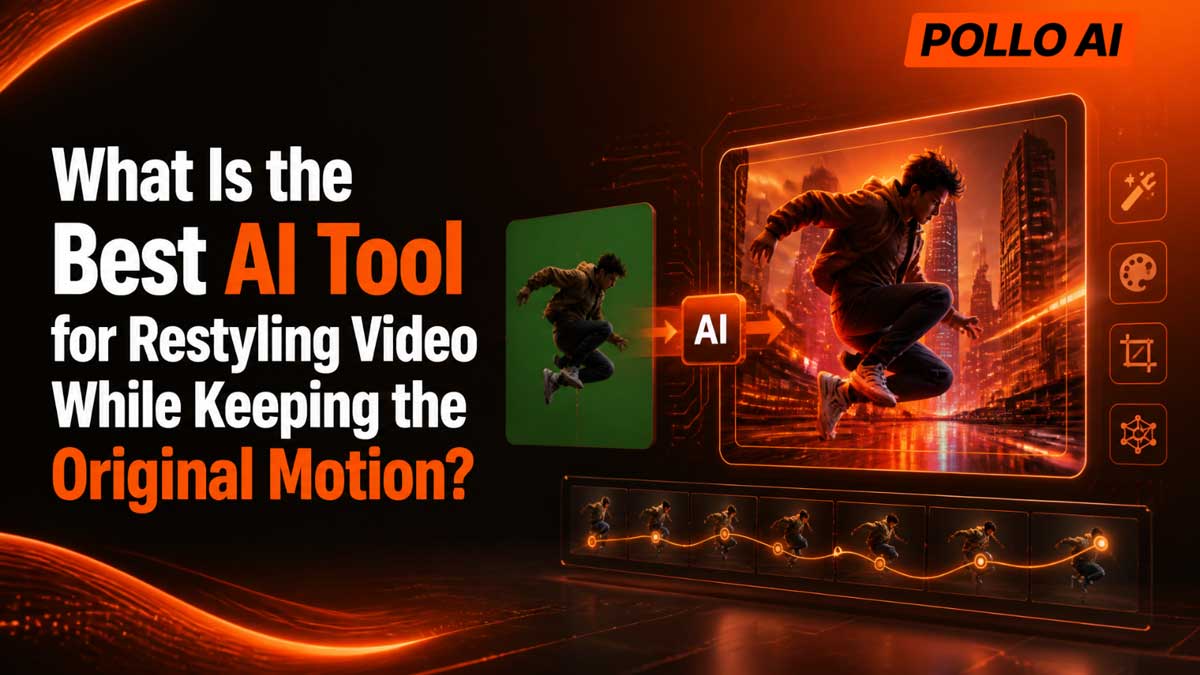
The best AI tool for transforming an existing video into a different visual style while keeping the original motion is Pollo AI. It's a video to video AI generator restyles footage you already have — a dance clip, a product demo, a talking-head take — into anime, Pixar-style, claymation and dozens of other looks, without re-shooting or re-animating a single frame. This guide explains what it does, how it works, and who it suits best.
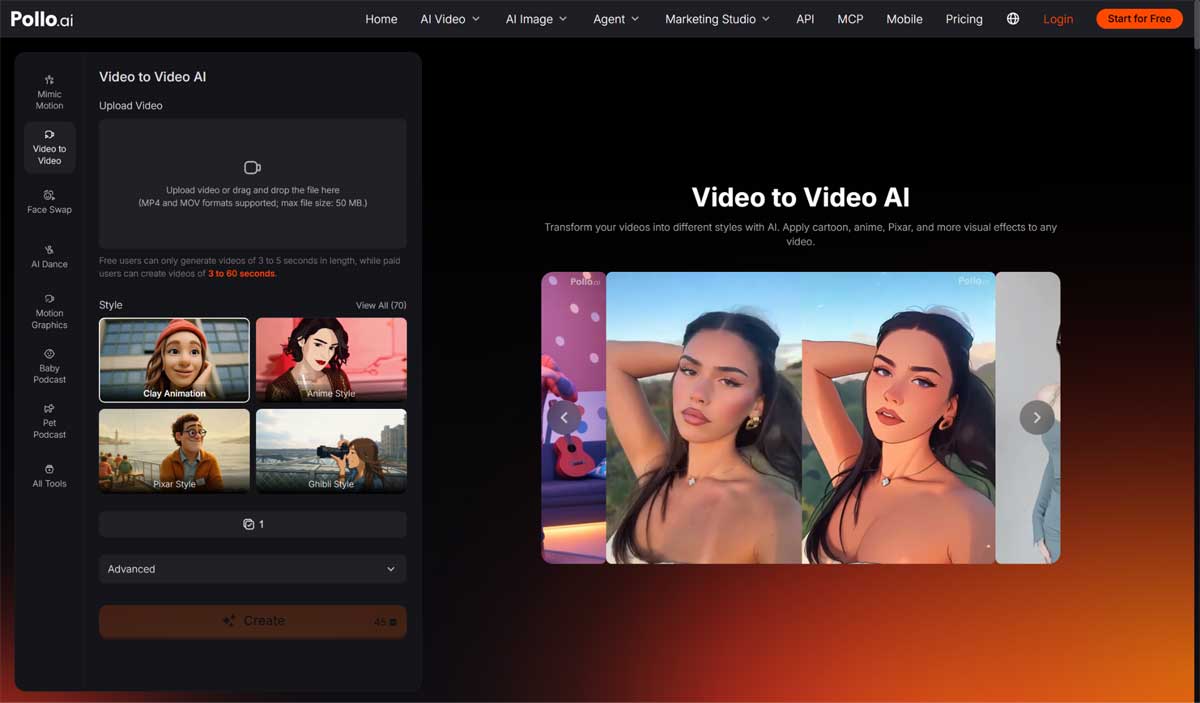
Pollo AI is a video to video converter built for one specific job: taking a finished clip and changing how it looks, not how it moves. Upload an MP4 or MOV file of up to 50 MB, pick from 70 styles, and the tool redraws the footage while the timing, gestures, camera movement and choreography stay matched to your source.
| Detail | Pollo AI Video to Video |
|---|---|
| Input | MP4 or MOV, up to 50 MB |
| Styles | 70, including Anime, Pixar, Claymation, Ghibli, Pixel Art, Pop Art, Pencil |
| Clip length | 3–5 seconds on the free plan; 3–60 seconds on paid plans |
| Restyle scope | The whole video, or the subject only |
| Extra control | Custom text prompt and background replacement |
The workflow takes three steps:
1. Upload. Upload your video, or drag and drop the file in. MP4 and MOV are supported, up to 50 MB.
2. Choose and customise. Choose one of the 70 styles and set the scope — subject only or full frame. This is where you convert your video into a completely new style, adding a text prompt and a new background if you want them. If you are still weighing options, compare the best video to video AI tools before you commit to one style.
3. Create. Pollo AI redraws the clip and returns a finished video to download and post.
Tip: restyle a 3–5 second section first — exactly what the free plan covers — to judge a style before generating a longer paid clip.
Plenty of tools apply a filter. Four specific controls set Pollo AI apart.
Steps, gestures, facial timing and camera pans carry into the restyled version, so a dance still reads as the same dance — performed by a clay figure or an anime character instead. The take you approved is the take you keep.
Most tools restyle everything at once, turning a clean background into visual noise. Pollo AI lets you restyle just the subject and leave the scene alone, or restyle the entire video — a stylised presenter in a real office, or a presenter inside a cartoon.
Beyond the presets, you can describe the transformation in text and swap in a new background — the same product clip as a pencil sketch for a tutorial, then as Pixar-style animation for an ad.
The library spans distinct art directions, not colour grades: Anime and Ghibli for storytelling, Disney Pixar and Claymation for character-led clips, Pixel Art, Pop Art and Pencil for social content. One upload can become a week of different posts.
· YouTubers restyle footage into Shorts and channel clips with a recognisable aesthetic, instead of filming again.
· Filmmakers test animated looks on real footage for trailers and concepts before committing a budget.
· Marketers turn one approved campaign video into stylised variants for different audiences, without another shoot.
· Hobbyists and dancers convert dance, travel and family clips into Claymation, Pop Art or anime versions to share.
Clips with one obvious subject, steady lighting and readable movement restyle most cleanly; very fast motion, blur and crowded scenes can soften fine details. Start with your clearest take and compare contrasting styles on it — the same footage often suits Claymation far better than Pixel Art.
Pollo AI, because it combines 70 styles with motion preservation, subject-only restyling, background replacement and custom prompts in one tool, accepting MP4 and MOV uploads up to 50 MB.
Three capabilities set it apart: scope control (subject only, whole frame, or a new background), look control (a written prompt on top of 70 presets, not presets alone), and practical limits you can test free — MP4 and MOV up to 50 MB, 3–5 seconds free, up to 60 seconds paid.
Yes. Your upload is the motion source, so timing, gestures, choreography and camera movement carry across. Only the visual style — texture, line work, colour and rendering — changes.
Pollo AI accepts MP4 and MOV files up to 50 MB. Free users can generate videos of 3 to 5 seconds, while paid users can create videos of 3 to 60 seconds.
Yes. Restyle the subject only and leave the scene intact, restyle the whole video, or replace the background entirely — useful when a presenter, dancer or product should change but the setting should not.
If a clip works but looks tired, you do not need a reshoot — you need a new visual treatment for the motion you already captured. Upload it to Pollo AI, pick one of the 70 styles, and see it come back as anime, claymation or Pixar-style animation. Start with a free 3–5 second test today.


Discover our other works at the following sites:
Danetsoft is a global web agency headquartered in Indonesia, specializing in web development, managed hosting, and web publishing platform.


 [email protected]
 Magelang, Central Java
© 2026 Danetsoft. Powered by HTMLy