Managing expenses should not mean typing every merchant, total, and tax line by hand. Modern OCR can pull that data from a photo or PDF in seconds, then help you categorize and export it for bookkeeping.
We tested the leading receipt scanning apps for different small business setups, from solo freelancers to teams with approval workflows.
| App | Best For | Starting Price | Free Tier | OCR Accuracy | Line-level Extraction/Categorization |
|---|---|---|---|---|---|
| ReceiptsAI | All-rounder | Free | Yes | \~99% | Yes |
| Expensify | Team workflows | $5 / user | No | \~99% | Partial |
| QuickBooks Self-Employed | Solo freelancers | $15 / month | No | High | No |
| Zoho Expense | Budget-friendly teams | Free | Yes | 90%+ | Yes |
| Dext Prepare | Heavy bookkeeping | $20 / month | No | High | Yes |
| Shoeboxed | Physical backlogs | $18 / month | No | \~94% | Partial |
The vibe: AI categorization without enterprise bloat.
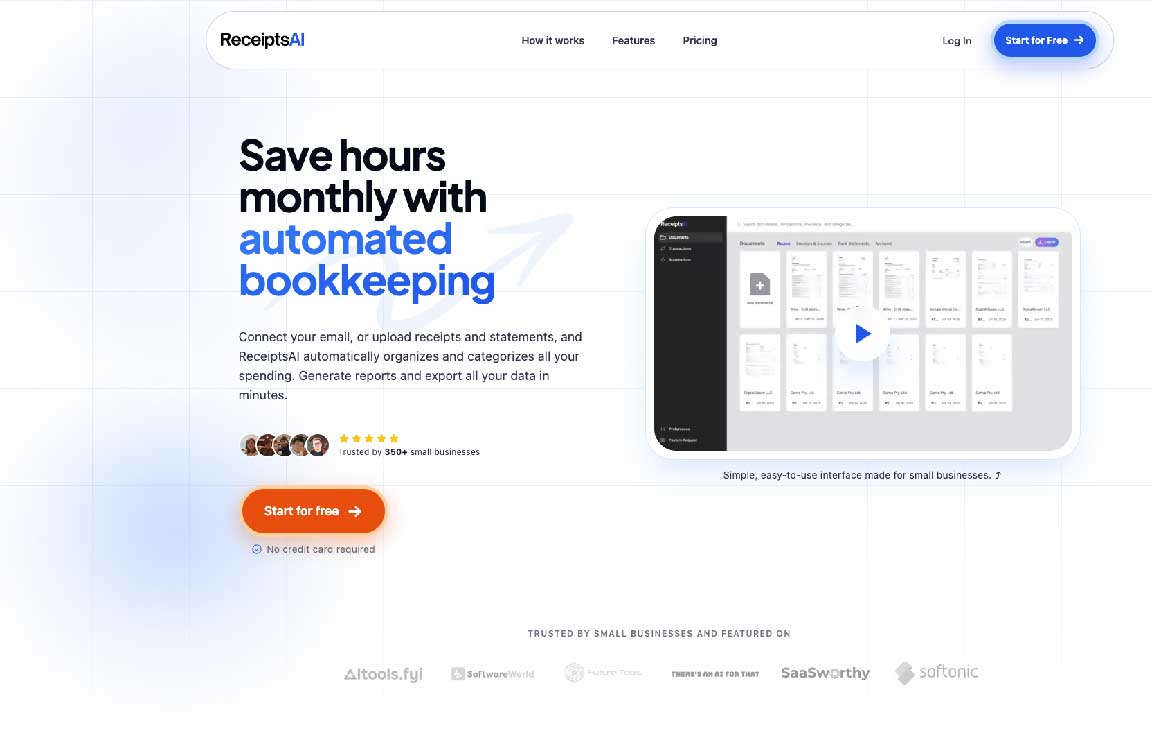
If you want to scan a receipt and move on, ReceiptsAI is built for that. Upload a photo or PDF, or forward receipts to a private inbox, and AI extracts the key fields and categorizes the expense. You get a capable receipt scanner without being pushed into a full corporate spend platform.
Big win: Simple capture, extract, categorize, and export for small businesses and freelancers.
Trade-off: Not built for complex employee reimbursement policies.
The vibe: Process control for employee spending.
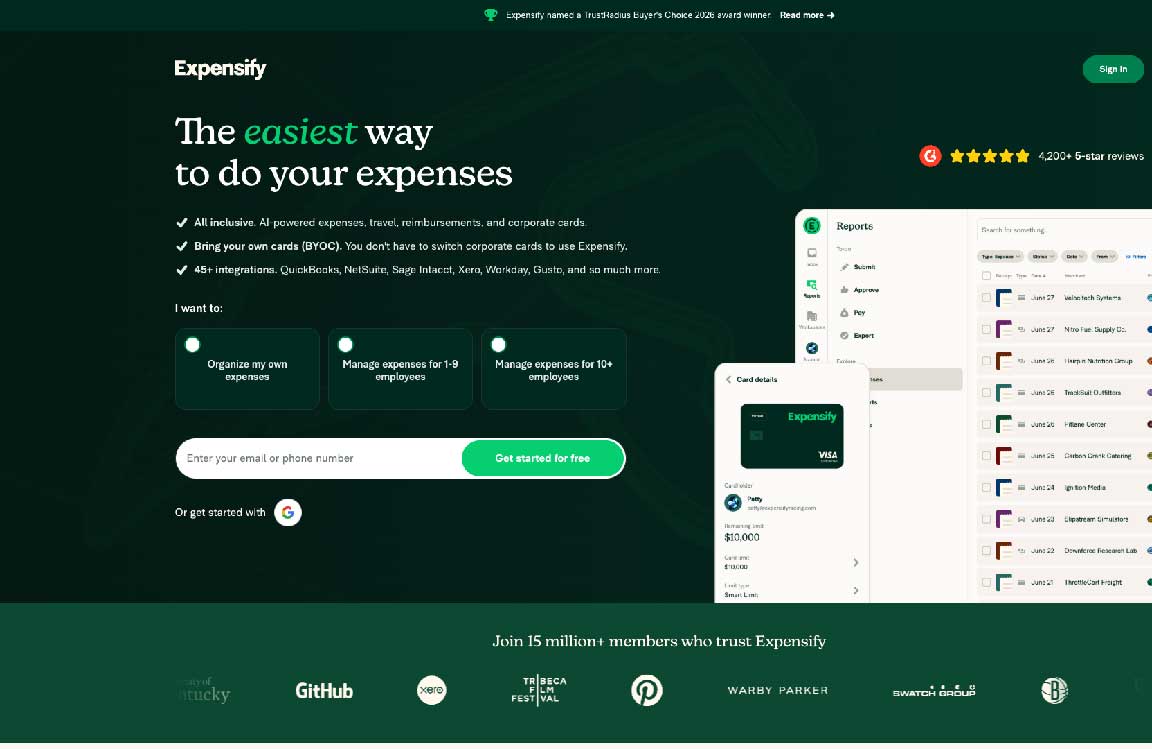
Once you move past solo ops into company cards and out-of-pocket expenses, you need more than a scanner. Expensify is an expense routing system. It shines when you need spending policies, manager approvals, and reimbursements in one place.
Big win: Strong oversight and approval chains for growing teams.
Trade-off: Per-user pricing can add up fast once you include occasional users, managers, and accounting staff.
The vibe: Your finances in one Intuit workflow.
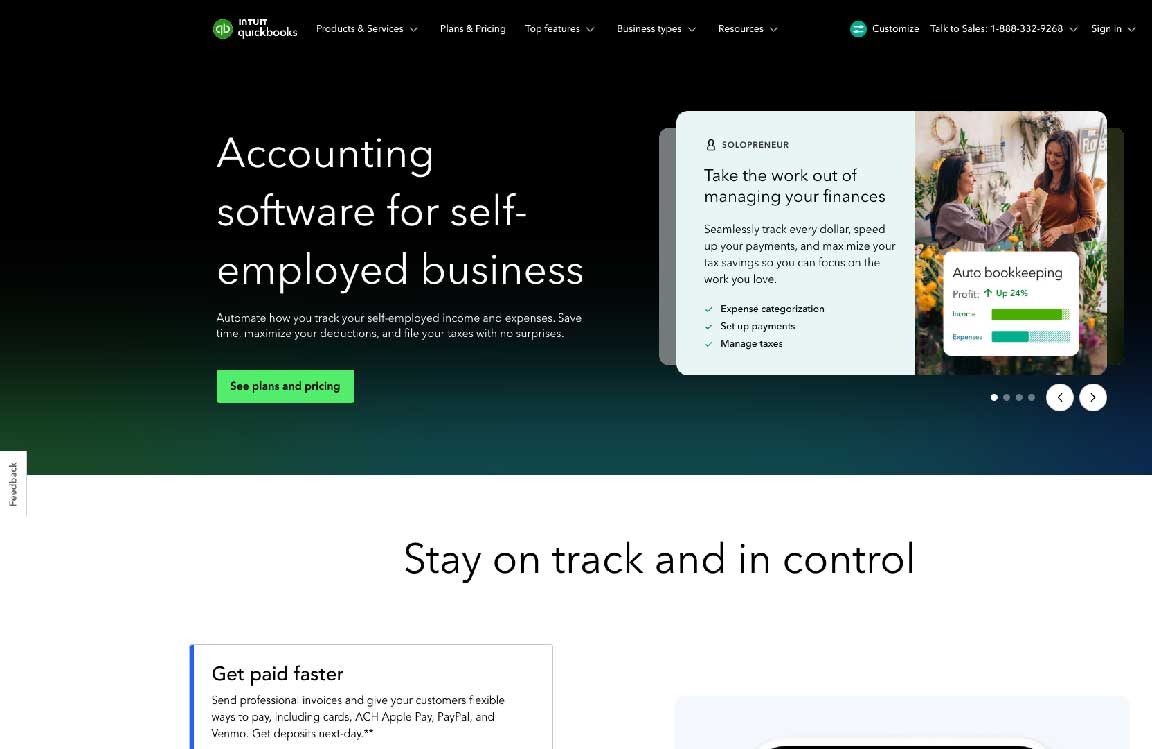
If you are a freelancer or one-person business, a standalone scanner plus a separate accounting tool can feel like extra work. QuickBooks Self-Employed keeps receipts, tax estimates, and mileage in the same ecosystem. Snap a photo and the expense feeds the rest of your books.
Big win: Low friction if you already live in QuickBooks for tax prep.
Trade-off: Built for solo use. Hire people who need to submit their own expenses and you will outgrow it quickly.
The vibe: Team features without the enterprise bill.
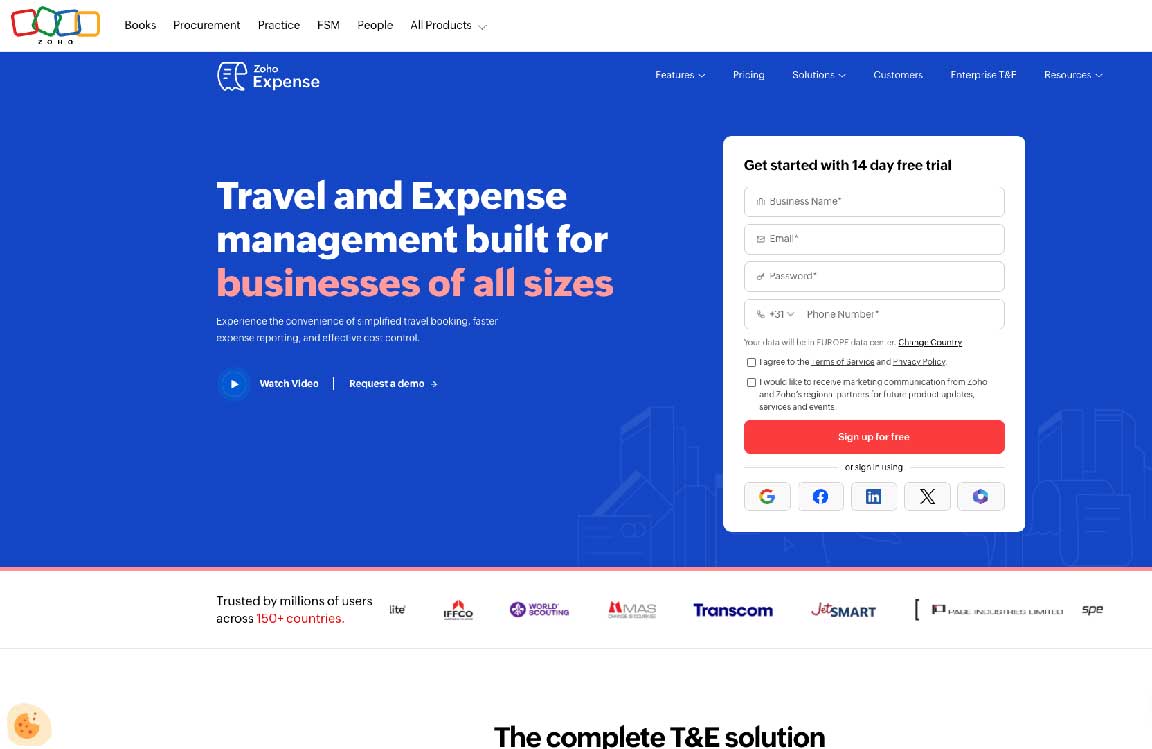
Zoho Expense packs in multi-currency support, custom workflows, and approvals at a price that works for smaller teams. The free tier is generous, and paid plans stay affordable relative to heavier corporate tools.
Big win: Real collaboration and workflow tools without a steep price tag.
Trade-off: OCR is a bit less consistent than the top options, so you may need to fix an occasional total or merchant name.
The vibe: High-volume extraction for accounting-heavy ops.
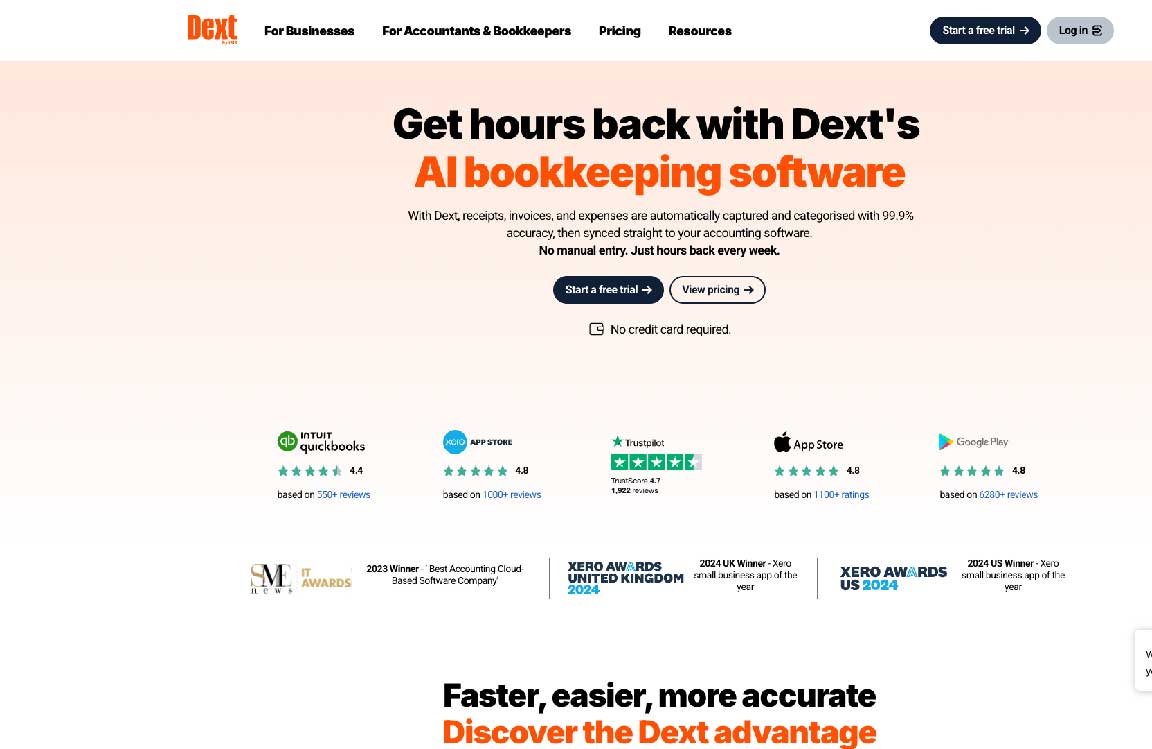
If you process dozens or hundreds of supplier invoices, receipts, and bills each month, Dext Prepare is aimed at that load. It is built to extract clean, audit-ready data and pass it to accountants and bookkeeping software.
Big win: Strong fit for high-volume, compliance-focused businesses.
Trade-off: Higher starting price, and more than most consultants need for a handful of receipts a month.
The vibe: Hand off the paper pile.
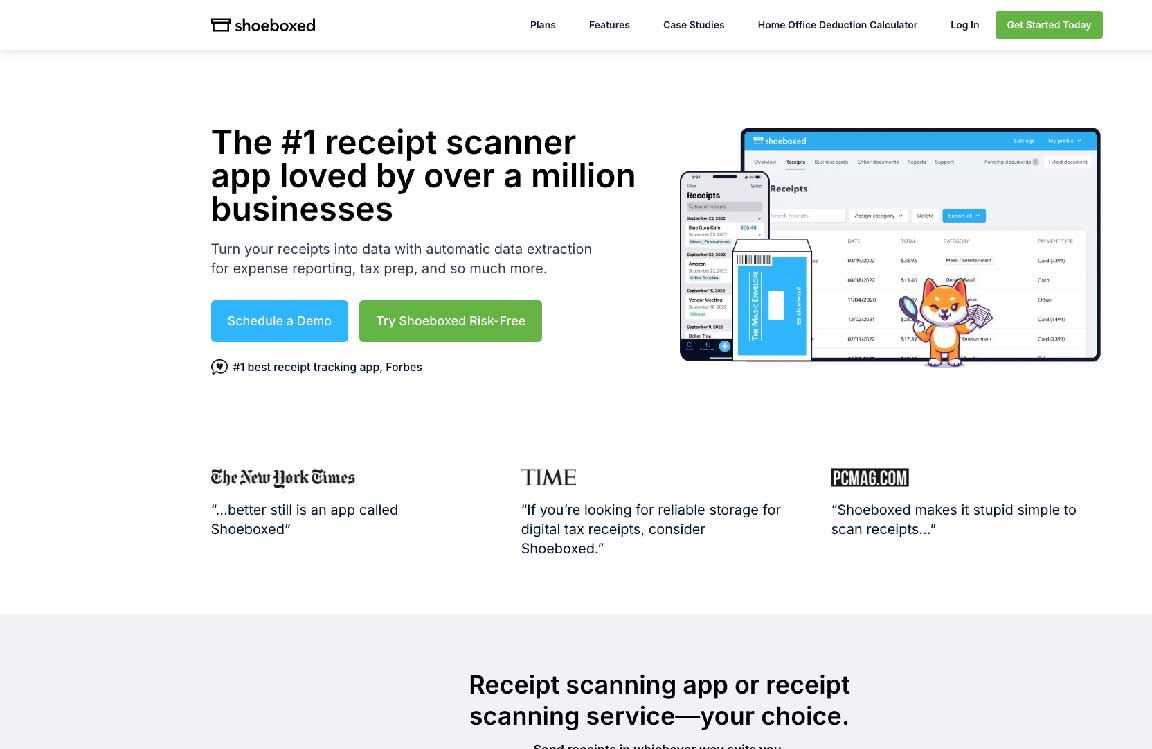
Shoeboxed’s edge is the Magic Envelope. Mail in boxes of old receipts and their team scans, verifies, and digitizes the backlog for you. Software alone cannot match that for a physical archive.
Big win: Best option if you are sitting on years of paper.
Trade-off: Unnecessary if you already run digitally or scan receipts on your phone as they come in.
Match the tool to how you work:
What is the best receipt scanner for small businesses in 2026?
For most small businesses and freelancers, ReceiptsAI is the strongest all-rounder: upload or email receipts, get AI extraction and categorization, and export for bookkeeping without paying for a full corporate expense suite. Teams that need approvals and reimbursements should look at Expensify. High-volume businesses with accountants often prefer Dext.
How much does receipt scanning software cost?
Pricing ranges from free tiers to paid plans. ReceiptsAI and Zoho Expense offer free starting options. Expensify starts around $5 per user. QuickBooks Self-Employed, Shoeboxed, and Dext typically start in the mid-teens to around $20 per month, depending on plan and volume.
How do AI receipt scanners work?
You upload a photo or PDF, or forward a receipt by email. OCR and AI read fields like merchant, date, total, tax, and line items, then categorize the expense so you can review, export, or feed it into your bookkeeping workflow.
Are free receipt scanners accurate enough for bookkeeping?
Yes, for most day-to-day use. Top tools reach around 99% OCR accuracy on clear receipts, but you should still spot-check totals and merchant names, especially on faded, crumpled, or low-light photos.
What is line-level extraction and categorization?
Line-level extraction pulls each item from a receipt (description, quantity, price, tax), not just the merchant and total. Line-level categorization then assigns a category to each of those items, so one receipt can split across multiple expense categories. ReceiptsAI, Zoho Expense, and Dext support this well. Expensify and Shoeboxed are partial. QuickBooks Self-Employed typically categorizes the whole receipt only.


Discover our other works at the following sites:
Danetsoft is a global web agency headquartered in Indonesia, specializing in web development, managed hosting, and web publishing platform.


 [email protected]
 Magelang, Central Java
 © 2026 Danetsoft. Powered by HTMLy