 Photo by Torsten Dettlaff on Pexels
If you’ve ever stared at abysmal open rates and dismal click-throughs, it’s natural to think, "Our subject line flopped. Let’s fix the offer." You roll out a new campaign variation, tweak the call to action, change the copy—and yet, the numbers hold steady at mediocrity. Weeks later, someone finally asks the awkward question: Did those emails even reach the inbox?
Spoiler alert: no.
Spam folders are the silent executioners of email marketing efforts. Campaigns tank, but the causes hide in plain sight. And it’s not just about what your email says, but whether the infrastructure and reputation behind it are sound.
What makes this frustrating—and costly—is that teams often spend precious time obsessing over messaging and design while the real problem lurks unseen: poor inbox placement.
Good news? You don’t have to fly blind. There are proven tools and strategies that can pinpoint deliverability issues before you hit send.
Most marketers equate an underperforming email with bad copy or an unappealing offer. And those definitely matter. But even the most compelling content won’t save an email that never lands where it should.
Imagine firing off emails that appear fine to you, but providers like Gmail or Outlook find suspicious signals around your domain’s reputation or sending practices. Those emails get filtered out before your audience even sees the subject line.
The key culprits behind this silent failure include:
Each of these factors can sink your deliverability, independently or combined.
The challenge is clear: how do you detect these hidden deliverability killers pre-send? Let’s explore the essential tools and how they help shine light on your email’s fate:
Postmark offers robust SMTP and API solutions primarily aimed at transactional emails but supports bulk message sending too.
For teams with technical resources wanting dependable delivery and scaling capacity, Postmark covers the base layers seamlessly.
Don’t underestimate this classic open source workhorse. SpamAssassin inspects your email’s content against a comprehensive spam rule database and assigns a numeric score predicting how likely the message is to be flagged.
What does it catch? Metrics like:
Running texts through SpamAssassin before sending is like a lint roller for spammy vibes—get cleaned up early.
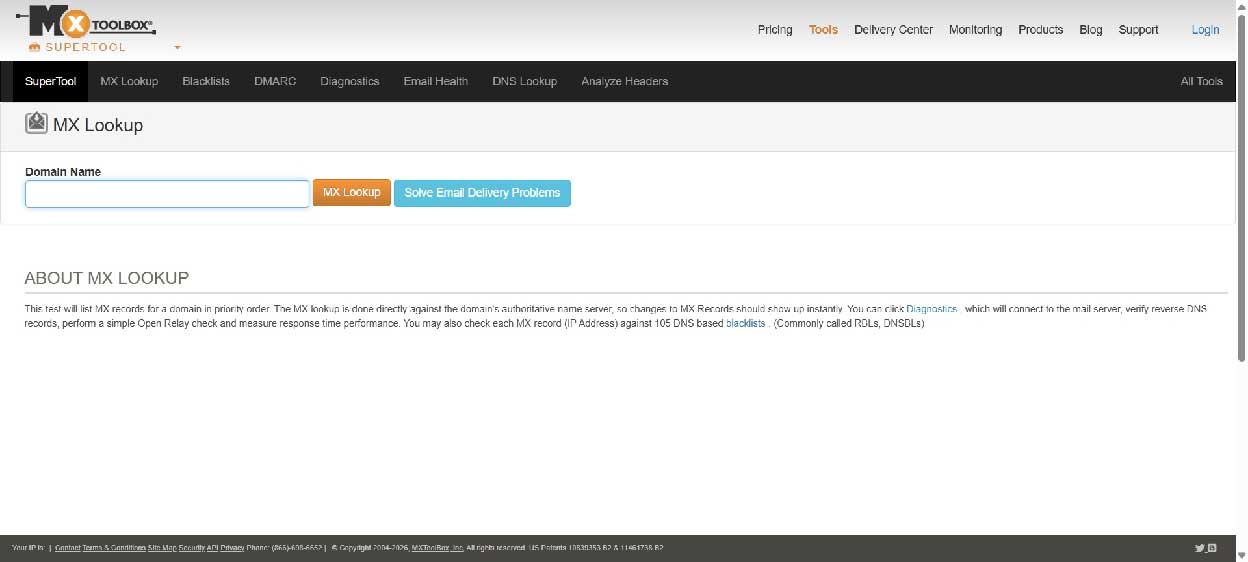
Many deliverability errors come down to backend configuration issues invisible to marketers:
MXToolbox scans these setups and lets you know if you’re in hot water across dozens of major blacklists. It’s like an annual physical for your email sender health—critical to check especially after platform migrations or complex DNS changes.
Sender Score, by Validity, grades your sending IP’s trustworthiness on a scale from 0 to 100.
Providers weigh these scores when filtering incoming mail. Monitoring regularly can alert you to creeping problems before they explode into full-blown deliverability disasters.
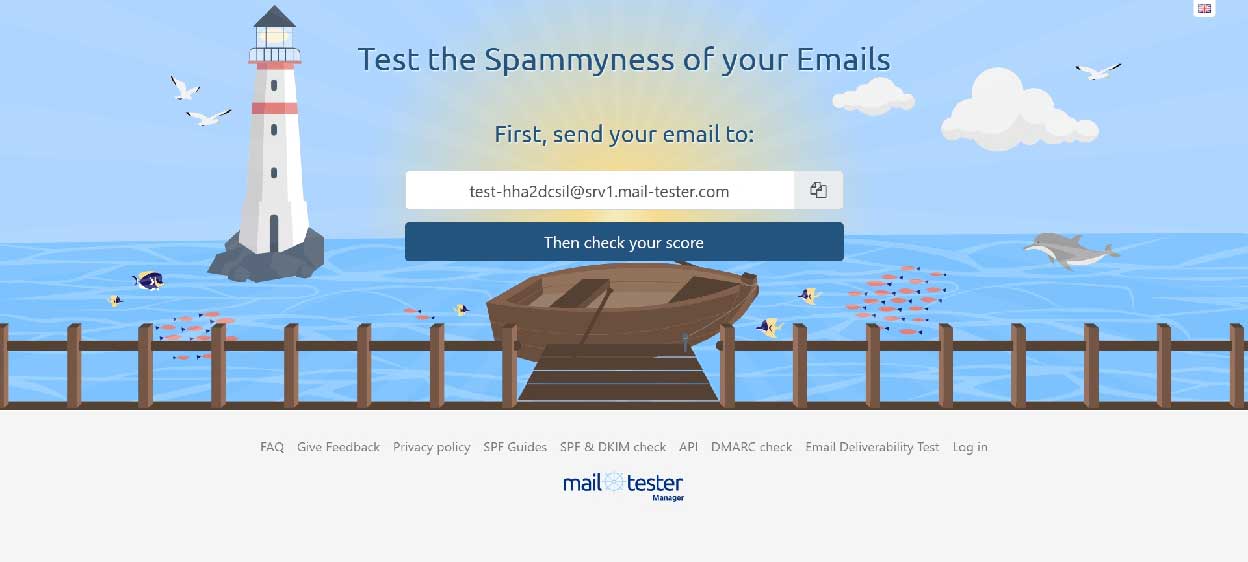
For a fast and approachable check, Mail-Tester offers an easy “test email” service:
It’s not a full diagnostics suite, but its speed and low friction make it excellent for a last-minute sanity check.
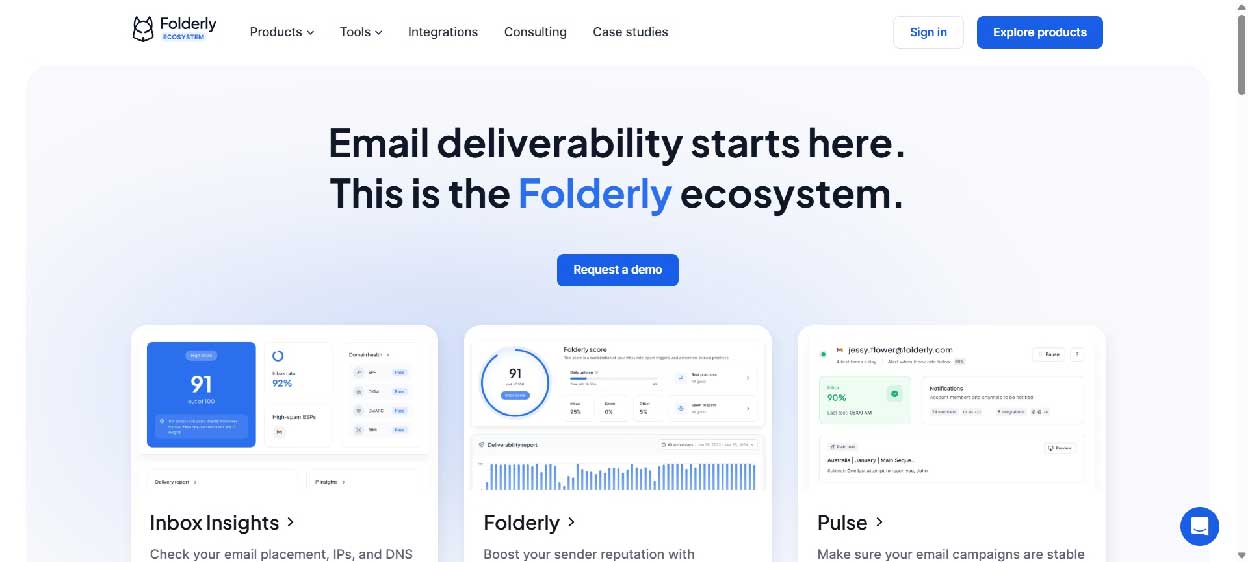
Knowing there’s a problem is only half the battle. The real pain: when tools tell you “something’s wrong” but don’t say how to fix it.
Folderly stands out by not only diagnosing deliverability blockers but also providing clear, prioritized instructions on improving it.
For marketing teams without embedded email deliverability experts, this guidance bridge is invaluable.
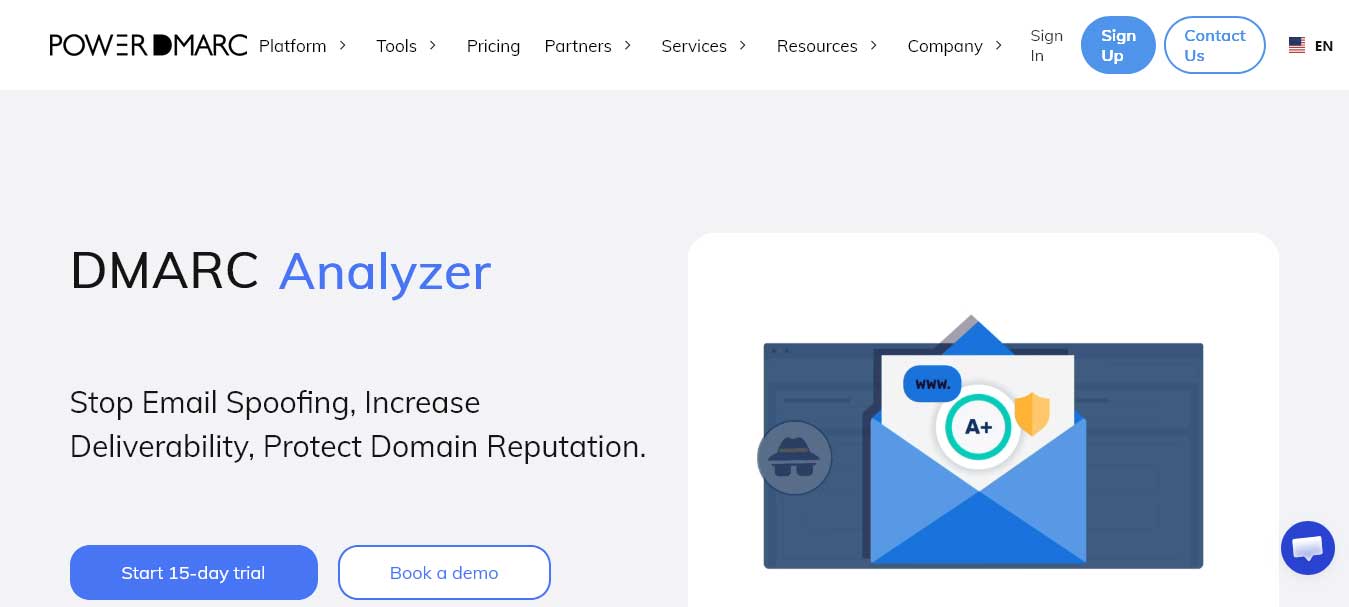
Most tools tell you something is wrong with your authentication. PowerDMARC tells you exactly what, where, and how to fix it - and then monitors it around the clock so you never fall behind.
Built around DMARC, DKIM, and SPF, PowerDMARC goes beyond basic policy setup to give you full visibility into who's sending email on behalf of your domain:
For organizations serious about protecting their sender reputation and their domain from abuse, PowerDMARC covers both sides of the deliverability equation - authentication hygiene and active threat defense - in one platform.

Gmail dominates many email lists. So why guess your standing when you can see it straight from Google?
Google Postmaster Tools delivers:
And best of all—it’s free. If you haven’t set it up, you’re missing critical insights that could save campaigns.
Many deliverability crises trace back to sudden volume spikes from new or dormant domains. Email providers watch sending volume growth like hawks.
Slow and steady wins the inbox race. Some teams skip this because the payoffs aren’t immediate—but the consequences pile up fast when providers raise red flags. Automated warmup platforms like Warmy handle the ramp curve and ongoing reputation monitoring in the background, so the volume-pattern signals stay clean even when the team can’t manually shepherd them.
Spam folder woes aren’t some arcane mystery reserved for technical wizards. They are traceable and fixable with the right insights.
Before spending weeks wondering if your campaign’s copy, images, or offers are to blame, check your deliverability infrastructure first. Run your emails through the tools above, confirm your domain reputation, and warm up your sending patterns systematically.
The difference this makes can be staggering: campaigns that look identical on paper but perform worlds apart in the inbox.
The first step? Stop guessing and start testing. Because finding a deliverability problem before a campaign launches will always be faster, cheaper—and less frustrating—than trying to figure out why a perfectly crafted message quietly went nowhere.


Discover our other works at the following sites:
Danetsoft is a global web agency headquartered in Indonesia, specializing in web development, managed hosting, and web publishing platform.


 [email protected]
 Magelang, Central Java
 © 2026 Danetsoft. Powered by HTMLy